


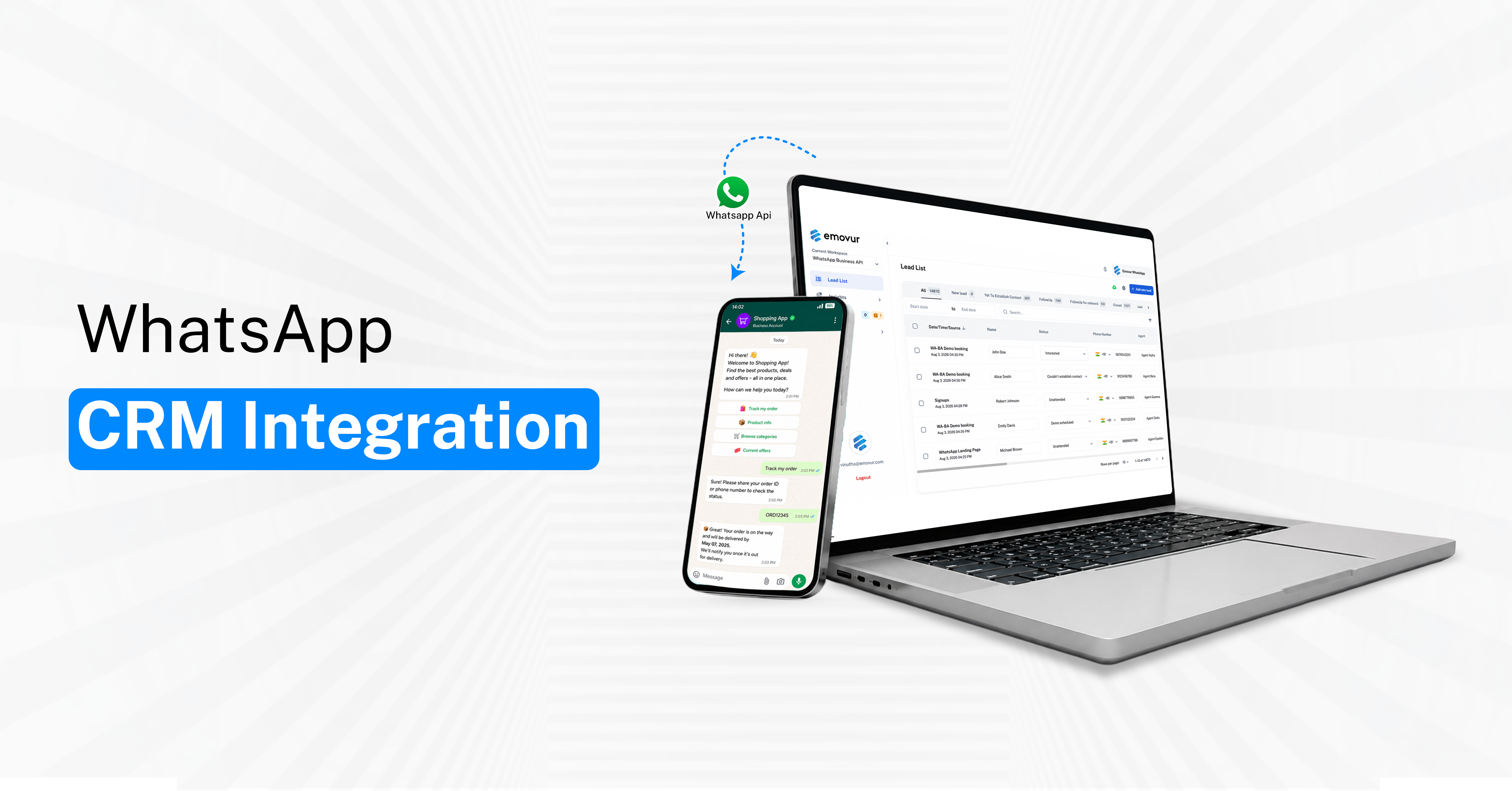
What Is WhatsApp CRM Integration?
WhatsApp CRM integration connects the WhatsApp Business Platform with your CRM or customer-management system. The objective is to ensure that customer conversations on WhatsApp are automatically linked with relevant lead and customer records.
With the right WhatsApp API integration, businesses can reduce manual work while giving sales and support teams better visibility into every conversation.
A typical WhatsApp CRM integration can help you:
Create leads automatically: New WhatsApp enquiries can be added directly to the CRM without manual data entry.
Update existing contacts: Returning customers can be connected to their existing CRM records instead of creating duplicates.
Store conversation history: Teams can review previous WhatsApp interactions before responding to a customer.
Assign lead ownership: Incoming enquiries can be routed to the appropriate salesperson or department.
Trigger follow-ups: CRM activities can be created when a lead requires another call, message, or action.
Track lead progress: WhatsApp conversations can be connected with stages such as new lead, qualified, follow-up, proposal, and converted.
The real objective is not simply to connect WhatsApp with a CRM. It is to make every important WhatsApp conversation part of a measurable business process.
Step 1: Complete Your WhatsApp Business API Setup
Before connecting WhatsApp with your CRM, your WhatsApp Business Platform setup must be ready. CRM integration becomes much easier when your business account, number, messaging setup, and API access are properly configured.
If your business has not completed this stage yet, refer to the WhatsApp Business API setup guide before starting the CRM integration.
Your WhatsApp Business API setup should typically include:
Business account configuration: Your business should have the required WhatsApp Business Platform access.
Phone number setup: The business number you plan to use should be properly connected and available for messaging.
API access: The required credentials and permissions should be available for your integration.
Webhook configuration: Your system should be able to receive incoming message and status events.
Template setup: Required business-initiated message templates should be configured where applicable.
Testing: Incoming and outgoing messages should work correctly before CRM automation is added.
Completing this foundation first helps prevent unnecessary technical issues later in the implementation.
Step 2: Define Your WhatsApp CRM Workflow
Once your WhatsApp Business API is ready, the next step is defining how customer conversations should move through your CRM. This is important because the integration should support your actual sales process rather than simply connecting two platforms.
Your WhatsApp CRM workflow should typically define:
Lead creation: Should every new WhatsApp enquiry automatically create a new CRM lead?
Contact identification: How will the system identify existing customers and prevent duplicate records?
Lead assignment: Which salesperson or team should receive each incoming enquiry?
Customer data capture: What details such as name, phone number, service interest, location, or campaign source should be stored?
CRM stage movement: When should a lead move from new enquiry to qualified lead, follow-up, proposal, or converted?
Follow-up actions: Should the CRM automatically create tasks or reminders when a customer does not respond?
Conversation ownership: Who becomes responsible for the customer when the enquiry moves between sales, support, or other departments?
A clearly defined workflow makes the WhatsApp API integration easier to implement and ensures that automation actually supports the sales team.
Step 3: Connect WhatsApp With Your CRM
After defining the workflow, the next step is creating the technical connection between WhatsApp and your CRM.
The WhatsApp API integration acts as the communication layer that allows customer messages, contact information, and conversation activity to move between WhatsApp and your internal systems.
Depending on your technology stack, the integration may include:
Native CRM integration: Some CRM platforms may support direct WhatsApp connectivity.
API-based integration: Businesses can connect WhatsApp and CRM systems through APIs.
Middleware platforms: Integration tools can transfer data between WhatsApp and your CRM.
Custom development: More complex businesses may require workflows built specifically around their existing systems.
Automation platforms: Certain processes such as lead creation, assignment, and task creation can be automated between systems.
The best approach is to keep the integration aligned with your actual business requirements rather than adding unnecessary complexity.
Step 4: Map Customer Data Correctly
Data mapping determines what information should move from WhatsApp into the CRM and where that information should be stored.
Poor data mapping can result in duplicate contacts, incorrect lead attribution, incomplete customer profiles, and unreliable sales reports.
Important data fields may include:
Customer name: Store the correct customer identity against the conversation.
WhatsApp number: Use the phone number as an important contact identifier.
Lead source: Identify whether the enquiry came from the website, paid ads, organic traffic, or another source.
Campaign details: Capture relevant campaign or promotion information where possible.
Product or service interest: Record what the customer is enquiring about.
Assigned salesperson: Ensure every qualified enquiry has a clear owner.
CRM stage: Track whether the lead is new, qualified, under follow-up, converted, or closed.
Last interaction: Record when the customer was most recently contacted.
Next follow-up: Maintain the next action required from the sales team.
Good data mapping helps businesses improve both customer management and sales reporting.
Step 5: Add a Shared Team Inbox
A CRM integration becomes much more effective when WhatsApp conversations are accessible to the complete team instead of remaining dependent on one employee or one device.
A shared team inbox allows multiple sales and support agents to manage customer conversations through a common workspace.
A shared team inbox can help businesses:
Assign conversations: Customer chats can be allocated to the appropriate salesperson or support executive.
Transfer ownership: Conversations can move between departments without losing context.
View conversation history: Team members can understand what has already been discussed with the customer.
Reduce duplicate replies: Clear ownership helps prevent multiple agents from responding to the same enquiry.
Improve response management: Teams can identify pending or unattended conversations more easily.
Maintain continuity: Customers do not have to repeat the same information every time they speak with someone new.
This becomes particularly useful when a customer moves from lead generation to sales, accounts, onboarding, or customer support.
Step 6: Build Automation Around CRM Stages
Once WhatsApp and the CRM are connected, automation can be added around meaningful sales and customer-service events.
The objective should not be to automate every conversation. Instead, automation should handle repetitive tasks while salespeople remain involved in conversations that require judgement, negotiation, or personalized responses.
Useful CRM automation may include:
New lead automation: Create the contact, capture the source, assign an owner, and set the initial CRM stage.
Qualified lead automation: Update the lead stage and create the next sales activity.
Follow-up automation: Create reminders when customers have not responded within the required period.
Appointment automation: Send confirmations and reminders for booked appointments.
Deal conversion automation: Move converted customers into onboarding or post-sale workflows.
Support routing: Transfer customer conversations to the correct service or support team.
When automation is connected to clear CRM stages, teams can reduce repetitive work without losing the human element of customer communication.
Step 7: Test the Complete Customer Journey
A successful test message does not mean the integration is fully ready. The complete customer journey should be tested from the first enquiry until the final CRM outcome.
This helps identify workflow problems before the integration is used at scale.
Your testing process should verify:
New lead creation: Confirm that a new WhatsApp enquiry creates the correct CRM record.
Existing contact recognition: Make sure returning customers are connected to the right profile.
Lead assignment: Check whether the correct salesperson receives the enquiry.
Conversation visibility: Confirm that WhatsApp messages are available to the intended team.
CRM stage updates: Test whether lead stages change correctly based on sales activity.
Automation triggers: Verify that follow-ups, reminders, and internal tasks work as intended.
Failure handling: Check what happens when messages fail, data is incomplete, or the assigned salesperson is unavailable.
Testing these scenarios helps ensure the system works reliably in real business conditions.
Common WhatsApp CRM Integration Mistakes
Many businesses focus heavily on the technical connection while ignoring how the sales team will actually use the system.
This usually leads to a technically working integration that still creates operational problems.
Common mistakes include:
Connecting before defining the workflow: Technology should follow the customer journey, not define it.
Creating duplicate contacts: Existing customers should be identified before new records are created.
Ignoring lead ownership: Every important enquiry should have a clearly assigned salesperson or team.
Over-automating conversations: Customers should still have access to human support when required.
Poor source attribution: Marketing and campaign information should be captured correctly.
Keeping chats on individual devices: Team-wide visibility is important for continuity.
Skipping end-to-end testing: Every important scenario should be tested before launch.
A better implementation sequence is:
Workflow → Integration → Data Mapping → Automation → Testing
What a Good WhatsApp CRM Integration Should Achieve
The final objective of WhatsApp CRM integration is to create a structured system where customer conversations can contribute directly to sales and service operations.
A good setup should make WhatsApp easier to manage while giving the business better visibility into customer activity.
Your integration should ideally help you:
Capture important WhatsApp enquiries
Create or update CRM records
Assign leads faster
Maintain complete conversation history
Improve follow-up consistency
Reduce manual data entry
Improve team collaboration
Track lead and campaign sources
Reduce missed enquiries
Improve pipeline visibility
Connect customer conversations with revenue outcomes
Turn WhatsApp Into a Structured CRM-Driven Sales Channel
WhatsApp CRM integration works best when WhatsApp, CRM data, sales ownership, and customer communication operate as one connected process.
By combining WhatsApp API integration with a shared team inbox, businesses can manage customer conversations more systematically while giving sales and support teams better visibility into what needs to happen next.
Instead of allowing valuable WhatsApp enquiries to remain scattered across devices and individual conversations, businesses can build a structured workflow where every lead has context, ownership, and a clear next action.
Explore Emovur's WhatsApp Business API solutions to connect WhatsApp with your CRM, manage team conversations, and build more structured sales and customer-support workflows.


