

Events
WhatsApp Business API for
Events & Registrations
Automate event registrations, ticket confirmations, reminders, live updates and attendee support through one connected WhatsApp journey.
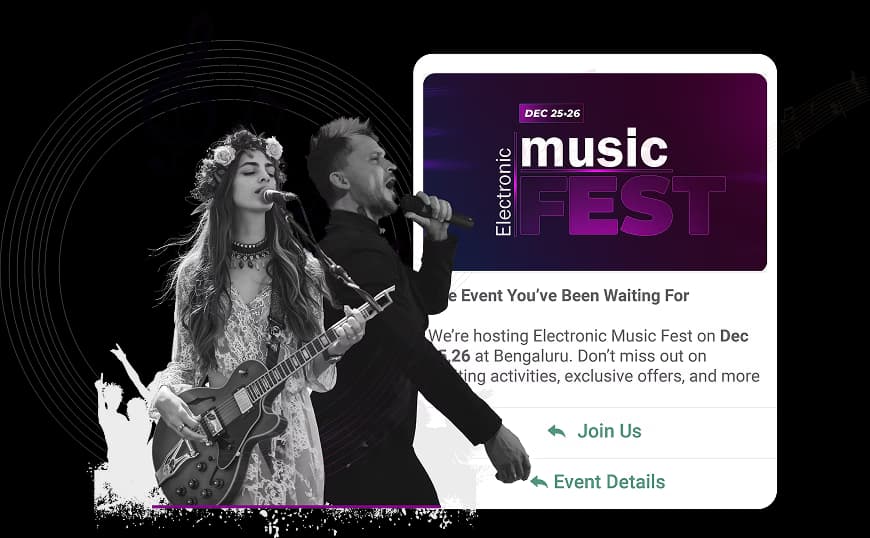
Trusted by event organizers, conference hosts, webinar platforms & exhibition companies.





70%
Faster
Response
60%
More
Follow-ups
75%
Audience Engagement
Rate
60%
Event Reach
Growth
Industry Challenges
4 Communication Gaps Affecting
Registrations and Attendance
Emovur brings registration, attendee communication and
event support into one WhatsApp automation platform.
Incomplete Event Registrations
Interested attendees may leave the registration process because of unclear pricing, session options, payment questions or unanswered enquiries.
Low Attendance and Missed Sessions
Attendees may forget the event date, joining link, venue details or session timing when reminders are inconsistent.
Scattered Attendee Communication
Registration enquiries, support requests and event updates are often spread across email, calls, social media and individual WhatsApp numbers.
Last-Minute Updates Are Difficult to Deliver
Schedule changes, speaker updates, venue instructions and emergency announcements may not reach attendees quickly enough.
Use Cases
8 Ways Event Organisers
Use WhatsApp
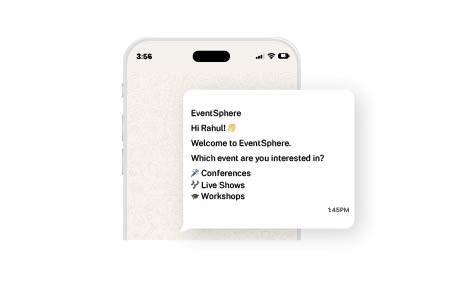
Event Enquiry and Registration
Answer questions about event dates, ticket types, pricing, eligibility, sessions and venue details. Collect attendee information and guide interested participants toward the relevant registration path.
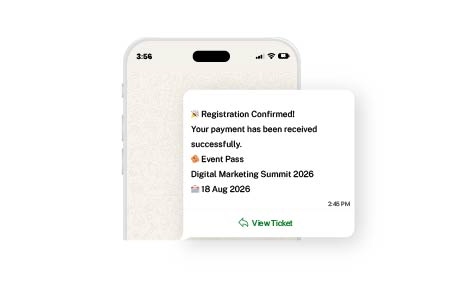
Ticket and Payment Confirmation
Send registration confirmation, ticket information, payment acknowledgement, invoices and booking references directly through WhatsApp.
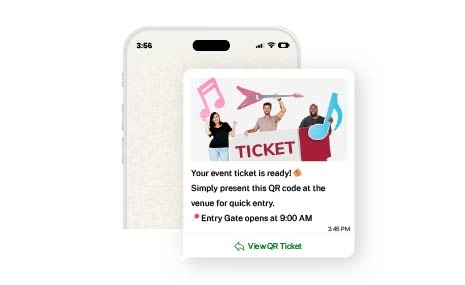
QR Code Ticket Delivery
Deliver digital tickets, QR codes and check-in instructions before the event. Attendees can access their entry information without searching through emails.
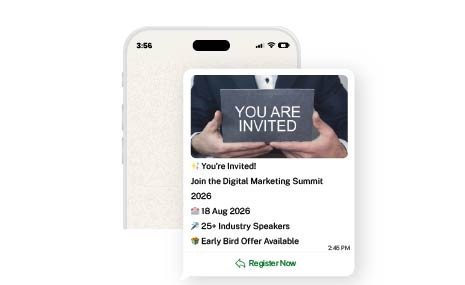
Event Invitations and Promotions
Send approved event invitations to eligible and opted-in audiences for conferences, webinars, workshops, exhibitions and networking events.
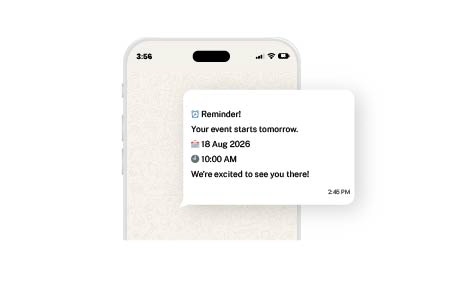
Event and Session Reminders
Automatically remind attendees about event dates, joining links, venue directions, session timings and check-in requirements.
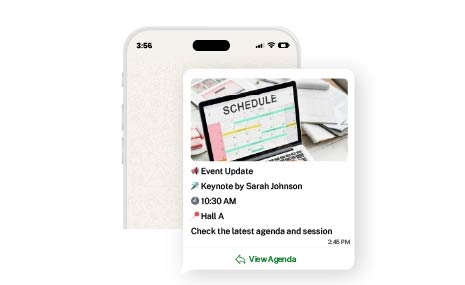
Agenda, Speaker and Venue Updates
Share real-time announcements about speakers, agenda changes, room assignments, session delays and venue instructions.
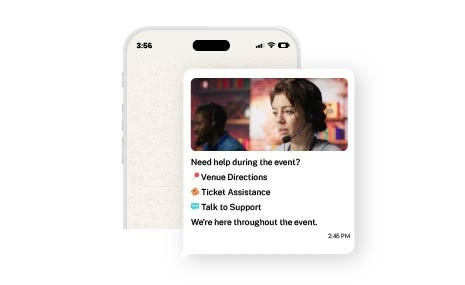
Live Attendee Support
Answer questions about registration, parking, accommodation, session locations, certificates, networking and event facilities.
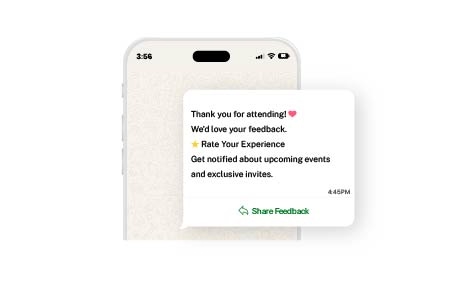
Feedback and Future Event Engagement
Collect attendee ratings, survey responses, testimonials and session feedback before promoting relevant future events.

Emovur has simplified event communication. We now send reminders and registration updates quickly through automated WhatsApp messaging.
Team Rank Rizers
Rank Rizers
45%
More
Attendance
50%
Better
Engagement
40%
Less
Effort




Attendee Journey
One WhatsApp Journey
from Discovery to Future Registration
Event Discovery
The attendee reaches WhatsApp through your website, advertisements, social media campaigns, QR codes, email, or event partners. The workflow captures event interest, preferred ticket, relevant sessions, location, organization, and contact details.
Event Enquiry
Attendees receive approved information about the event, including the date and time, venue or joining platform, ticket categories, speakers, agenda, registration requirements, and available payment options.
Registration and Payment
WhatsApp guides attendees through registration by sharing payment status, registration confirmation, booking reference, ticket details, invoice or receipt information, and the next steps before the event.
Ticket and QR Code Delivery
Attendees receive their digital ticket, QR code, and event entry instructions directly on WhatsApp for a seamless check-in experience.
Pre-Event Communication
Before the event, WhatsApp keeps attendees informed with event reminders, venue directions, joining links, speaker announcements, agenda updates, session selection prompts, and check-in instructions.
Live Event Assistance
During the event, WhatsApp provides session reminders, room and stage locations, agenda updates, speaker changes, networking information, helpdesk support, and important announcements.
Built for Every Event Business
Built for Every Event Business
Flexible for Individual Event Organizers and Multi-Event Companies
Conferences and Professional Summits
Use a WhatsApp Chatbot for Conferences to manage registration, speaker updates, session scheduling, attendee support, and post-event recording delivery.
Webinars and Online Events
Use WhatsApp API for Webinars to handle registration, session link delivery, real-time engagement, Q&A coordination, and recording distribution.
Trade Shows and Exhibitions
Use WhatsApp API for Trade Shows to manage exhibitor communication, visitor registration, floor map sharing, session scheduling, and lead follow-up.
Workshops and Training Events
Use a WhatsApp Chatbot for Workshops to manage participant registration, pre-workshop preparation, material delivery, attendance tracking, and certification communication.
Social and Cultural Events
Manage RSVP collection, invitation delivery, venue directions, seating coordination, program updates, and post-event memory sharing through WhatsApp automation.
Multi-Event and Festival Organizers
Route attendee enquiries and registrations by event, session, or venue while retaining central communication visibility across all events and stages.
Business Outcomes
Business Outcomes, Benefits and ROI
Event Outcomes You Can Measure
Faster Registration Assistance
Answer attendee questions immediately and direct interested participants toward the correct registration option.
Higher Registration Completion
Send pending-action reminders and help attendees complete registration and payment.
Better Event Attendance
Use scheduled reminders, joining links, venue directions and check-in information to reduce missed attendance.
Lower Support Workload
Automate common questions about tickets, timings, speakers, sessions, venue facilities and event access.
Faster Event Updates
Notify attendees about agenda changes, delays, room assignments and other important announcements.
AI-Powered Assistance
AI-Powered Event Assistance
Reach attendees where they're most active and deliver a
seamless event experience from registration to post-event engagement.
AI for Routine Questions, Humans for Complex Needs
An AI-powered WhatsApp chatbot for events can answer approved attendee questions, assist with registration and provide event information before and during the programme.
The AI assistant uses approved event information and connected event data. Payment disputes, registration exceptions, accessibility requirements, sponsorship enquiries and complex attendee concerns can be transferred to an authorised team member.
AI Attendee Assistant Capabilities
- Answer event FAQs
- Assist with registration
- Explain ticket categories
- Share agenda information
- Recommend relevant sessions
- Provide speaker information
- Share venue and parking details
- Deliver webinar joining guidance
- Support multilingual conversations
- Identify registration and support intent
- Route attendees to human representatives
- Assist outside normal support hours
Why WhatsApp for Events
Why WhatsApp Works Across the Event Lifecycle
Familiar Channel
Conversational
Information Access
Timely Reminders
Live Updates
Post-Event
Attendees Already Use the Channel
Participants can ask questions, register, receive tickets and access support through a familiar messaging platform.
Integrations
Connect WhatsApp with Your
Event Technology Stack
Integration availability and scope are confirmed during technical discovery.
CRM Platforms
Synchronise attendee details, organisation information, registration source, engagement history and assigned team members.
Calendar Platforms
Add event dates, sessions, workshops and meetings to attendee calendars.
Payment Gateways
Share approved payment links and payment-status communication through structured workflows.
Check-In and Access Systems
Connect QR code verification, attendee entry and attendance records where supported.
Customer-Support Platforms
Synchronise attendee support requests, assignments and resolution status.
Custom Event Platforms
Build event-specific communication workflows using available APIs and webhooks.
WhatsApp Business App vs WhatsApp Business API
When Does an Event Organizer Need the WhatsApp API?
Capability
WhatsApp Business App
WhatsApp Business Platform with Emovur
Best suited for
Team access
Event enquiries
Registration processing
Ticket delivery
Event reminders
Agenda updates
Payment communication
Live event updates
Post-event content
Feedback collection
Reporting
Scalability
The WhatsApp Business App is suitable for basic messaging managed by smaller event teams.
The WhatsApp Business Platform is designed for organizers requiring automation, multiple users, integrations, approved messaging, and structured attendee journeys.
Implementation
From Event Workflow Planning to Launch
1
Identify Priority Event Journeys
Map attendee communication across enquiries, registration, payment, ticketing, reminders, check-in, live support and follow-up.
2
Connect Event Data
Identify the registration, ticket, attendee, payment, agenda and check-in information required for each workflow.
3
Design Attendee Conversations
Define automated questions, registration paths, message templates, reminder schedules, routing rules and human handoffs.
4
Configure the WhatsApp Platform
Set up the business number, shared inbox, team members, roles, approved templates, automation and escalation rules.
5
Integrate Event Systems
Connect the required event platform, CRM, payment gateway, webinar software, calendar or custom application.
6
Test Attendee Communication Scenarios
Validate key workflows including registrations, payments, ticket delivery, QR code access, session updates, webinar access, venue notifications, agent handoffs and attendee opt-outs.
7
Train Event Teams and Launch
Train registration, marketing, operations and support teams on conversation management and attendee escalation.
8
Monitor and Improve
Review registration progress, attendee responses, support questions and event performance to continuously improve future workflows.
Why Emovur
Why Event Organisers Choose Emovur
Official WhatsApp Business Platform
Build structured event communication using the official WhatsApp business infrastructure.
AI Attendee Assistance
Automate event FAQs, registration guidance and attendee routing while maintaining access to human support.
Shared Event Inbox
Allow registration, operations, marketing and support teams to manage attendee conversations from one platform.
Automated Event Journeys
Create workflows for registration, reminders, live updates, feedback and future-event engagement.
Operational Reporting
Monitor registrations, attendee conversations, agent activity and automation performance.
Turn More Event Enquiries into
Registered and Engaged Attendees
Automate registrations, deliver tickets, send reminders, share live updates and support attendees through one connected WhatsApp platform. Get a workflow review based on your event format, attendee volume, registration process, team structure and existing technology.
FAQs
Frequently Asked Questions
From setup to support, here are the answers you need to launch faster with confidence.
What is WhatsApp Business API for Events?
How does WhatsApp API help event organisers?
Can attendees register for an event through WhatsApp?
Can WhatsApp send event tickets and QR codes?
Can WhatsApp send automatic event reminders?
Can WhatsApp support conferences, webinars and exhibitions?
Can WhatsApp share live event updates?
Can attendees receive webinar joining links through WhatsApp?
Can WhatsApp integrate with Zoom or Microsoft Teams?
Can WhatsApp collect post-event feedback?
Is there a free WhatsApp API for events?
Why choose Emovur for event WhatsApp automation?