


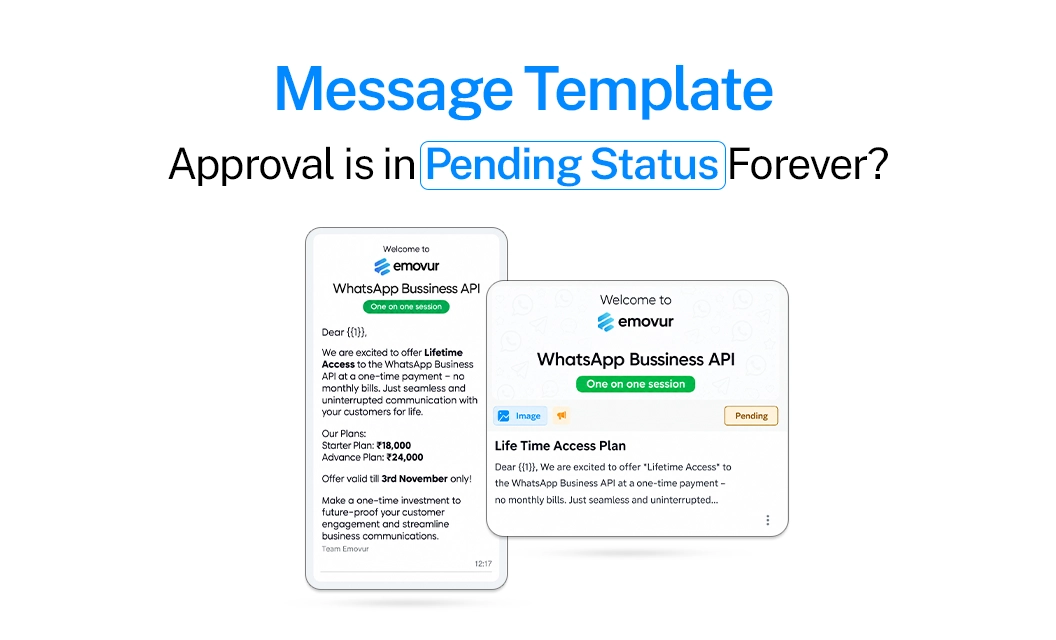
Introduction
Most WhatsApp templates clear reviews in one to five minutes through Meta's automated system. It only escalates to a slower, manual review when something in your submission is ambiguous.
- Pending for a few hours: completely normal
- Pending past 48 hours: something specific in your submission is almost always the reason, not a system delay
1. You Put a Raw Link in the Message Body
A URL typed directly into the text forces Meta to manually verify the destination, which slows review down significantly.
Stuck version: "Check your order status here: https://bit.ly/xyz123"
Fixed version: "Check your order status using the button below" — with the link added as a button, not inline text
Related: WhatsApp Template Buttons Guide — covers CTA and quick reply button setup so you avoid this entirely.
2. You Edited a Template After It Was Already Approved
Changing even a word on an approved template quietly resets it to pending, sometimes for up to 24 hours, and the working version disappears while it re-reviews.
Don't: Edit the wording on a live, approved template
Do: Submit a fresh template instead of editing the old one
3. You Resubmitted the Same Content Too Soon
If a template feels stuck, the instinct is to hit submit again right away. Repeated resubmissions of near-identical content within a short window can push it further into manual review instead of out of it.
Don't: Resubmit within the first 24 hours
Do: Wait the full 24 hours, then reassess against the mistakes on this list
4. You Picked the Wrong Category
A template that reads promotional but is submitted as Utility often sits longer while Meta's system tries to reconcile the mismatch.
Stuck version: "Hi {{1}}, exclusive offer just for you, get 20% off today!" submitted as Utility
Fixed version: Either genuinely transactional content submitted as Utility, or promotional content submitted as Marketing
Related:
5. You Skipped Realistic Sample Values
Placeholder text like [Name] instead of a filled-in example for your {{1}}, {{2}} variables makes it harder for the automated system to evaluate, which increases the odds of manual review.
Don't: Leave variables as generic placeholders
Do: Fill in real, plausible values for every variable before submitting
Approval Timeline: What's Normal vs What's a Flag
Quick Checklist Before You Resubmit
No raw URLs in the message body, use buttons instead
Didn't edit an already-approved template
Haven't resubmitted the same content in the last 24 hours
Category matches the actual content, not just the intended one
Sample values are realistic, not placeholders
One More Thing to Check
Sometimes the template isn't stuck at all, your provider's dashboard just hasn't synced Meta's latest status. Check the actual status directly in Meta Business Manager before assuming something's wrong.
Final Takeaway
A template pending for a few hours needs nothing from you. One pending for days almost always traces back to one of the mistakes above.
First-time template submissions fail often for exactly these reasons, which is also why a reviewed template process during onboarding tends to save one to two days per rejection cycle.
If you'd rather not track any of this manually, see how Emovur handles template submission and status tracking for you.


