


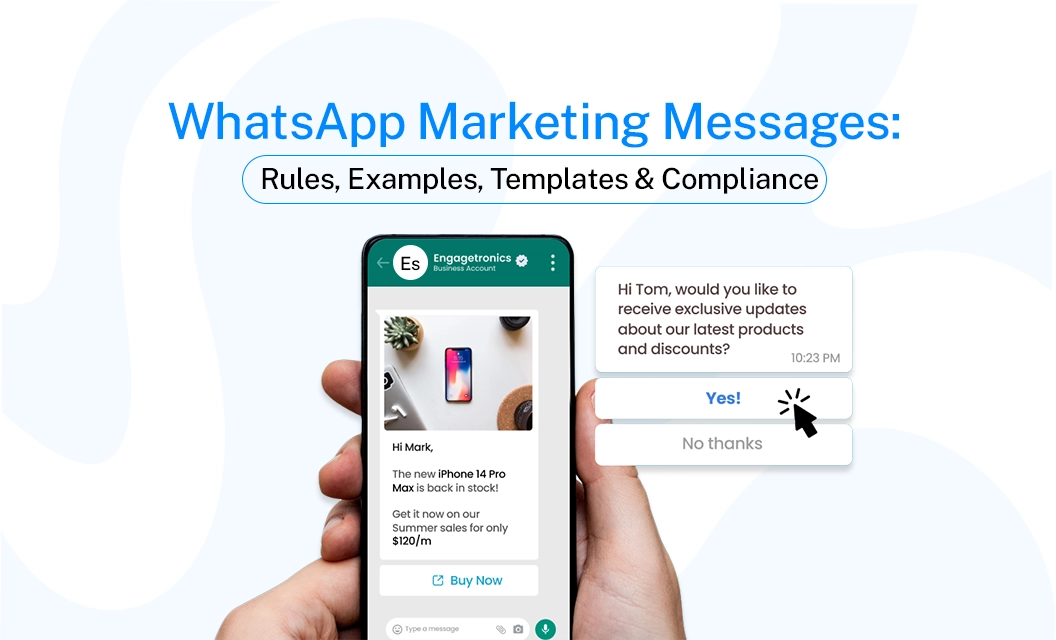
WhatsApp Marketing Messages: Rules, Examples, Templates & Compliance
Quick answer:
A WhatsApp marketing message is any business message sent to promote a product, service, offer, event, launch, or customer action. Unlike a normal customer reply, marketing messages sent through the WhatsApp Business Platform need to follow Meta’s messaging policies and use approved templates when required.
This page covers the rules you must follow, what may cause rejection, and how to ensure your templates remain active and effective.
WhatsApp Marketing Message vs Other Message Types
Since 1 July 2025, WhatsApp charges businesses for each template message they send, instead of using the old conversation-based pricing. The cost depends on the message type and the customer's country. Meta also updated its rates on 1 July 2026, with more pricing changes coming from 1 October 2026. Since WhatsApp pricing can change, always check the latest rates before planning your campaign. You can view the current WhatsApp marketing message pricing here.
WhatsApp Marketing Message Rules Businesses Need to Follow
Sending a marketing message is not just about writing a good promotional copy. You also need to make sure the customer is expecting your messages and that the message itself follows WhatsApp’s requirements.
1. Get Customer Opt-In Before Sending Marketing Messages
The first rule is simple: Never message people who have not agreed to hear from your business. Your opt-in process should make it clear that the customer is agreeing to receive communication from your business on WhatsApp.
Always keep track of how and when customers gave consent. This becomes especially important when you are sending campaigns to a large list.
2. Use an Approved WhatsApp Marketing Message Template
When your business initiates a conversation through the WhatsApp Business Platform, you generally need to use a pre-approved message template rather than sending unrestricted promotional text. Meta says businesses using the platform can initiate messages using pre-approved templates and review them to maintain message quality. A WhatsApp marketing message template can include:
Text
Images
Videos
Headers
Footers
Call-to-action buttons
Quick-reply buttons
Personalization variables
Read more: You can manage your templates through your WhatsApp provider or platform. If you use Emovur, you can refer to the WhatsApp message templates documentation for template management.
3. Choose the Correct Template Category
A common mistake is trying to classify a promotional message as a utility message simply because it is easier to afford or to get approval faster.
Meta’s own API examples show promotional templates such as seasonal offers and catalog promotions under the Marketing category. If you want a detailed guide that explains WhatsApp Message Templates: Categories, Rules, Approval & 50+ Examples explore now.
4. Keep the Message Relevant
Getting opt-in does not mean you can send anything at any time, this kind of marketing strategy will reduce your quality score and increase spam and block rates.
Relevance matters because WhatsApp actively monitors message quality and user feedback. Meta has also introduced limits on how many marketing messages users can receive to reduce inbox overload.
5. Avoid Spam-Like Sending Behaviour
Even a technically approved campaign can perform badly if customers find it irrelevant or excessive. Messages that do not match their needs or arrive too frequently may be ignored, reported, or lead to unsubscribes.
Avoid:
Sending the same offer repeatedly
Messaging inactive contacts too frequently
Buying phone-number lists
Sending unrelated promotions
Using misleading offers
Hiding the business identity
Ignoring opt-out requests
Sending to people who never agreed to receive messages
Meta states that repeated policy violations can lead to messaging restrictions that increase in duration and severity.
Do's and Don'ts for WhatsApp Marketing Messages
Do’s:
Get explicit, documented opt-in before the first promotional send
Name your business clearly in the opt-in and in the message itself
Keep marketing templates useful — a real offer, a real reason to act
Personalize with variables (name, order history, location) where relevant
Give an easy, working opt-out in every campaign
Match the template category to the actual content, even if utility pricing looks cheaper.
Don't:
Submit promotional content as a Utility template to save on cost
Treat a support reply or ad-click as ongoing marketing consent
Send a marketing template the moment someone opts in with no delay or context
Bulk-blast a cold list on a brand-new number (this reads as spam to Meta's systems)
Ignore quality rating drops — repeated blocks or reports can pause your ability to send
Reuse the same template endlessly without checking performance; low engagement can shrink your messaging limits
10 WhatsApp Marketing Message Examples
These examples show how businesses can structure different types of marketing messages. They should still be adapted to your approved template, audience, offer, and consent requirements.
1. Discount Offer
🎉 20% Off This Weekend
Hi {{1}}, enjoy 20% off selected products this weekend.
Use code WEEKEND20 before Sunday.
[Shop Now]
2. New Product Launch
🚀 Something New Is Here
Our latest collection is now available.
Be among the first to explore it. [Explore Collection]
3. Festival Offer
🎊 Diwali Special Offer
Celebrate Diwali with {{1}}! Get up to 30% off selected products.
Offer ends {{2}}. [Shop Now]
4. Limited-Time Sale
⏰ Only 24 Hours Left
Your exclusive 25% discount ends tonight.
Don't miss out.[Claim Offer]
5. New Store Opening
📍 We're Now Open!
Our new {{1}} store is officially open in {{2}}.
Visit us and enjoy an opening-week offer. [Get Directions]
6. Back-in-Stock Promotion
🔔 Back in Stock
Hi {{1}}, the product you were interested in is available again.
Stock is limited, so grab yours while it lasts. [Buy Now]
7. Customer Re-Engagement
We Miss You 👋
It's been a while, {{1}}. Here's 15% off your next purchase.
Use code WELCOME15 this week. [Shop Now]
8. Event Promotion
🎟️ Registrations Are Open
Join us for {{1}} on {{2}}.
Seats are limited. Reserve yours today. [Register Now]
9. Product Recommendation
✨ Picked for You
Based on what you've been browsing, you might like our {{1}} collection.
Explore the latest arrivals today. [View Products]
10. Flash Sale
⚡ Flash Sale Starts Now
Get up to 40% off for the next 6 hours.
Shop before the offer ends. [Shop Sale]
How to Send WhatsApp Marketing Messages Without Creating Compliance Problems
Step 1: Build a permission-based audience: Collect WhatsApp numbers through your website, checkout, lead forms, QR codes, events, or other legitimate customer touchpoints.
Step 2: Segment your contacts: Create groups based on useful factors such as:
Previous purchases
Product interest
Location
Customer type
Engagement
Purchase frequency
Lead stage
Step 3: Create the marketing template: Write the message around one clear objective so customers immediately understand what you want them to do.Don't include too much information in one template, keep it clear and focused.
Step 4: Submit and approve the template: Use the appropriate marketing category when the content is promotional. Meta reviews templates before they can be used for business-initiated messaging.
Step 5: Send to the right audience: Start with the segment most likely to care about the offer rather than automatically messaging your entire database.
How to Keep Marketing Costs Under Control
You don't need to stop marketing on WhatsApp to reduce costs. You need to send more selectively. Focus on relevant messages for customers who are most likely to engage, and avoid sending unnecessary campaigns.
Segment your audience.
Don't send a premium-product offer to customers who only buy entry-level products.
Remove inactive contacts.
Repeatedly sending campaigns to people who never engage wastes budget and can hurt message quality.
Use the correct category.
Don't try to manipulate categories. A message should be categorized according to its actual purpose.
Track campaign performance.
Look beyond delivery. Monitor reads, clicks, replies, conversions, and opt-outs.Control frequency.
More messages do not automatically mean more sales. Meta itself highlights the importance of avoiding inbox overload and monitoring quality signals.
If you regularly send campaigns to large customer lists, a WhatsApp marketing broadcast can help you manage your outreach more systematically.
What Can Cause WhatsApp Marketing Messages to Fail?
Final Takeaway
A successful WhatsApp marketing message is not simply a promotional text sent to a large contact list. It starts with customer permission, uses the right template category, delivers something relevant, and gives people a clear way to control what they receive.
Keep your audience segmented, your templates accurate, and your sending frequency reasonable. Before launching a large campaign, check the current Meta rules and pricing and your WhatsApp API provider’s platform pricing rather than relying on outdated information.
Frequently Asked Questions
What is an example of a WhatsApp marketing message?
A simple example is: “Hi {{1}}, our weekend sale is live! Get 20% off selected products until Sunday. Use code SAVE20. [Shop Now]” This is marketing because it promotes an offer and encourages the customer to make a purchase.
Do WhatsApp marketing messages need templates?
For business-initiated messages sent through the WhatsApp Business Platform, approved templates are required when initiating conversations outside the applicable customer service window. Meta states that businesses using the Platform can initiate messages using pre-approved templates.
What is the difference between a marketing and utility message?
A marketing message promotes or encourages a new commercial action, such as buying a product or claiming an offer. A utility message supports an existing transaction or customer request, such as an order confirmation or delivery update.
Can I send WhatsApp marketing messages without customer consent?
You should not treat a phone number alone as marketing permission. Businesses should obtain the appropriate customer opt-in before sending promotional communications and respect requests to stop receiving them.
How can I reduce WhatsApp marketing message costs?
Start by sending relevant campaigns to segmented audiences instead of your entire database. Monitor performance, remove inactive or opted-out contacts, control message frequency, and understand the current Meta rate applicable to your recipients.
Can WhatsApp marketing messages include images and buttons?
Yes. Meta's WhatsApp Business Platform API examples include marketing templates with image headers, text, buttons, catalogs, and other interactive components.
If you're ready to manage campaigns at scale, explore Emovur's WhatsApp marketing broadcast solution and see how you can plan and send WhatsApp campaigns more systematically.


