How to Use a WhatsApp Marketing Message Template: Setup, Examples & Best Practices
If you've ever stared at a blank WhatsApp Business account wondering what to actually send customers, you're not alone. Most businesses know they should be using WhatsApp for marketing, but getting from "I have WhatsApp Business" to "I have a message template that converts" is where most get stuck.
A good WhatsApp marketing message template isn't just a pre-written message. It's a structured, pre-approved format that lets you reach hundreds or thousands of contacts without getting flagged, blocked, or ignored. Here's how to set one up properly, with examples you can adapt right away.
What Is a WhatsApp Marketing Message Template, Really?
On the WhatsApp Business Platform (the API side, not the free app), you can't just message customers whenever you want. If you're initiating a conversation, such as sending a promo or reminder, that message has to go through Meta's approval process first. That's what a WhatsApp marketing template actually is:
A pre-approved message format with fixed text and optional variable fields, like a customer's name or order number, that gets reused at scale.
Once approved, you can send it to anyone who's opted in, and it'll land in their inbox like a normal message, not spam-folder territory or a cold outreach that gets reported.
Setting Up Your First Template
Getting a template live usually comes down to a few steps:
Pick your category. Meta sorts templates into buckets like Marketing, Utility, and Authentication. A promo or sale announcement falls under Marketing.
Write the message body. Keep it short, clear, and useful. Templates with vague or overly salesy copy get rejected more often than plain, specific ones.
Add variables where needed. Things like {{1}} for a first name or {{2}} for a discount code let you personalize at scale without writing a thousand separate messages.
Submit for approval. This usually takes a few hours, sometimes less. Meta checks for policy compliance, not creativity.
Test before you scale. Send it to a small segment first and see how it lands before blasting your full list.
Note: Need a more detailed guide on examples for marketing and utility messages, then check here.
Sample WhatsApp Marketing Messages You Can Adapt
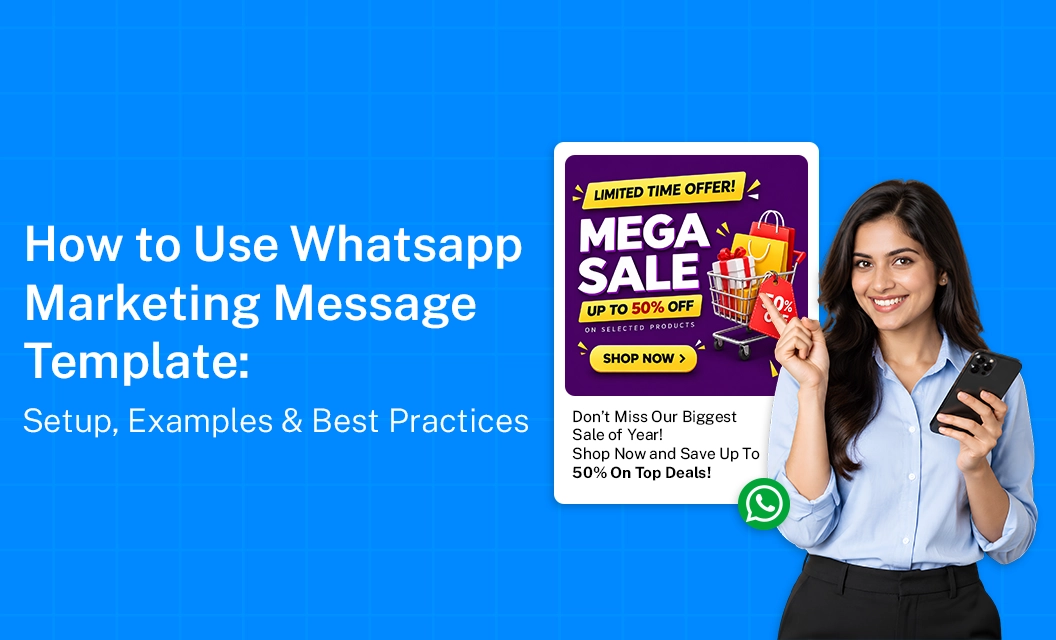
Here's where a lot of businesses get stuck — not on the process, but on what to actually write. A few sample whatsapp marketing message formats that tend to perform well:
Flash sale alert: "Hi {{1}}, your favorite items are 20% off for the next 24 hours. Tap below to shop before it's gone."
New arrival nudge: "Hey {{1}}, we just added new arrivals to our collection. Want a sneak peek before everyone else?"
Re-engagement message: "We miss you, {{1}}! Here's 15% off your next order — just for coming back."
Notice the pattern: short sentence, one clear value prop, one clear next step. That's the difference between a template that gets replies and one that gets ignored.
WhatsApp Marketing Messages Ex-abandoned cart reminders mples by Use Case
Getting Started Without the Guesswork
The setup process is straightforward once you've done it a couple of times, but choosing the right platform matters just as much as the message itself. A solid WhatsApp Business API provider should make template creation, approval tracking, and sending at scale simple — without you needing to touch the raw API.
Frequently Asked Question?
What's the difference between a WhatsApp marketing template and a regular message?
A regular message can only be sent within an existing conversation window. A marketing template is pre-approved by Meta, which lets you initiate contact with customers who've opted in — even if they haven't messaged you recently.
How long does WhatsApp template approval take?
Usually a few hours, though it can occasionally take longer depending on volume and how clearly the template follows Meta's content guidelines.
Can I personalize a WhatsApp marketing message template?
Yes — templates support variable fields for things like names, order details, or dates, so each message still feels individual even though the format is standardized.
Are there free WhatsApp marketing message examples I can use as a starting point?
Plenty of businesses start by adapting simple formats like flash sale alerts or re-engagement nudges, then refine based on what gets responses from their own audience.
Ready to put this into practice? Explore Emovur's WhatsApp Business API to see how template management works end-to-end, to get a walkthrough tailored to your use case.
Related guides:
Why whatsApp templates get rejected
Hacks to write a template messages that customer reads
Why your whatsApp templates gets stuck forever