


Direct Answer:
Your WhatsApp Business API quality rating tells you how recipients are responding to messages sent from your business number. WhatsApp uses quality signals such as customer feedback, blocks and reports to indicate whether your messaging is being well received.
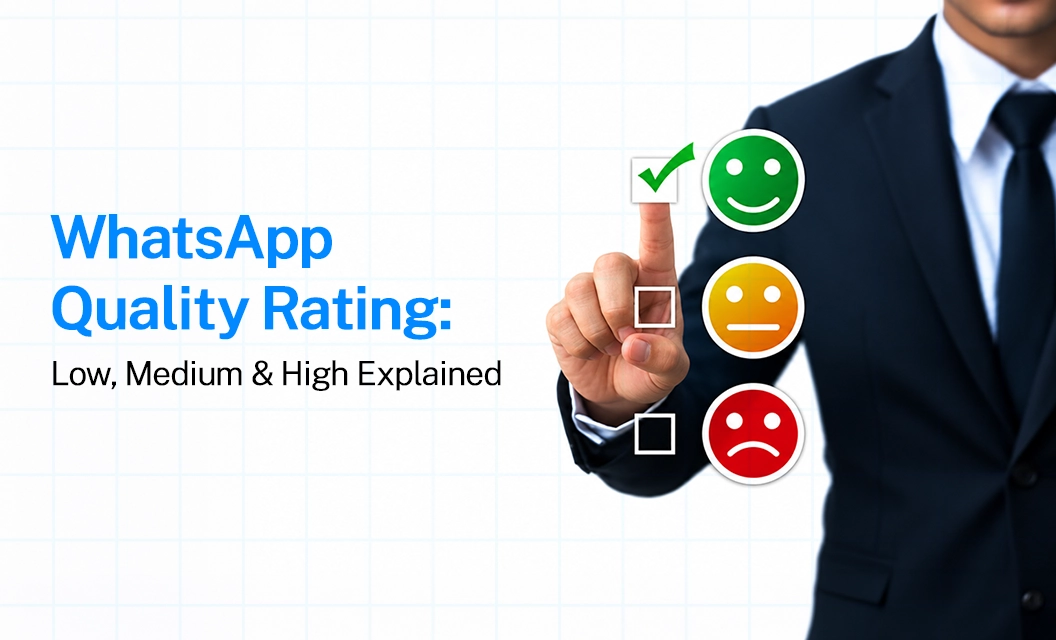
The rating is commonly shown as High (Green), Medium (Yellow), or Low (Red).
Here's a simple breakdown of WhatsApp Quality Rating Low, Medium and High, what each status indicates and what it can mean for your messaging activity.
The rating is not a simple campaign-performance metric. A message can have a high open rate and still contribute to a lower quality rating if recipients find it irrelevant, excessive or unexpected.
Why Does This System Exist?
WhatsApp's core promise to its 3+ billion users is that businesses can't spam them the way email marketers historically have. Rather than manually reviewing every business, Meta lets actual user behavior:
blocks,
reports, and
engagement, decide who earns more sending capacity and who gets throttled.
What Causes a Low Rating?
A dropping rating is almost always the result of negative customer feedback on recent messages. Common causes include:
Messaging users who never opted in
Sending too frequently (perceived as spam)
Content that isn't relevant or personalized to the recipient
Generic, open-ended "welcome" or introductory messages
Ignoring WhatsApp's Business Messaging Policy
How to Improve or Recover Your Rating
If you're at Medium (Yellow):
Pause broadcast campaigns for about a week to let engagement recover
Message only opted-in customers, especially when resuming promotions
Add opt-out instructions in your templates so users have an alternative to blocking you
Review block/report insights in WhatsApp Manager to spot which templates are triggering negative reactions
General best practices to stay High (Green):
Only send to users who've explicitly opted in
Personalize and add real value to every message — skip generic filler
Be mindful of frequency; don't overload customers with daily messages
Keep templates compliant with WhatsApp's Business Policy
Put links in buttons, not raw text in the message body
Avoid promotional language in Utility-category templates
Final Takeway:
Your WhatsApp Quality Rating is a live, rolling reflection of how welcome your messages actually are. Relevant, expected, opted-in messaging keeps you Green and unlocks scale. Irrelevant, excessive, or unsolicited messaging drags you toward Red and throttles your reach. There's no way to "game" it — the only sustainable strategy is sending messages people actually want.
Commonly asked question:
1. What is WhatsApp Quality Rating?
WhatsApp Quality Rating is a signal that indicates how recipients are responding to messages sent from your WhatsApp Business Platform phone number. It is displayed as High (Green), Medium (Yellow), or Low (Red).
2. Can WhatsApp Quality Rating affect messaging limits?
Yes. Quality rating is connected to messaging capacity. Maintaining good message quality is important when scaling WhatsApp messaging, while sustained poor quality can affect messaging limits or account status.
3. How do I check my WhatsApp Quality Rating?
You can check your quality rating in WhatsApp Manager, under the Phone Numbers section. The quality rating is displayed alongside information such as your phone number status and messaging limit.
4. How long does WhatsApp Quality Rating take to improve?
There isn't a single fixed recovery time that applies to every situation. The rating is based on recent recipient feedback, so improving the underlying messaging behaviour can help the rating recover. In certain flagged-status scenarios, WhatsApp provides a seven-day period for quality to improve before a messaging-tier consequence may apply.
5. Does WhatsApp Quality Rating apply to each phone number?
Yes. Quality is assessed at the phone-number level, so different WhatsApp Business Platform numbers within a business setup can have different quality ratings.
Read more:
https://emovur.com/blog/whatsapp-business-api/25-whatsapp-order-utility-message-examples
https://emovur.com/blog/whatsapp-business-api/50-promotional-whatsapp-message-
https://emovur.com/whatsapp-business-api


