


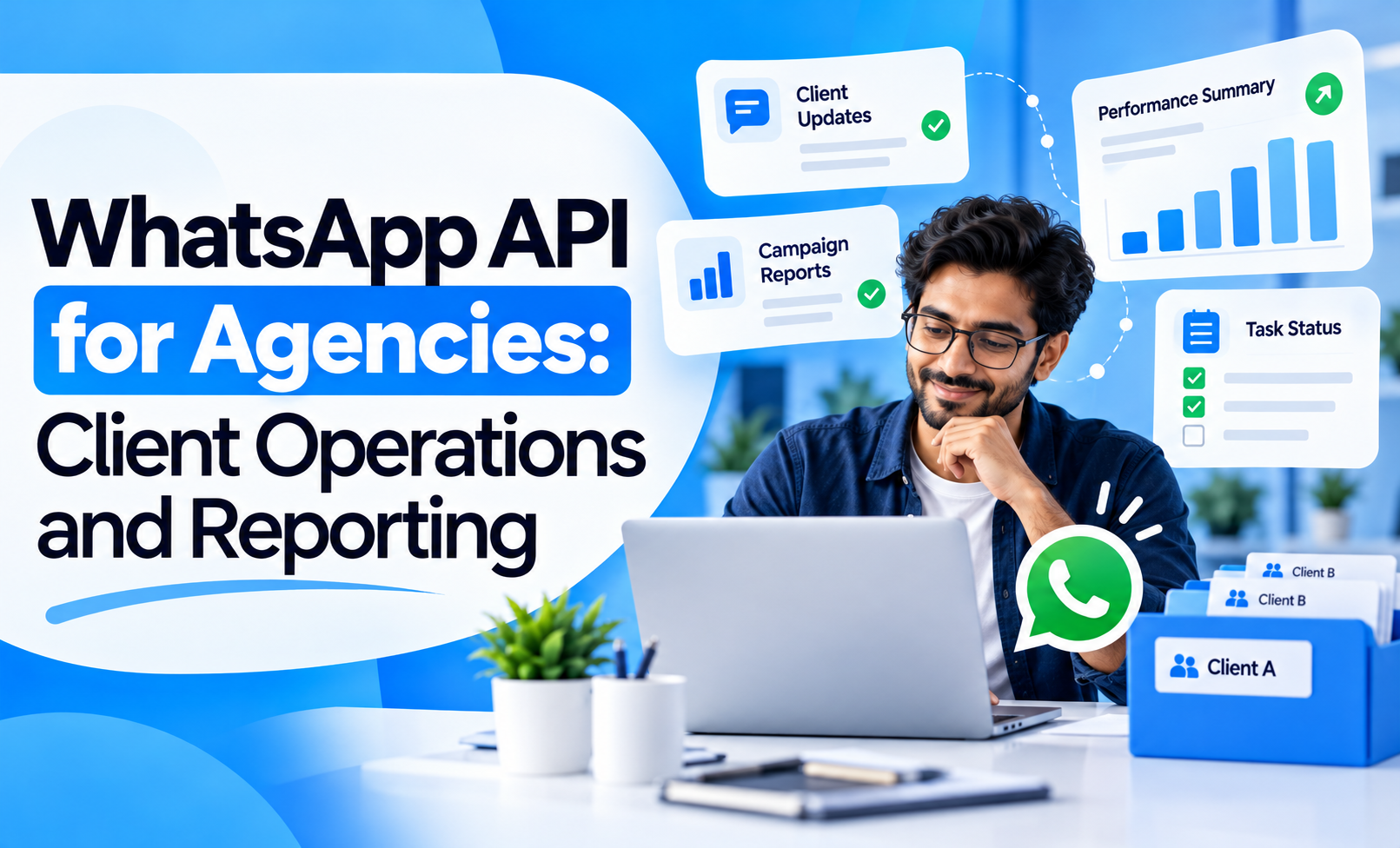
Agencies handle a large volume of client communication every day. Campaign approvals, lead updates, creative feedback, performance questions, reporting requests and support issues often happen across email, calls and WhatsApp at the same time.
The problem is not communication itself. The problem is keeping those conversations organised.
The WhatsApp API for agencies can help structure client operations by turning repetitive updates, approvals and reporting touchpoints into consistent workflows while keeping account managers available for conversations that need judgement.
The goal is not to automate the client relationship. It is to reduce operational noise so account teams can spend more time on strategy and delivery.
Quick Concept
A practical agency WhatsApp workflow can support:
Client onboarding: Confirm access, requirements and next steps.
Creative approvals: Collect faster feedback on ads, content or design.
Lead reporting: Share useful lead or campaign summaries without manual repetition.
Performance updates: Send structured weekly or milestone-based updates.
Support routing: Direct client requests to the right internal team.
Renewal and expansion: Surface relevant next steps when the account is ready.
The strongest setup gives every message a clear purpose, owner and next action.
Use WhatsApp to Structure Client Onboarding
The first few days of an agency relationship usually involve collecting access, assets and approvals.
Without a clear workflow, account managers may repeatedly ask clients for the same items.
WhatsApp can simplify onboarding when requests are organised.
A useful onboarding sequence can include:
Confirm the engagement: Share the service scope, primary contact and communication process.
Request required access: Ask for only the accounts, assets or permissions needed at that stage.
Track pending items: Remind clients about missing approvals or access without restarting the entire conversation.
Confirm setup completion: Let the client know when tracking, ad accounts or other systems are ready.
Define the next milestone: Make the first campaign, audit or reporting date clear.
The important part is to avoid sending a long checklist in one message.
Break the process into stages based on what the agency actually needs next.
Speed Up Creative and Campaign Approvals
Client approvals can delay execution more than production itself.
WhatsApp is useful when the decision is simple and the client needs to respond quickly.
A structured approval flow can include:
Share the item clearly: Identify whether the client is reviewing an ad, landing page, campaign copy or design.
Ask one specific question: Avoid open-ended messages such as “Thoughts?”
Provide clear options: Approve, revise or request discussion.
Record the final decision: Once approved, the internal team should update the project or campaign system.
Avoid approval confusion: Make sure the most recent version is clearly identified.
For example:
Creative V3 → Client Approval → Campaign Team Notified → Ad Scheduled
This is much cleaner than approvals being buried inside dozens of unrelated messages.
Keep Client Communication Separate From Internal Work
One of the biggest agency mistakes is treating WhatsApp as the project-management system.
Client conversations may happen on WhatsApp, but internal execution still needs structured ownership.
A strong operating model is:
WhatsApp: client-facing communication
Project system: tasks, deadlines and team ownership
Analytics platform: campaign and performance data
CRM or account system: client history and commercial information
When a client requests a landing-page change on WhatsApp, the request should become an internal task rather than remaining inside the conversation.
This keeps WhatsApp useful without allowing important work to disappear inside chat history.
Use Shared Access for Client Operations
Agency accounts are rarely handled by one person from beginning to end.
An account may involve:
Account manager
Performance marketer
SEO specialist
Designer
Developer
Reporting analyst
A shared client communication setup can make handoffs easier when multiple team members need visibility.
Useful capabilities include:
Conversation ownership: Make it clear who is responsible for responding.
Internal context: Allow team members to understand what the client already requested.
Escalation: Move technical or strategic questions to the right specialist.
Continuity: Avoid asking the client to repeat the same request to multiple employees.
Agencies managing team-based communication can review multiple agents on WhatsApp Business API for the operational side of multi-user messaging.
Send Performance Updates With Context
Clients do not always need a full dashboard every time they ask:
“How are the campaigns doing?”
WhatsApp can provide concise performance updates between formal reports.
A useful update can include:
What changed: Highlight the most important movement since the previous update.
Why it changed: Explain the campaign, audience, budget or conversion factor behind it.
What the agency did: Mention meaningful optimisation actions.
What happens next: Tell the client what the team is testing or monitoring.
For example:
Leads increased 18% this week after shifting budget toward the higher-converting ad set. CPL reduced, but lead-to-appointment quality is still being monitored. Next step: hold budget steady and review qualified-lead rate after another 3–4 days.
That is more useful than sending screenshots without interpretation.
Build Reporting Around Client Decisions
Agency reporting should help clients understand what requires attention.
A WhatsApp reporting layer can work well for:
Weekly summaries: Short updates on major changes.
Lead-quality alerts: Flag sudden changes in qualified lead volume.
Budget milestones: Inform clients when campaign spend reaches an agreed threshold.
Conversion issues: Escalate tracking or landing-page problems quickly.
Monthly-report reminders: Notify the client when the complete report is ready.
For deeper measurement, WhatsApp campaign ROI metrics can help agencies think beyond message and click metrics when WhatsApp itself is part of the customer journey.
The key is not to replace the full report with WhatsApp.
WhatsApp should surface what the client needs to know now.
Route Client Requests to the Right Team
Clients often send every question to the same account manager, even when the request belongs to another department.
WhatsApp workflows can help classify requests such as:
Campaign performance
Creative revision
Website issue
Billing question
Lead-quality concern
Tracking issue
SEO update
The account manager can remain the relationship owner while internal routing makes sure the correct specialist receives the work.
This reduces unnecessary forwarding and helps agencies respond more consistently.
Keep Automation Client-Friendly
Automation can support agency operations, but clients should never feel trapped inside a bot.
Good automation can handle:
Meeting confirmations
Report-ready notifications
Access reminders
Approval reminders
Routine status updates
Request categorisation
Human account managers should take over for:
Strategy discussions
Performance concerns
Budget decisions
Escalations
Commercial negotiations
Complex technical issues
The client should always know how to reach a person when the situation requires judgement.
Measure Operational Improvement
The success of an agency WhatsApp workflow should be measured by whether it improves service delivery.
Useful metrics include:
Client response time
Approval turnaround time
Pending-access resolution time
Internal escalation time
Report acknowledgement rate
Number of repeated client requests
Account manager workload
Client satisfaction
The goal is not to increase message volume.
It is to make agency-client communication more organised, faster and easier to act on.
Build WhatsApp Around Client Operations
A strong WhatsApp API strategy for agencies connects the most repetitive parts of client servicing:
Onboarding → Approval → Execution → Update → Reporting → Support → Renewal
Each stage should have a clear communication purpose.
When structured properly, WhatsApp becomes more than a client chat channel. It becomes an operational layer that helps agencies reduce follow-up work, improve response consistency and keep clients informed without adding more meetings.
Agencies that want to build structured messaging and multi-team workflows can explore the WhatsApp Business API as the communication infrastructure behind these processes.


