


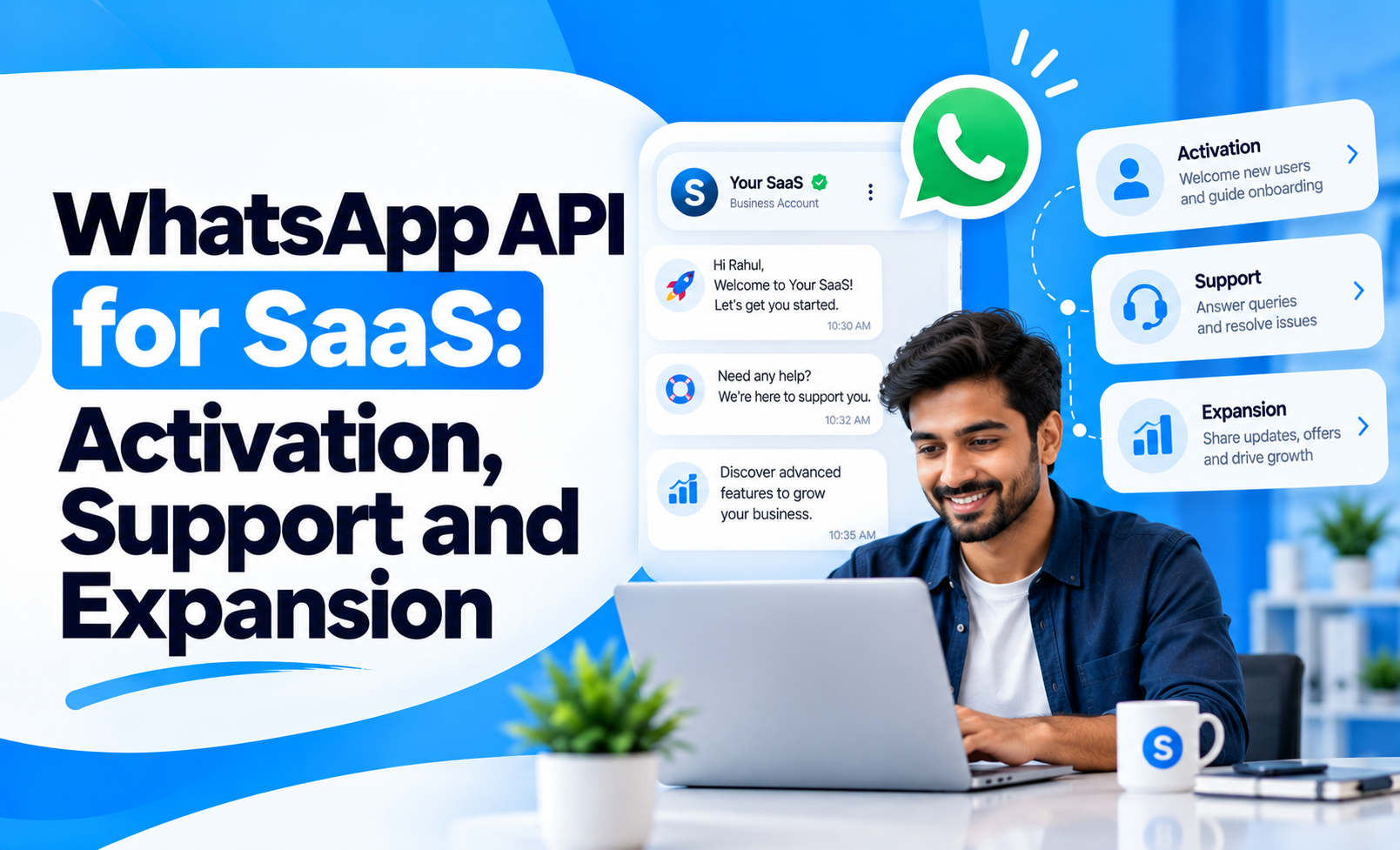
For SaaS businesses, getting a user to sign up is only the beginning. The real challenge is helping that user reach value quickly, solve problems when they get stuck and continue discovering reasons to stay with the product.
This is where the WhatsApp API for SaaS can play a useful role.
Instead of relying only on email for onboarding, support and account communication, SaaS companies can use WhatsApp for timely messages that help users complete important actions, get assistance and discover relevant product opportunities.
The objective is not to move the entire SaaS experience into WhatsApp. It is to use WhatsApp at moments where speed, clarity and direct communication can improve the customer journey.
Quick Concept
A practical SaaS WhatsApp journey can support three major outcomes:
Activation: Help new users complete the actions that lead to first value.
Support: Resolve operational questions and reduce friction when users get stuck.
Expansion: Identify relevant opportunities for upgrades, additional seats or feature adoption.
The strongest setup connects WhatsApp messages to actual product behaviour rather than sending the same sequence to every account.
Use WhatsApp to Improve User Activation
SaaS activation is not the same as signup.
A user may create an account but never complete the actions required to experience the product’s real value.
WhatsApp can support activation by helping users move through important onboarding milestones.
Useful activation touchpoints include:
Welcome after signup: Confirm the account and explain the most important first step.
Setup reminder: Prompt users who have not completed a required configuration.
Integration reminder: Encourage users to connect a CRM, payment system or other essential tool where relevant.
First-value milestone: Reinforce progress when the user completes a meaningful action.
Stalled onboarding: Offer assistance when activity stops before activation.
The message should be tied to a specific missing action.
For example, “Complete your workspace setup” is more useful than repeatedly sending “Start using our platform today.”
Trigger Messages From Product Behaviour
The strongest SaaS WhatsApp workflows respond to what the user actually does inside the product.
Behavioural triggers can include:
User created an account but did not finish setup.
Team invited but no members joined.
Feature enabled but not configured.
Trial started but core feature never used.
Integration connection failed.
User returned after several days of inactivity.
Important milestone completed.
This makes communication more relevant because the message reflects the user's current state.
A strong rule is:
Do not message because time passed. Message because something meaningful happened—or did not happen.
Use WhatsApp for Support Without Replacing the Help Desk
WhatsApp can be useful for quick SaaS support, especially when customers need a simple answer or status update.
However, it should remain connected to the wider support process.
Useful support interactions include:
Basic product questions: Clarify where to find or use a feature.
Account-status updates: Inform customers when a reported issue has progressed.
Troubleshooting prompts: Collect basic information before escalating the issue.
Support handoff: Route complex technical questions to the correct specialist.
Resolution confirmation: Check whether the customer’s issue has actually been solved.
The goal is to make support easier to access without losing ticket history, ownership or accountability.
For businesses combining automation with human service, human-AI WhatsApp handoff design is useful when deciding where automated support should stop and a human agent should take over.
Use WhatsApp to Reduce Repetitive Support Work
Many SaaS support conversations repeat the same patterns.
WhatsApp automation can help handle simple requests before they reach a support agent.
Appropriate automation can include:
Account-access guidance
Basic setup instructions
Help-centre article delivery
Known-issue updates
Meeting or support-call scheduling
Status notifications
Request categorisation
Automation should not try to answer every technical problem.
When the issue depends on logs, billing history, product configuration or account-specific investigation, it should move into the proper support workflow.
This keeps WhatsApp useful without turning it into an isolated help desk.
Support Adoption After Activation
A user can activate successfully and still use only a small part of the product.
That makes feature adoption an important part of the SaaS customer lifecycle.
WhatsApp can support adoption when messages are tied to the user’s current behaviour.
Examples include:
Unused relevant feature: Introduce a feature that clearly supports the customer's existing use case.
Incomplete workflow: Help users finish a process they have already started.
New capability: Notify customers when a new feature is genuinely relevant to their account.
Advanced use case: Introduce deeper functionality after the customer has mastered the basics.
Team adoption: Encourage account owners to invite or activate additional team members.
The key is sequencing.
Do not introduce advanced capabilities before the customer has achieved value from the core product.
Use Customer Success Signals to Identify Expansion Opportunities
Expansion should follow evidence of value.
A customer who is actively using the product, reaching limits or adding more users may be a better expansion candidate than a customer who has barely completed onboarding.
Relevant expansion signals can include:
Usage approaching a plan limit
Growing number of users
Increasing workflow volume
Repeated use of advanced features
Requests for functionality available on another plan
Additional departments becoming involved
Successful adoption across the current account
Once these signals appear, WhatsApp can support the conversation.
Useful expansion messages might offer:
Additional seats
Higher usage limits
Advanced feature access
Upgrade consultation
Additional integrations
Enterprise support options
The message should explain why the next plan or feature is relevant to the customer’s current usage.
Use WhatsApp for Customer Success, Not Constant Promotion
For SaaS, expansion depends heavily on customer success.
A company that constantly promotes upgrades before helping users achieve value can create frustration.
A stronger sequence is:
Help the customer activate
Support successful usage
Improve feature adoption
Identify growth signals
Introduce expansion when relevant
That order matters.
Businesses designing post-sale workflows can also use WhatsApp Flows for post-sale customer success to structure customer actions after purchase.
Measure SaaS Outcomes, Not Message Volume
WhatsApp performance should be tied to product and account outcomes.
Useful metrics include:
Activation rate
Time to first value
Onboarding completion
Support resolution rate
Feature adoption
Active-user growth
Upgrade conversion
Seat expansion
Account retention
A high WhatsApp response rate means little if users still fail to activate or customers continue to churn.
The better question is:
Did WhatsApp help the customer move to the next meaningful product outcome?
Build WhatsApp Around the SaaS Journey
A strong WhatsApp API strategy for SaaS should connect communication with the customer’s actual product journey.
The lifecycle can look like:
Signup → Activation → Adoption → Support → Success → Expansion
Each stage has a different purpose.
WhatsApp should help users move forward when they need guidance, provide faster access to support and surface expansion opportunities only when the product data shows genuine relevance.
SaaS companies that want to build structured customer messaging, automation and lifecycle workflows can explore the WhatsApp Business API as the communication layer connecting these customer moments.


