


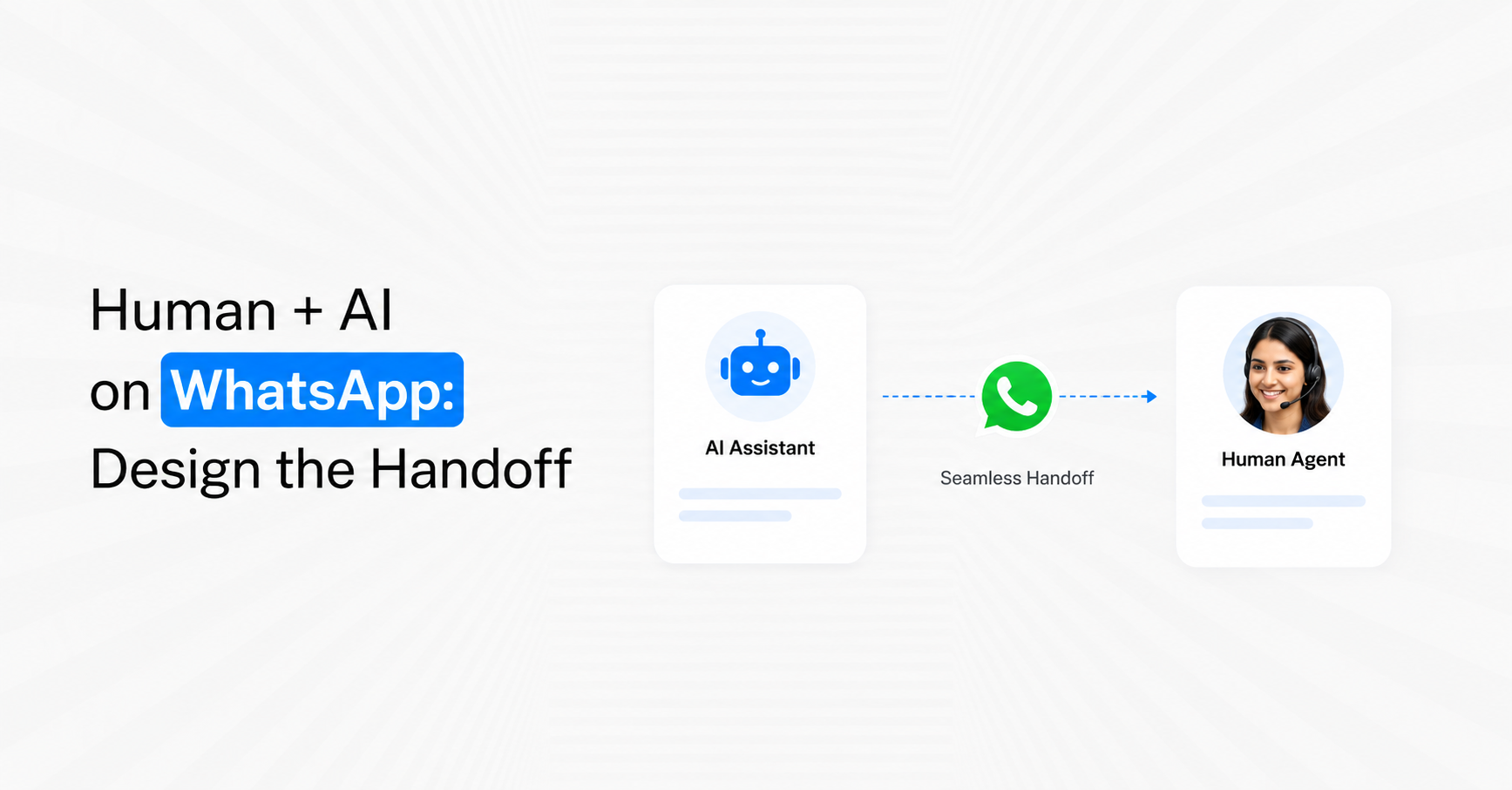
Human + AI on WhatsApp works best when customers can move between automation and a real agent without restarting the conversation. A strong handoff defines exactly when AI should stop, which team should receive the chat, what context must travel with it, who owns the conversation after transfer and when automation can safely resume. For Indian businesses in 2026, the handoff is not a backup mechanism. It is part of the customer journey and should be designed as carefully as the chatbot itself.
What Is an AI-to-Human Handoff on WhatsApp?
An AI-to-human WhatsApp handoff happens when an automated conversation reaches a point where a salesperson, support agent or specialist should continue the interaction. The transfer may be triggered by customer intent, AI uncertainty, workflow rules or a direct request for a person.
Meta's Business AI for WhatsApp specifically allows a business owner to take over when a query becomes more complex, while Meta Business Agent lets businesses decide when a team member should step into the conversation.
A complete handoff needs more than a button saying Talk to Agent. It needs five elements:
Trigger: Why should AI stop?
Destination: Which person or team should receive the conversation?
Context: What information should follow the customer?
Ownership: Who is responsible once the transfer occurs?
Return logic: Can automation resume later, and under what conditions?
If these are undefined, customers experience the handoff as a break rather than a continuation.
1. Define Handoff Triggers Before Building the AI
Do not wait for customers to complain before deciding when automation should escalate. Define escalation conditions during the design stage.
Some triggers can be deterministic, while others can be based on conversational intent.
Useful WhatsApp handoff triggers include:
Customer asks for a person: Requests such as “agent”, “salesperson” or “can I speak to someone?” should transfer quickly.
AI cannot answer confidently: Repeated fallback or uncertainty should trigger escalation.
High buying intent: Pricing negotiations, quotation requests or purchase decisions may require sales involvement.
Complaint or dispute: Certain support conversations need judgement rather than another automated response.
Exception detected: The customer's situation falls outside standard policy or workflow.
Repeated failure: If the same issue remains unresolved after defined attempts, AI should stop.
Specific account action required: Some actions may require authorised human approval.
A useful operating principle is: AI should escalate because the conversation needs a human, not because the chatbot has reached the end of a script.
2. Route the Customer to the Right Human, Not Just Any Human
A handoff is still poor if every escalated conversation enters one general queue.
Use customer intent and existing data to identify the correct destination.
Routing signals can include:
Department: Sales, support, billing, onboarding or operations.
Product: Which product or service is involved?
Location: Which branch or regional team owns the customer?
Language: Which agent can continue naturally?
Lead stage: New lead, qualified opportunity, customer or renewal.
Customer value: Does the case require a specialist account team?
Urgency: Is the request time-sensitive?
Conversation type: Complaint, quotation, appointment or technical support.
For example, a customer asking about an enterprise quotation should not enter the same queue as someone checking order status.
Emovur's Shared Team Inbox supports conversation assignment and routing across sales, customer support, billing and other teams, including access to conversation history.
3. Transfer Context, Not Just the Chat
The most important handoff rule is simple: do not make the customer repeat information the AI already collected.
A good handoff should generate a compact customer context package for the human agent.
Pass information such as:
Why the customer contacted the business
What the AI understood as the primary intent
Important answers already collected
Product, service or order involved
Customer or CRM stage
Actions already completed
Questions that remain unresolved
Reason the conversation was escalated
For longer conversations, the agent does not need the entire thread before responding. A short summary can surface the most important information while the full history remains available for reference.
Emovur's WhatsApp AI Copilot currently provides conversation summaries, customer context and pending-action visibility to help human agents understand earlier interactions faster.
The customer experience should feel like “another person joined the same conversation”, not “the conversation started again.”
4. Decide Who Owns the Conversation After Handoff
One common design mistake is allowing both AI and a human agent to continue responding simultaneously.
Once a conversation is transferred, ownership should be explicit.
Possible ownership states include:
AI Owned: Automation is actively responding.
Waiting for Human: AI has stopped and the conversation is queued.
Human Owned: A named agent or team controls responses.
Pending Customer: Human or AI has responded and is waiting for the customer.
Resolved: The immediate issue is complete.
Automation Eligible: The conversation can return to an automated lifecycle later.
These states help prevent duplicate responses and unclear responsibility.
If an agent takes over, the AI should generally stop customer-facing replies unless the operating model explicitly allows AI assistance behind the scenes.
This is where an AI Copilot can be useful. AI can continue supporting the employee with summaries or reply suggestions without competing with the agent for control of the customer conversation.
5. Set a Maximum Wait Time for Human Takeover
A handoff is not complete when the AI stops responding. It is complete when someone actually takes ownership.
Track how long escalated customers remain waiting.
A simple SLA structure can vary by conversation type.
For example:
Hot sales lead: Highest-priority sales queue.
Existing customer support: Standard support SLA.
Billing issue: Finance or billing queue.
General enquiry: Normal business-hours queue.
Avoid promising an exact response time to the customer unless the business can consistently meet it.
Instead, operationally measure:
Time from escalation to queue
Queue-to-assignment time
Assignment-to-first-human-response time
Total time from escalation to resolution
A chatbot that responds in two seconds but leaves an escalated customer waiting for hours has not created fast customer service.
6. Tell the Customer What Is Happening
Silent handoffs create confusion.
When AI transfers the conversation, use a concise transition message appropriate to the situation.
The customer should understand that:
The automated part of the conversation has stopped.
The request is being transferred.
A relevant team will continue the chat.
Information already provided has been retained where your system supports it.
Avoid unnecessary technical wording such as “LLM confidence threshold reached”.
The customer does not need to understand the automation architecture. They only need to know what happens next.
7. Use Human Handoff for High-Intent Sales Moments
Not every successful AI interaction should end with AI.
In sales, identifying strong intent can itself be the goal of automation.
Useful sales handoff signals include:
Customer requests pricing.
Customer asks for a quotation.
Demo or consultation intent is confirmed.
Budget matches qualification criteria.
Customer specifies an immediate purchase timeline.
Prospect asks for commercial terms.
Several decision-specific questions appear in one conversation.
Customer asks to speak with sales.
A strong sales flow can be:
AI Identifies Need → Qualification → Intent Threshold Reached → Sales Assignment → Human Conversation
The AI has done its job once it has reduced uncertainty and helped the salesperson enter at the right moment.
For qualification before handoff, Emovur's WhatsApp AI Chatbot supports context-aware customer conversations and lead qualification using approved business knowledge.
8. Use Different Handoff Rules for Support
Support handoffs should be designed around resolution risk rather than commercial intent.
Escalate support cases when:
Standard troubleshooting fails: Known steps did not solve the problem.
Customer reports the same issue repeatedly: Another bot response is unlikely to help.
Account-specific investigation is needed: The problem requires information outside the chatbot's permitted access.
Customer challenges a decision: A person may need to explain or review it.
An exception is requested: Standard automation cannot approve it.
The conversation becomes unusually complex: Several connected issues need investigation.
This avoids the opposite problems of escalating every simple FAQ or trapping difficult cases inside automation.
9. Design Human-to-AI Handoff Too
Most businesses design only AI → Human, but the reverse direction also matters.
After a human resolves the immediate issue, some future communication can safely return to automation.
Examples include appointment reminders, order updates, onboarding sequences, renewal reminders or another structured workflow.
However, do not switch an active human conversation back to AI simply because the agent stopped typing for several minutes.
Return to automation when:
The human marks the case resolved.
A defined workflow starts later.
A CRM stage changes.
A new customer-triggered journey begins.
The customer explicitly starts another automated task.
Avoid immediate AI re-entry into unresolved human conversations.
A clean architecture is AI handles → human takes ownership → case resolves → future automation becomes eligible, not AI and human repeatedly passing control back and forth within the same unresolved issue.
10. Keep Internal Notes Separate From Customer Messages
A team handoff often requires information that should help employees but should not necessarily be sent to the customer.
Use internal conversation metadata for items such as:
Qualification score
Escalation reason
Agent notes
Previous internal action
Customer priority
Recommended next step
Team assignment
CRM opportunity stage
The Shared Team Inbox supports shared customer history, conversation assignment and internal collaboration so agents can continue from existing context.
This helps maintain operational continuity without exposing internal workflow language to customers.
11. Prevent Handoff Loops
One of the worst automation failures is:
AI → Support → AI → Support → AI
This usually happens because conversation ownership and resolution states are poorly defined.
Prevent loops by setting rules such as:
Human ownership overrides AI until explicitly released.
A recently escalated intent cannot trigger the same automation again immediately.
Resolved and unresolved states must be distinct.
Customer replies during human ownership return to that agent or team.
AI should not re-trigger merely because a keyword appears after escalation.
Automation should check current conversation status before acting.
State management may sound operational, but it directly determines whether the customer experience feels coordinated.
12. Give Agents the Full Context Without Overloading Them
Passing everything is not the same as passing useful context.
A 60-message conversation can overwhelm the employee just as easily as providing no history.
Create a structured handoff summary.
A practical agent view can show:
Intent: Product enquiry
Customer: Existing customer
Interest: Enterprise plan
Requirement: 20-user team
Integration: CRM required
Action completed: Qualification
Unresolved: Custom pricing
Handoff reason: Commercial discussion required
The full transcript can remain accessible underneath.
This allows the salesperson or support agent to understand the case within seconds.
13. Measure Handoff Quality Separately
Do not hide human handoff performance inside overall chatbot metrics.
A separate AI-to-human handoff dashboard should show whether customers move smoothly between automation and people.
Useful metrics include:
Handoff rate: Percentage of AI conversations escalated to humans.
Successful assignment rate: Escalated conversations reaching the intended team.
Time to human response: Delay between escalation and first agent response.
Context completeness: Whether required customer information reached the agent.
Repeat-information rate: How often agents ask questions already answered.
Reassignment rate: Conversations transferred between several teams.
Post-handoff resolution rate: Percentage resolved after transfer.
Conversion after handoff: Useful for sales conversations.
Handoff loop rate: Conversations repeatedly moving between AI and humans.
A high handoff rate is not automatically bad. It may indicate that AI is correctly identifying the point where human involvement creates more value.
14. Audit Failed Handoffs, Not Just Failed AI Answers
When reviewing automation quality, businesses often examine what the chatbot said incorrectly. Also inspect what happened after escalation.
A handoff can fail even when the AI made the correct decision to escalate.
Review cases where:
The customer waited too long.
The wrong department received the conversation.
The agent lacked conversation context.
Two agents replied simultaneously.
The customer repeated information.
AI resumed too early.
The conversation was transferred several times.
High-intent leads were not prioritised.
These are workflow problems, not language-model problems.
Fixing them can improve the customer experience without changing the AI itself.
A Practical Human + AI Handoff Blueprint
Before launching AI on WhatsApp, document the handoff model in one table.
If these decisions are not defined, the chatbot is not ready for production-scale human collaboration.
Design One Conversation, Not Two Separate Systems
The strongest human + AI WhatsApp experience does not feel like the customer is moving between separate technologies. AI handles suitable parts of the conversation, recognises when its role should end and passes the interaction to a human with enough context to continue immediately.
The operating model should be:
AI Understands → Handoff Trigger → Context Packaged → Correct Team Assigned → Human Owns → Case Resolved → Automation Re-enters Only When Appropriate
Meta's current WhatsApp AI direction explicitly supports business-controlled human takeover, while its broader Business Agent platform is being designed with business-defined rules and guardrails.
Book an Automation Demo when you have defined exactly when AI should stop, who should take over and what the human needs to continue the conversation without making the customer start again.


