


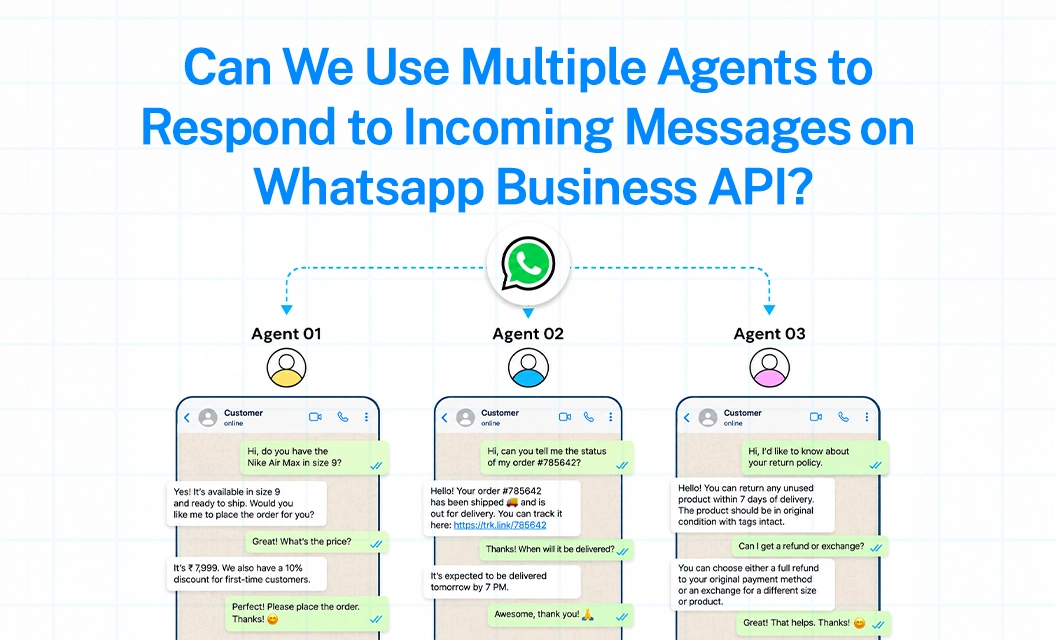
As your customer conversations grow, managing WhatsApp from a single account can quickly become difficult. Messages may be missed, replies can be delayed, and agents may struggle to see the full conversation history.
With WhatsApp Business API, businesses can connect one WhatsApp number to a shared team inbox, allowing multiple authorized agents to respond, collaborate, and manage customer conversations from one central workspace.
The important distinction is that WhatsApp Business API provides the messaging infrastructure, while the shared inbox or business platform provides the multi-agent workspace.
Why the WhatsApp Business App Breaks Down for Teams
The standard WhatsApp Business App allows a limited number of linked devices, but it wasn't designed for structured teams. Common problems businesses run into:
Only one agent can realistically own a conversation at a time.
No way to see who is handling which chat, or whether a customer has already been replied to.
No routing, every message lands in one inbox with no distribution logic.
No record of which agent said what, which becomes a problem for accountability and quality checks.
Once you have more than one or two people replying to customers, WhatsApp Business API multiple users support isn't optional, it's the reason to move to the API.
How Multiple Agents Work on the WhatsApp Business API
The API itself is just infrastructure, it's the platform layer (like Emovur's dashboard) that turns it into a usable, multi-agent WhatsApp Business API number. Here's what that typically includes:
Shared team inbox: every incoming message lands in one place, visible to the whole team, so nothing gets missed or double-handled.
Simultaneous logins: as many agents as you need can be logged in and replying at once, from the same WhatsApp Business API phone number.
Chat assignment: conversations can be assigned to a specific agent or team, either manually or automatically based on rules.
Internal notes and tags: agents can leave context for each other on a chat without the customer seeing it.
Conversation status: open, pending, and resolved states stop two agents from replying to the same customer at the same time.
Role-based access: admins, supervisors, and agents can have different levels of access and visibility.
This is what makes WhatsApp API for multiple agents practical at scale, 5 agents or 50, the number itself doesn't change, only how conversations are distributed across your team.
Setting Up Multi-Agent Access
Final Takeway:
Meta only provides the infrastructure for communication, while the shared inbox is an added layer for the infrastructure provided by your chosen BSP providers, so it’s very important for businesses to look for right provider who can give a value added automation tools to automate your workflow and reduce the manual follow-ups, and customer engagement.
Explore how conversations get distributed, assigned, and tracked across your team on our Shared Inbox, and if Emovur satisfies your business need, book a demo now.
FAQS
1. Can multiple people use WhatsApp Business API on the same number?
Yes. Multiple agents can log in and reply from a single WhatsApp Business API number at the same time, coordinated through a shared inbox rather than separate app installs.
2. Is there a limit to how many agents can use WhatsApp Business API multiple users features?
Most platforms, including Emovur, let you add agents based on your plan rather than a hard technical cap — you can start small and add more agents as your team grows.
3. How do agents avoid replying to the same customer twice?
A shared inbox shows conversation status (open, pending, resolved) and chat assignment in real time, so it's clear which agent owns each conversation.
4. Do customers see which agent is replying?
No. Customers only see your single business number and name — agent identity and internal notes stay visible to your team only.
5. Can I combine automation with multiple human agents?
Yes. A chatbot can handle FAQs or initial routing, then hand the conversation off to the right agent or team automatically.
6. How do I set up multiple agents on my WhatsApp Business API number?
Register your number with a Business Solution Provider like Emovur, invite your team into the dashboard, and turn on the shared inbox


