You have a list of phone numbers and an offer to share. So you write one message, hit send, and wait for the sales. Then the results arrive: few replies, a handful of clicks, and a few people who blocked your number.
The problem is rarely with WhatsApp. It is usually the planning. Most businesses send one message to a mixed list, write it like an ad with no clear next step, and pick a send time that suits the team instead of the customer. Templates get rejected or ignored, and nobody checks the results, so the next campaign repeats the same mistakes. This wastes your bulk messages and can hurt your number’s quality rating.
This guide fixes these problems one step at a time. You will learn how to build an opted-in list, split it into groups, match one goal to one template and pick a send time worth testing. You also get three promotional message templates to copy, and you will see how a whatsApp broadcast tool like Emovur handles the sending and scheduling for you.
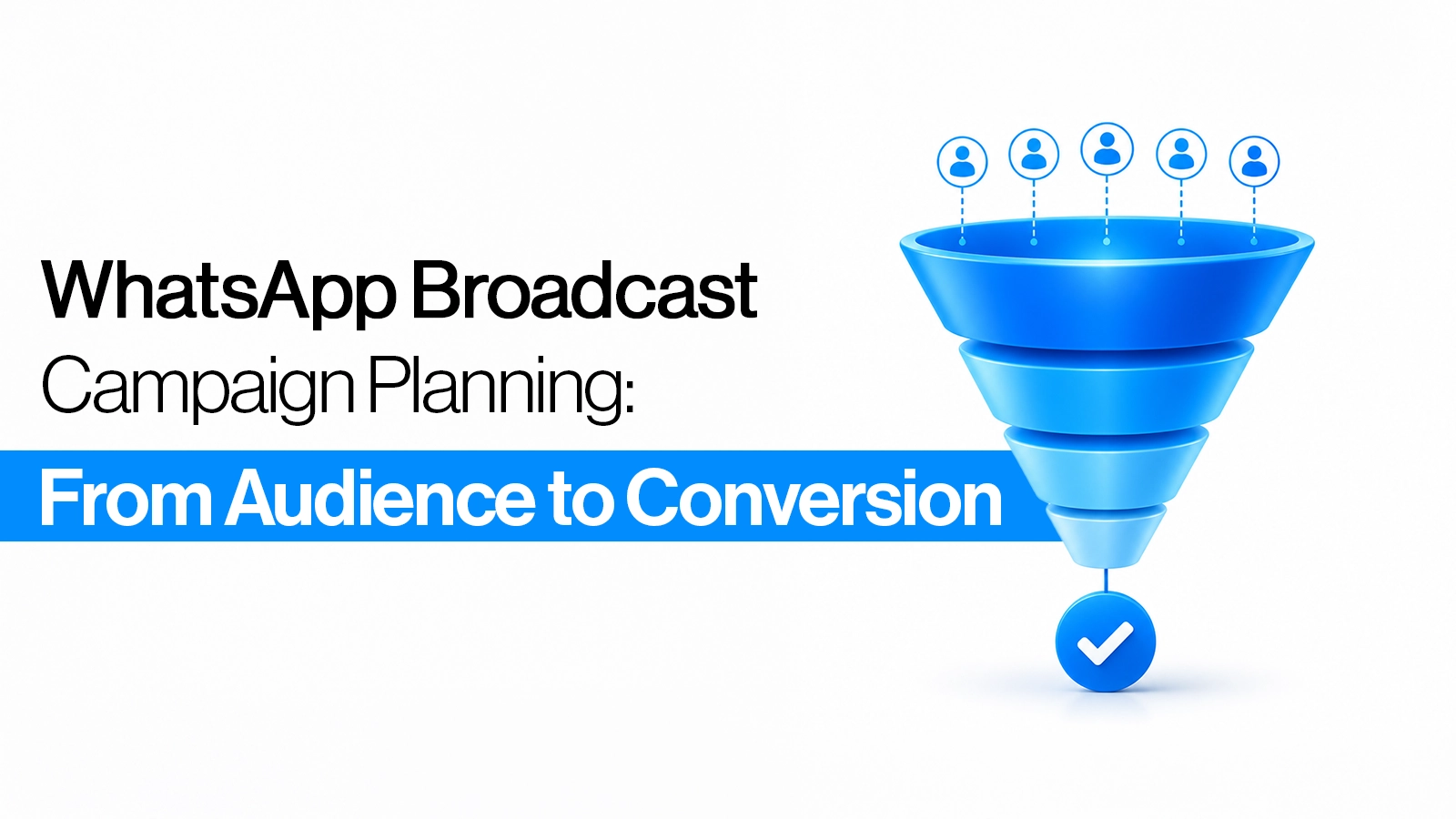
What makes a WhatsApp broadcast campaign convert?
A good broadcast comes down to five things:
people who opted in,
the right group, one clear offer,
an approved template and
good timing.
Get these right and the numbers can surprise you. WhatsApp’s own marketing guide reports click-through rates of over 50% for businesses using messaging campaigns. So the real question is not “does WhatsApp work?” It is “is my campaign built to work?”.
How to Build an Opted-In List for Your WhatsApp Broadcast
A broadcast is only as good as the people on it, so build the list on purpose. Ask for permission at the moments when a customer is already engaged:
A tick box at checkout or on your enquiry form
A “Get offers on WhatsApp” button on your website
A QR code at your store counter or on packaging
A click-to-WhatsApp ad, followed by a simple “Want updates and offers here?” message
Say what you will send and how often. People who know what to expect are far less likely to block you later.
How to Segment Your List Before Sending Bulk Messages
The same offer should not sound the same to everyone. Take a 20% discount. A new lead needs a reason to trust you, a past buyer wants a reward, and someone who enquired last month needs a gentle nudge:
New leads: “Here is 20% off your first order.”
Past buyers: “Thanks for shopping with us. Here is 20% off your next one.”
Enquired, did not buy: “Still thinking about it? This 20% offer ends Friday.”
Gone quiet: “We have missed you. Here is 20% off to come back.”
Same offer, four messages. In Emovur you can add numbers by hand, upload a CSV or pick a saved segment, and labels keep each group tidy. For a deeper look, see how to segment a WhatsApp broadcast audience.
Which Promotional Message Template Fits Your Campaign Goal?
WhatsApp Promotional Message Examples for Your Next Broadcast
Promotional messages fall under the Marketing category and need approval before you send. Variables are shown as {{1}}, {{2}}. Keep them short and make the offer obvious. More ideas in our promotional message examples.
Sale announcement
Hi {{1}}, our {{2}} sale is live till {{3}}. Get {{4}} off on your next order. Tap below to see the offer. Reply STOP to opt out.
Buttons: Shop now | Not now
Win-back
Hi {{1}}, it has been a while since your last order. Here is {{2}} off to welcome you back, valid till {{3}}. Want to see what is new?
Buttons: Show me | Visit store
Event invite
Hi {{1}}, we are hosting {{2}} on {{3}} at {{4}}. Seats are limited. Tap below to reserve yours.
Button: Reserve my seat
What is the best time to send a WhatsApp broadcast?
There is no single best time. Many Indian businesses start by testing 10 AM to 12 PM and 5 PM to 8 PM. B2B audiences often respond earlier in the day, and B2C audiences later in the afternoon or evening.
Test the same message at two times on small segments, then compare read and reply rates. Our guide on the best time to send a WhatsApp broadcast goes deeper. With Emovur you can schedule a broadcast so it goes out at your chosen time.
How Emovur helps you run the campaign
Emovur’s broadcast tool sends to many recipients using an approved template. You can:
Upload a CSV, enter numbers or pick a segment
Add text, media, dynamic variables and dynamic URLs
Set retry options and schedule for later
Choose what happens with duplicate numbers: send to both entries or send once.
Ready to run your first campaign?
Check reads, clicks and replies after every send. Then answer replies quickly, because that is where the sale happens. If you are new to the format, our guide to WhatsApp marketing messages explains how they work and what makes them perform. Planning a bigger send?
Your next campaign should not be a guess. Book a free Emovur demo and see how to send, schedule and track your WhatsApp broadcasts in one place.
FAQs
What is a WhatsApp broadcast campaign?
It is a planned message sent to many opted-in contacts, usually with an approved template, aimed at one goal such as a sale or sign-up.
Can I send bulk messages to any number?
No. Send only to people who opted in. Following WhatsApp’s business policy protects your number’s quality.
Which template category do promotional messages use?
Marketing. Approval is needed before sending.
How many people can I message at once?
It depends on your messaging tier. See our [broadcast limits] post.
What is a good success rate?
It varies by audience and offer. Track read, click and reply rates, then improve against your own past campaigns.