

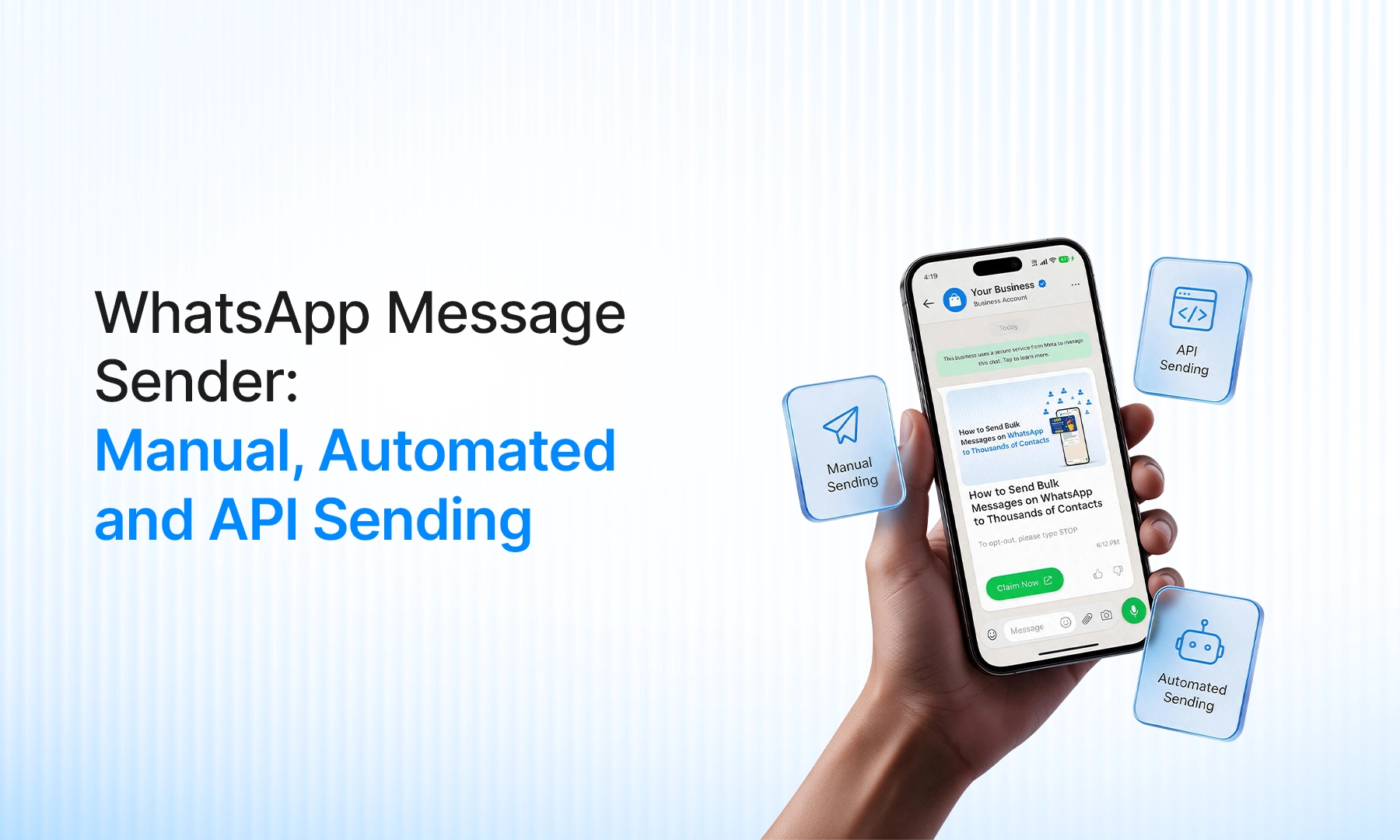
A WhatsApp message sender is any way you send WhatsApp messages for your business. You can type them by hand, use a tool that automates WhatsApp Web, or send through the WhatsApp Business API. They look alike on the surface. The difference shows up when your volume grows or your number gets restricted.
Which WhatsApp message sender should you use?
A few chats a day: manual sending is enough.
Regular campaigns, alerts or hundreds of contacts: use the API.
Automation tools on WhatsApp Web: fine for a quick test, risky for the number your business depends on.
Manual vs automated vs API: WhatsApp sending compared
Manual | Automated tools | API | |
How it works | You type and send in the app or WhatsApp Web | An extension or software controls WhatsApp Web | Official sending through a WhatsApp Business API provide |
Best for | One-to-one chats, small teams | Quick one-off pushes | Campaigns, alerts, scale |
Volume | Low | Medium | High |
Ban risk | Low | High | Low when you follow consent and template rules |
Templates needed | No | No | Yes, for business-started chats |
Delivery tracking | Basic ticks | Unreliable | Proper message status |
Manual WhatsApp message sending
This is the normal app. You open a chat and send. A broadcast list helps a little, but it only reaches people who have saved your number, and the app limits how many contacts a list can hold.
Manual works while you have a handful of customers. It stops working when you need to send the same update to hundreds of people, share one number across agents, or see who actually got the message.
Automated WhatsApp sender tools
These are browser extensions and desktop tools that run on top of WhatsApp Web. You load a contact list and the tool sends the messages one by one.
The catch is that these tools are not approved by WhatsApp. Sending many similar messages from a normal number is the pattern that gets numbers restricted or banned. You also get no template approval, no consent trail and no delivery data you can trust.
If you test one, never use your main business number.
WhatsApp API message sending
The API is the official route. You connect through a Business Solution Provider like Emovur.
Messages you start use templates approved in advance.
Customers must opt in before you message them.
Your daily sending limit starts low and grows as you keep sending quality messages. Our WhatsApp broadcast limits guide explains how.
You can send in bulk or trigger messages automatically, such as when an order is placed or a form is filled.
Meta charges per message, and your provider adds its own platform fee. See WhatsApp broadcast pricing for the breakdown.
How sending works on Emovur
On Emovur, you create a broadcast using an approved template. Add recipients by typing numbers, uploading a CSV or picking a saved segment. Map the template variables, set retry options, then send now or schedule it for later.
If a number appears twice in your CSV, you choose whether to send to both entries or only once. If you want the full steps, read how to send a WhatsApp broadcast message for business.
How to choose your WhatsApp sender
Your situation | Best option |
Under 50 customers, you reply personally | Manual |
One-time test with a throwaway number | Automated tool |
Regular offers, reminders or order updates | API |
More than one agent on the same number | API |
You need delivery reports and consent records | API |
FAQs
What is a WhatsApp message sender?
It is any method used to send WhatsApp messages: the app itself, a third-party automation tool, or the WhatsApp Business API. Businesses usually mean a tool that sends the same message to many contacts.
Is it safe to use a WhatsApp sender extension?
It carries real risk. These tools are not approved by WhatsApp and can trigger restrictions or a ban on your number. If you rely on that number for customers, avoid them.
Can I send WhatsApp messages to many contacts without the API?
Only in small numbers. Broadcast lists in the app reach just the contacts who saved your number and have a cap on list size. Beyond that, people turn to unofficial tools, which is where bans happen.
Do I need the API to send automated WhatsApp messages?
For approved, reliable automation, yes. The API lets you trigger messages from events like a purchase or sign-up, using approved templates and opt-in contacts.
How much does it cost to send messages through the API?
Meta charges per message based on the category, and the provider charges for the platform. The total depends on your volume and message type, so check current rates on the pricing page.
Ready to send on the official route?
Check Emovur pricing to see what API sending costs, and we will walk you through your first broadcast.