


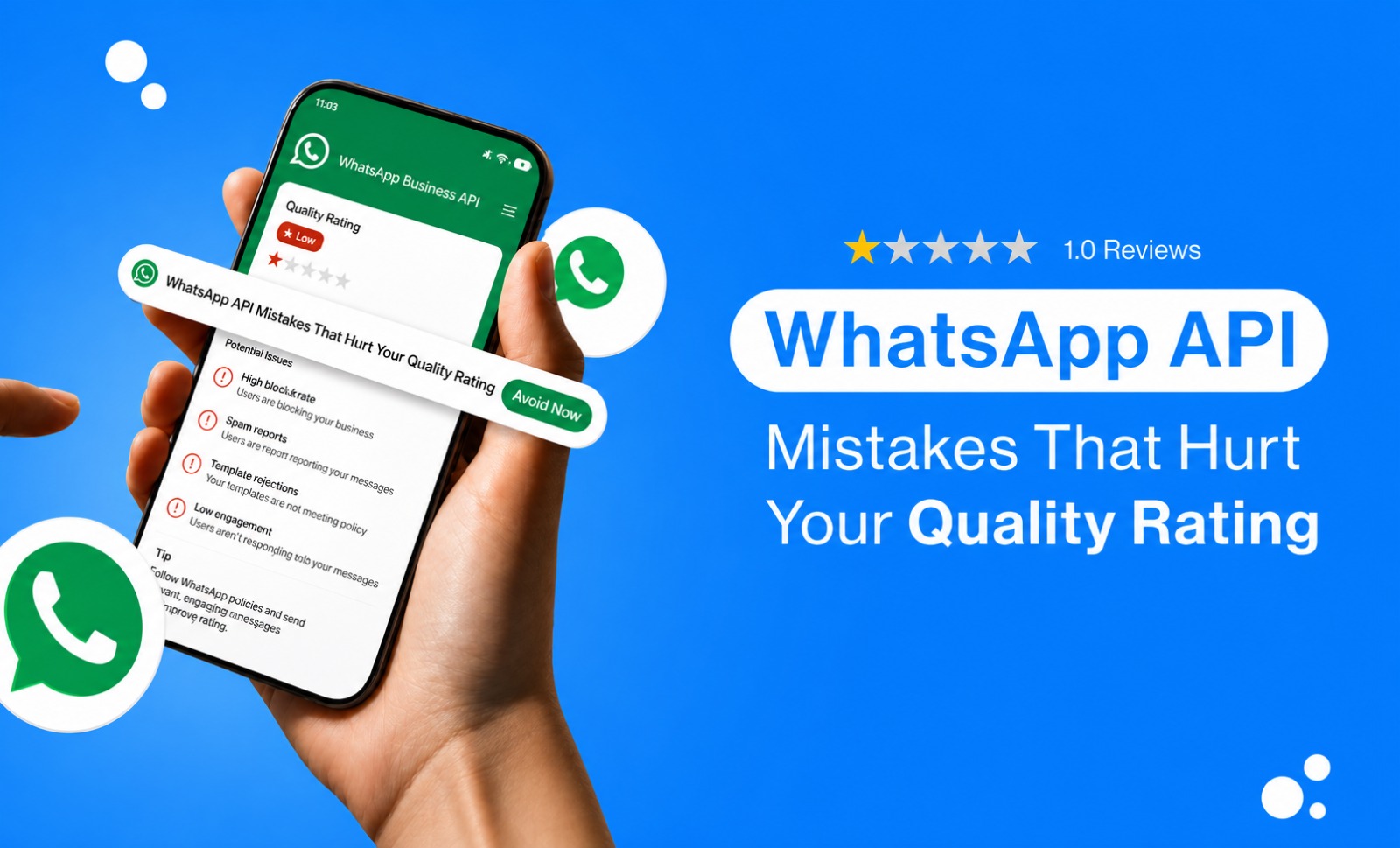
If your WhatsApp quality rating keeps slipping and you can't point to an obvious reason, the cause is usually not one bad campaign. It's a handful of operational habits running quietly in the background, none of which look like a violation on their own. Teams tend to check the content of their messages when quality drops, when the real issue is how sending is managed day to day.
1. New numbers sent at full volume too soon
A brand-new number, or one just migrated from another provider, has no sending history. Meta reads early behavior closely. Businesses that launch straight into full-volume broadcasts on a fresh number often see quality dip within the first week, simply because the number hasn't built any positive engagement signal to offset the initial send.
Solution: Ramp new numbers gradually. Start with smaller, well-targeted sends to your most engaged contacts before scaling to full lists.
2. Messaging contacts who opted in but never engaged
An opt-in doesn't expire, but interest does. A contact who opted in eighteen months ago and hasn't opened, replied, or clicked since is far more likely to block or report a message than someone who engaged last week. Treating a stale contact the same as an active one is one of the quieter ways block rates creep up.
Solution: Segment your audience based on how recently they engaged with you. For inactive contacts, use a separate, low-frequency re-engagement flow instead of including them in your regular broadcasts.
3. Multiple teams sharing the same audience a different broadcast
Marketing, support, and sales often use the same number without visibility into each other's sends. A customer who gets a promotional broadcast, a support follow-up, and a sales nudge in the same day didn't get three relevant messages. They got frequency fatigue from a business that looks disorganized on its end.
Solution: Centralize send scheduling across teams, even informally with a shared calendar, so total volume per contact stays visible.
4. Personalization Errors That Lead to Generic Messages
A template using {{1}} and {{2}} only feels personalized when those fields are populated correctly. A missing name, incorrect order number, or blank merge field can quickly make a message look like a failed mail merge rather than a genuine one-to-one message. Even if the audience targeting is right, these small errors can make the message feel generic.
Solution: Test every template with realistic sample data before sending a live broadcast, rather than testing it only during the approval stage.
5. Not honoring opt-out and STOP-keyword requests properly
Adding opt-out instructions to a template is only half the job. If a contact replies STOP and your system doesn't remove them everywhere, CRM, ecommerce platform, and the WhatsApp sending tool, they'll keep getting messaged, and the next step for that contact is usually a block or a report rather than a second unsubscribe attempt.
Solution: Automate STOP-keyword handling so it syncs across every connected system, not just the WhatsApp sending tool.
6. Skipping pre-send template checks
Broken buttons, incorrect links, or CTA typos can make a message look unprofessional and lead to confusion or complaints, which can affect message quality.
Solution: Use a quick pre-send checklist to verify buttons, links, personalization fields, and the template category.
7. Using the wrong template category
Misclassifying templates goes beyond putting promotional content under Utility. Authentication templates used for general messages, or repeatedly submitting Marketing content under another category, can also create problems. If the content and declared category don't match, it can affect your account standing over time.
Solution: Regularly review your templates and make sure their category matches how they're actually being used.
Final Takeaway:
Most of these mistakes are invisible in a content review because they're not about what you're sending. They're about how sending is managed around the message. If your team is checking quality reactively and only at the number level, see how WhatsApp quality rating is actually calculated to understand what signals you should be watching for instead.
See Emovur's WhatsApp Business API to see how that works in practice.
FAQs
Can several small mistakes combine to hurt quality even if none of them alone would?
Yes. Quality rating reflects recent recipient behavior in aggregate, so a stale segment, a slightly broken template, and an uncoordinated extra send in the same week can compound even though each looks minor in isolation.
Does a mistake on one number affect other numbers under the same account?
Quality is tracked per phone number and per template, not shared across every number on an account, so a problem on one number doesn't automatically drag down another. Send behavior patterns across your team, however, tend to repeat across numbers if they're not caught.
Can a newly migrated number get flagged faster than an established one?
A migrated or new number has little to no sending history to offset a rough batch of sends, so negative signals tend to show up faster and more visibly than on a number with an established track record.
How do I figure out which specific behavior caused a drop?
Start with template-level quality in WhatsApp Manager, not just the number-level status, and cross-reference against what changed recently: a new list, a new template, a new sending team, or a gap in opt-out handling.
Is checking quality once a month often enough?
Not usually. Quality reflects recent recipient feedback, so a monthly check can miss a dip that's already affected your messaging limit by the time it's noticed. A weekly cadence catches problems while they're still small.
People also look for:
How to get whatsApp Business API in India step by step guide


