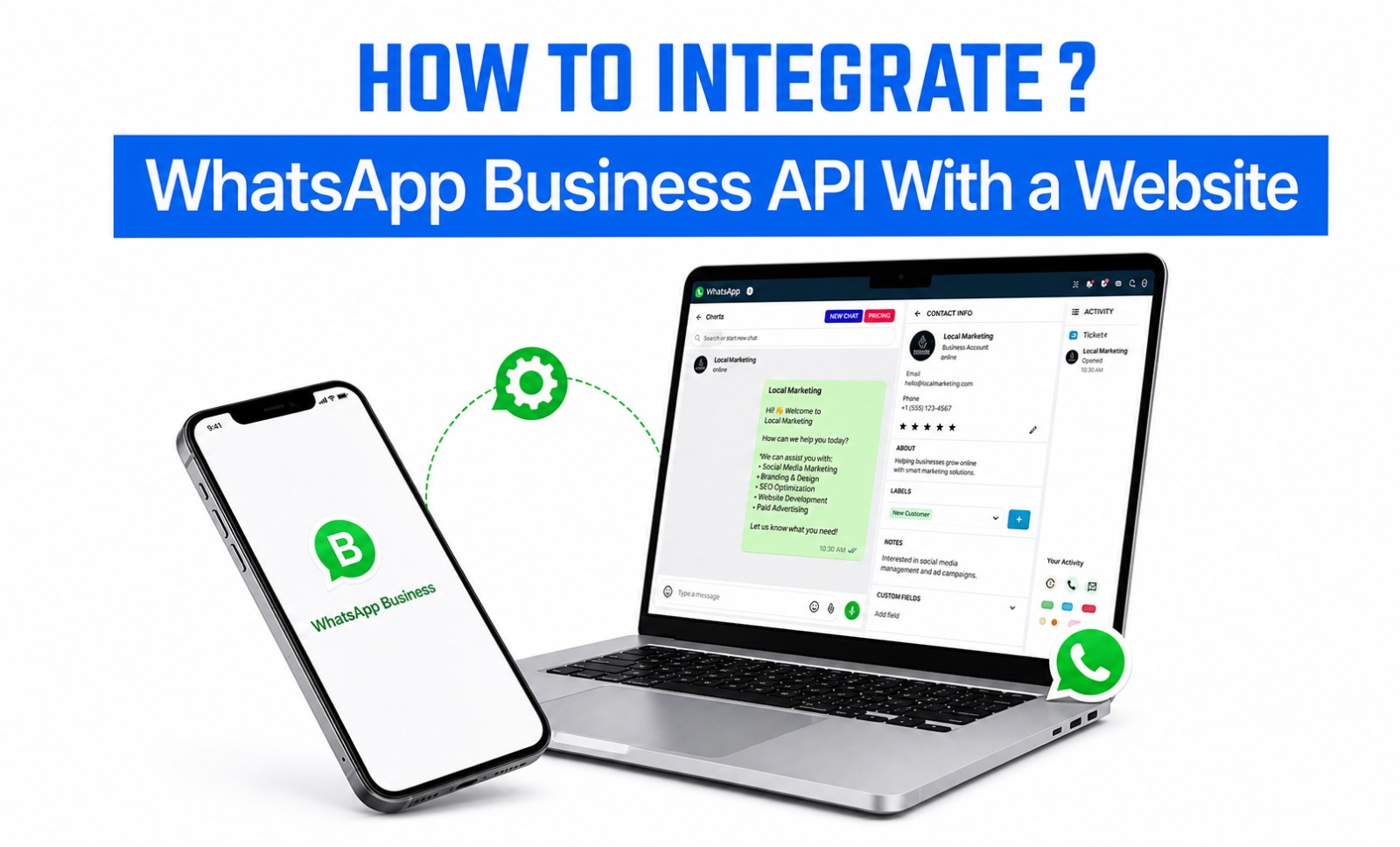
Integrating WhatsApp with your site lets visitors move from browsing to chatting without a hard switch. A good whatsapp business integration can capture leads, send order updates, answer support questions, and connect chats to your CRM or sales flow.
The WhatsApp Business API is more than a chat box. It is a message system that needs the right account setup, templates, opt-ins, and integration path.
Before You Start WhatsApp Business API Integration
Before you begin, you need a Meta Business account, a phone number for the WhatsApp Business Platform, and a clear use case for each message you send. The number should not already be active on a normal WhatsApp or WhatsApp Business app account unless you are ready to move it.
You also need to choose between Meta's Cloud API and a Business Solution Provider. Cloud API gives you direct access. A BSP adds setup help and extra tools.
For most small and mid-sized teams, a BSP such as Emovur, Wati, Twilio, 360Dialog, or a similar provider is the faster path. These tools often add a shared inbox, chatbot builder, team assignment, campaign tools, and CRM links on top of the core API.
If your business has a tech team, you can still build a more custom WhatsApp API integration, but the work does not disappear.
The Website Integration Flow
A website integration usually has three parts:
The customer entry point, the API or BSP layer, and the business system that sends or receives data.
The entry point may be a Chat on WhatsApp button, a lead form, a checkout step, or a support request. The API layer routes messages and webhooks.
Your CRM, helpdesk, ecommerce system, or database stores the context.
A simple integration checklist looks like this:
A Simple Launch Plan
Start with one high-value flow instead of connecting everything at once. For example, link your website enquiry form to WhatsApp and your CRM. When a visitor submits the form, send an instant WhatsApp acknowledgement, create a lead, assign it to a sales rep, and log future replies.
Once that works well, add more flows such as order updates, support alerts, payment reminders, or focused campaigns. This phased approach keeps the project manageable and helps you learn message costs, team load, and customer response patterns before you scale.
Final Takeway:
A successful WhatsApp Business API integration is part tech setup and part communication plan. Choose the right platform, respect opt-ins, connect WhatsApp to the systems your team already uses, and build around real customer moments.
Done well, WhatsApp becomes more than a chat button on your site. It becomes a fast, trackable, and scalable customer engagement channel.
FAQs:
Should a business start with the WhatsApp Business app or the WhatsApp Business API?
Start with the WhatsApp Business app if one person or a small team needs basic manual chat handling, labels, quick replies, and a simple profile. Choose the WhatsApp Business API when you need automation, multiple agents on one number, CRM or helpdesk sync, website-triggered messages, approved templates, and analytics.
Is a BSP required for WhatsApp Business API integration?
A BSP is not required because businesses can connect through Meta's Cloud API directly. But a BSP can make setup easier with dashboards, shared inboxes, chatbot tools, campaign management, team assignment, and ready-made connectors. This is often the fastest path for small and mid-sized businesses that do not want to build every flow from scratch.
Why are opt-ins and templates so important?
Opt-ins and templates help decide what messages your business can send and whether the account stays compliant. Customers should clearly know what kind of WhatsApp communication they agree to receive. Templates matter for business-initiated messages such as order updates, appointment reminders, verification codes, payment reminders, and marketing messages.
What costs should businesses consider before launching?
Businesses should review BSP subscription fees, Meta conversation or message charges, automation add-ons, and any custom development costs. For high-volume marketing use cases, it is smart to test reply quality, conversion rates, and customer engagement before scaling campaigns aggressively.
People also look for?
How to get whatsApp business Api in India : step by step guide