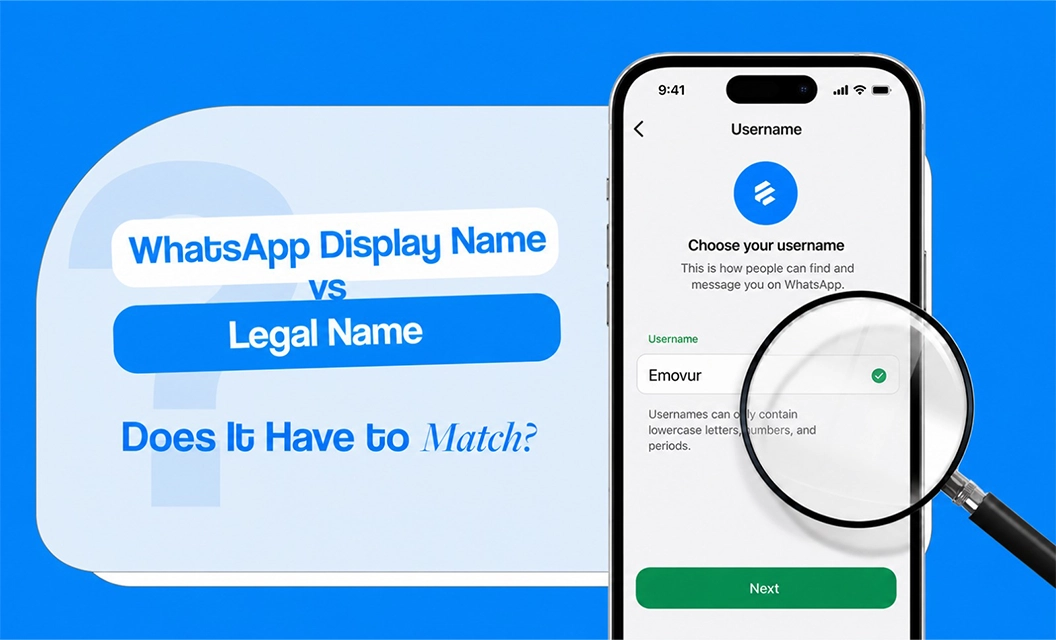
If you're stuck at the display name field during WhatsApp Business API setup, unsure whether to type your exact GST certificate name or the name customers actually recognise you by, you're not alone ,this is one of the most common pause points during onboarding.
Short answer: No, your WhatsApp display name does not have to be identical to your legal business name. It does have to be a clear, recognisable version of it — one Meta can trace back to your registered business through your documents or your website.
Accepted vs. Not Accepted Examples
Meta treats this differently depending on your verification status:
If your display name doesn't match your legal name word-for-word, Meta checks your website next. As long as your business name appears consistently in your website header, footer, or business details, a close variation is usually accepted.
What Meta Actually Checks
Beyond the name-matching question, every display name goes through a few consistent checks:
No all-capital letters: and no altered spacing from your registered name
No extra words: other than location, department, or function (for example, "Test" or "Support" is fine — "Official" or "Verified" is not)
No reference to Meta or its products: (WhatsApp, Facebook, Messenger cannot appear in the name)
No promotional language: offers, discounts, or slogans aren't allowed
Consistency with your website: your business name has to appear the same way across both
Where This Trips People Up During Onboarding
The most common failure isn't picking the "wrong" name — its inconsistency. If your Meta Business Manager profile, your GST certificate, and your website each show a slightly different version of your business name, that mismatch is what triggers rejection, not the display name itself. This is the same inconsistency that adds days to setup during business verification, so it's worth locking down one consistent name across all three before you submit anything.
If you haven't started verification yet, check that your business documents and website are ready before you get to this step — it saves a rejection cycle later. If you're already mid-setup, the full step-by-step onboarding guide covers exactly where business verification and name-matching fit into the process.
Final Takeway:
Getting your display name right the first time avoids one of the more common delays in WhatsApp Business API setup. If you'd rather have this handled for you, see Emovur's WhatsApp Business API pricing and we'll walk through verification and setup with you.
FAQs
Can I use a shortened version of my business name as my display name?
Yes, once your business is verified. Unverified businesses need a closer match to their registered legal name.
What happens if my display name gets rejected?
Meta tells you the reason. You can edit and resubmit, but each change triggers a fresh review, so it's worth getting the name right the first time rather than submitting variations to test.
Does my display name have to match my website exactly?
Not exactly, but the connection has to be visible. If your legal name and display name differ, Meta looks at your website to confirm the two are linked.
Can I change my WhatsApp display name later?
Yes, but every change — including moving numbers between providers — triggers a new Meta review, so treat it as a considered decision rather than something to tweak casually.
Does business verification affect display name approval?
Yes. Verified businesses get more flexibility to use common name variations; unverified businesses are held to a stricter match against registration documents.