


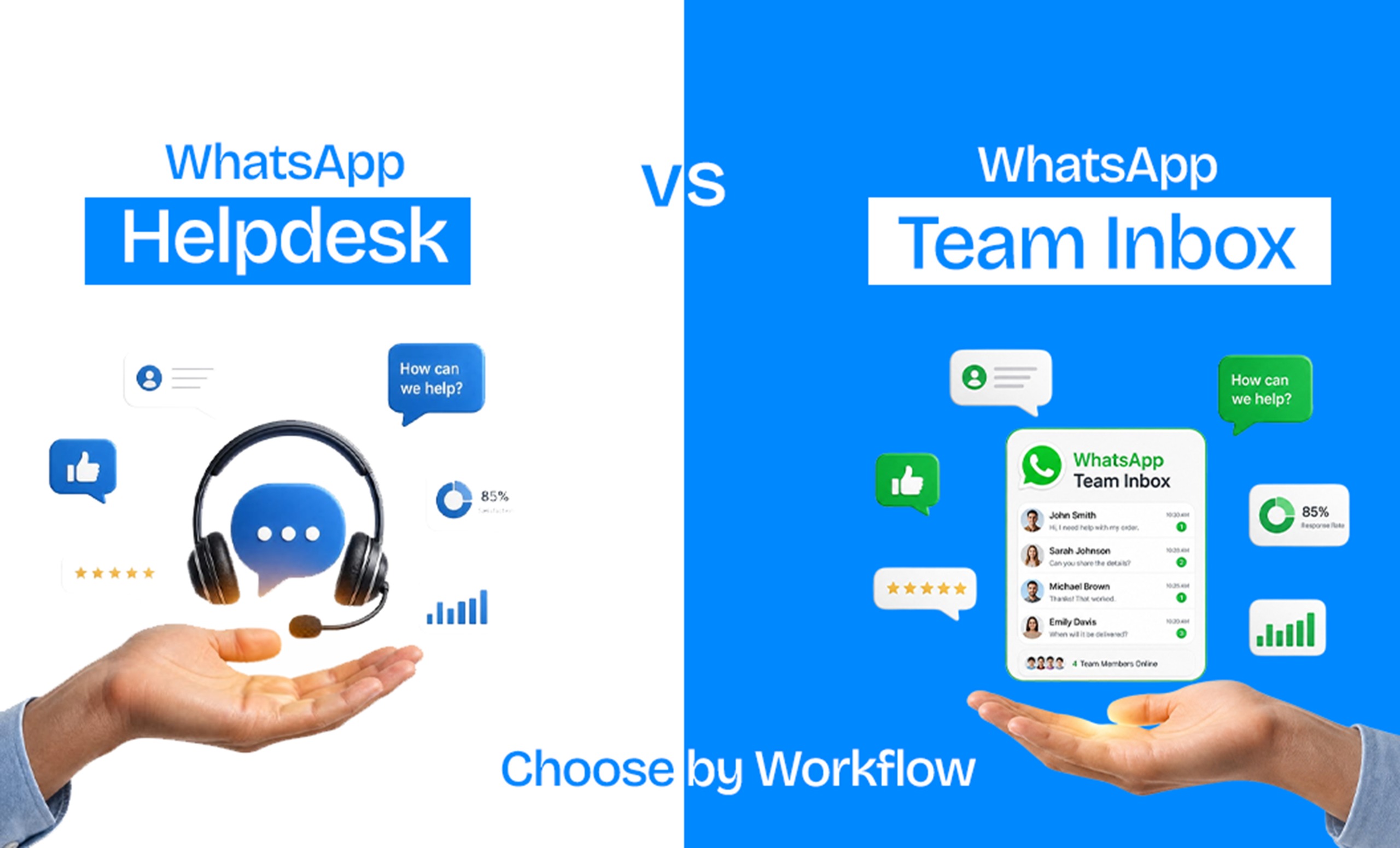
If your team is juggling WhatsApp replies from a shared phone, or spreadsheet, or three people logged into the same account, you're already past the point where "just wing it" works. The real question is neither you need a tool — it's whether you need a team inbox or a full helpdesk system, and that depends entirely on how your team actually works, not on which tool has more features.
How Shared Inbox and Helpdesk helps businesses based on their workforce?
Use Team Inbox if your team mainly handles WhatsApp conversations directly — assigning chats, replying fast, and keeping context in one thread.
Use a helpdesk if you're managing WhatsApp alongside email, calls, and other channels, need ticket tracking, SLAs, or reporting across departments, and WhatsApp is one piece of a larger support operation.
How Shared inbox and helpdesk differs based on the usability?
Choose a Team Inbox if:
WhatsApp is your primary or only support/sales channel
Your team is small enough that everyone can see who's handling what without formal ticket routing
Speed matters more than reporting depth — customers expect a WhatsApp-fast reply, not a ticket confirmation email
You want your team live on WhatsApp without weeks of setup
Choose a Helpdesk if:
You're supporting customers across WhatsApp, email, calls, and web chat, and need one view across all of them
You have SLA commitments to meet and need to prove it with reporting
Multiple departments (sales, support, billing) need structured routing rather than manual assignment
Compliance or audit requirements mean every interaction needs a formal ticket trail
Final Takeway:
If WhatsApp is central to how you sell or support customers and you want your team collaborating without the overhead of a full helpdesk, a purpose-built WhatsApp team inbox is usually the faster, cheaper starting point — and most teams can grow into more structured routing later if they need it.
FAQs
Can I use a WhatsApp team inbox and a helpdesk together?
Yes — some businesses route WhatsApp through a team inbox for fast day-to-day replies while feeding structured or escalated cases into a helpdesk for tracking. This works best when the two systems are integrated rather than run in parallel with no connection.
Does a team inbox support multiple agents on one WhatsApp number?
That's the core purpose of a team inbox — multiple agents work from one WhatsApp Business number, with chats assigned so replies don't overlap or get missed.
Is a helpdesk overkill for a small team?
Often, yes. If you're under roughly 5-10 agents and WhatsApp is your main channel, the setup and reporting overhead of a help desk usually outweighs the benefit until your support volume or channel count grows.
Can I switch from a team inbox to a helpdesk later?
Most businesses can migrate as they scale — the earlier decision should be based on current workflow needs, not a guess about future size.
What's the biggest workflow sign that I need a helpdesk instead of an inbox?
If you're already tracking SLAs manually, juggling more than two support channels, or losing visibility into who owns what conversation, that's the clearest signal you've outgrown a simple inbox model.


