


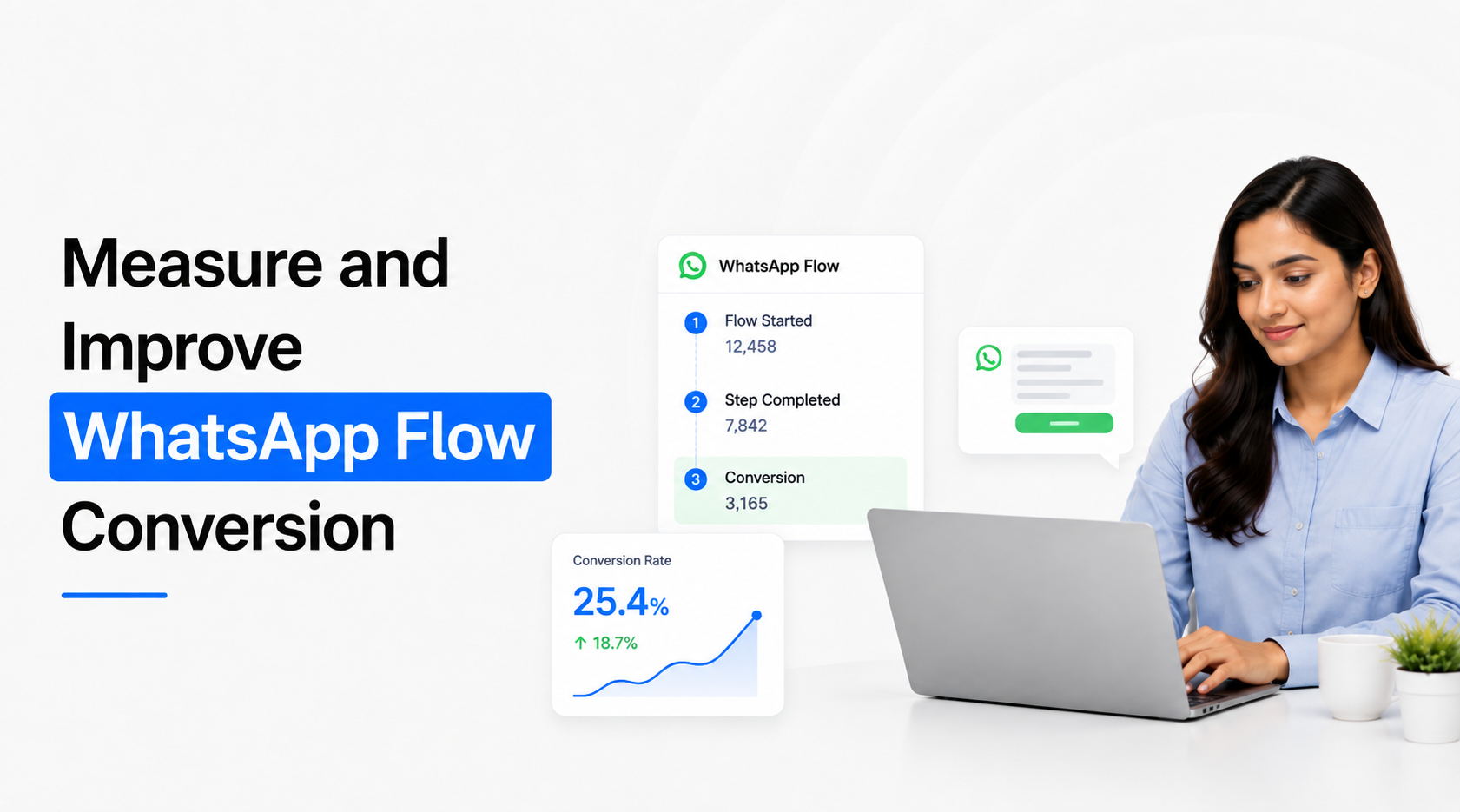
WhatsApp Flow conversion should measure more than how many users submit the final screen. A useful measurement framework tracks whether customers enter the Flow, progress through the required journey, successfully submit information and then complete the business outcome the Flow was designed to create, such as becoming a qualified lead, booking an appointment or completing a purchase. To improve conversion, businesses need to identify where users abandon, separate UX friction from technical failures, test one meaningful change at a time and optimise for downstream outcomes rather than simply shortening every Flow.
WhatsApp positions Flows as task-focused experiences intended to simplify interactions and reduce customer drop-off. Meta also provides Flow status, error and endpoint-performance monitoring for technically integrated Flows.
Define What “Conversion” Means Before Measuring the Flow
The first mistake in WhatsApp Flow analytics is using submission as the only definition of success.
Suppose a B2B qualification Flow receives 1,000 users and 700 complete it. A 70% completion rate sounds strong. But if only 40 submissions meet the company's qualification criteria and only six eventually become opportunities, the Flow should not be judged solely by its completion percentage.
There are usually two conversion layers.
Flow conversion measures whether customers successfully complete the structured experience.
Business conversion measures whether that completed experience produces the intended business outcome.
For a lead-generation Flow, the real sequence might be:
Flow Entry → Flow Completion → Qualified Lead → Sales Accepted Lead → Demo → Opportunity
For appointment booking:
Flow Entry → Booking Request → Valid Booking → Appointment Confirmed → Appointment Attended
For ecommerce:
Flow Entry → Product Selection → Checkout/Payment → Successful Order
This distinction matters because a design change can improve one metric while damaging another. Removing qualification questions may increase Flow completion but send more irrelevant enquiries to sales. Adding one important qualification field may slightly reduce submissions while increasing qualified-lead rate.
The optimization target therefore needs to reflect what the Flow exists to achieve.
Build a Measurement Funnel Around the Customer Journey
Instead of looking at one overall number, measure the Flow as a sequence of transitions.
A practical WhatsApp Flow measurement framework looks like this:
Not every implementation will expose every one of these stages automatically.
WhatsApp provides general messaging analytics and technical Flow monitoring, while businesses may need their own application, partner platform, webhook data, CRM or analytics layer to build more detailed conversion reporting. Meta specifically notes that businesses can create their own dashboards and integrations when more rigorous WhatsApp measurement is required.
This is important when discussing screen-level Flow conversion. Do not assume that every Meta interface automatically provides a complete Google Analytics-style visualization showing abandonment on every individual Flow field.
Instrument the events that your implementation can reliably capture, and combine them with the submitted response and downstream CRM data.
Separate Customer Drop-Off From Technical Failure
When WhatsApp Flow conversion falls, the Flow design is not always responsible.
Dynamic Flows can communicate with backend endpoints for activities such as retrieving availability, validating information or submitting live data. Meta provides endpoint metrics including request counts, availability, request errors, error rates and latency.
This creates two very different categories of conversion problems.
Customer-experience friction
The Flow technically works, but users choose not to continue because the experience becomes difficult or irrelevant.
Typical signals include confusing questions, too many required decisions, asking for sensitive or high-effort information too early, irrelevant screens, unclear answer options or no obvious benefit for continuing.
Technical friction
The customer wants to continue, but the infrastructure makes completion difficult or impossible.
Examples include slow endpoint responses, unavailable appointment information, errors retrieving dynamic options, submission failures, backend validation problems or Flow configuration errors.
These require different solutions.
Removing three questions will not fix a backend endpoint returning errors. Increasing server capacity will not fix a qualification Flow asking customers twelve questions before telling them what happens next.
Create a technical-health view alongside the conversion dashboard. Meta's official Cloud API tooling currently exposes Flow endpoint availability, request count, request latency and error metrics specifically for this type of operational monitoring.
A sudden conversion decline should therefore trigger two questions:
Did customer behaviour change?
and
Did the Flow or connected infrastructure change?
Check both before redesigning anything.
Diagnose the Weakest Transition, Not the Entire Flow
Once the measurement framework is working, identify where the largest meaningful loss occurs.
Imagine this simplified qualification journey:
The main problem is clearly not the final submission screen. It is the qualification stage.
The next task is understanding why.
Perhaps the Flow asks for budget too early. Maybe the options do not reflect how customers think. Perhaps the customer does not understand why company size is required. Maybe an open-text requirement forces too much typing. Or perhaps a dynamic data request on that screen is failing.
Do not respond by redesigning every screen simultaneously.
Investigate the weak transition first.
A useful diagnostic process asks whether the problem relates to relevance, effort, clarity, trust, technology or expectation.
If customers abandon the first stage, check whether the message that opened the Flow accurately described what would happen.
If abandonment occurs around a specific question, assess whether the question is necessary and understandable.
If people complete the Flow but few valid records reach CRM, investigate data mapping and webhook processing.
If submissions are high but business conversion is poor, investigate the qualification criteria rather than Flow UX.
The objective is to find where value is leaking from the journey, not to continuously redesign the interface.
Measure the Quality of Completed Flows
A high completion rate can hide a poorly qualified customer journey.
This is especially important for lead-generation Flows.
Suppose two versions produce:
Flow A looks better if optimization stops at submission.
Flow B may be substantially more valuable to the business.
For lead-generation use cases, combine Flow metrics with fields such as qualification status, sales acceptance, next action and eventual opportunity outcome.
For appointment Flows, connect submission with actual confirmed appointments rather than counting every requested time slot as a booking.
For payment or commerce Flows, connect the completed structured journey with successful payment or order confirmation rather than counting people who merely reached checkout.
Meta's broader WhatsApp measurement guidance recommends mapping conversion events across both in-thread and off-thread customer journeys instead of judging performance through one messaging metric.
This principle is particularly important with Flows because the task completed inside WhatsApp is often only one stage of a larger customer journey.
Improve Conversion by Reducing Unnecessary Effort
Once you know where the problem occurs, reduce the effort required to progress through that stage.
This does not automatically mean deleting screens.
WhatsApp Flows support simple forms, multi-screen workflows, conditional logic and connected endpoint experiences. The design opportunity is to use that flexibility to make each customer complete only the steps relevant to their situation.
The most useful optimization changes usually fall into a small number of categories:
Remove unnecessary fields: If an answer does not affect qualification, routing, service or the next action, question whether it needs to be collected now.
Reorder difficult questions: Establish customer intent and context before asking for information requiring more effort or trust.
Replace unnecessary free text: Use structured choices when the expected responses are known, while keeping an appropriate “Other” path where required.
Use conditional branching: Do not make every user answer questions relevant only to one product, location or customer type.
Reuse existing context: Avoid asking for information already known from the campaign, conversation or connected customer record.
Clarify the outcome: Customers are more likely to finish when they understand what completing the Flow will achieve.
The right question is not simply “How can we shorten this Flow?”
Ask:
“Which customer effort can we remove without weakening the business outcome?”
That keeps conversion optimization from turning a useful qualification process into a meaningless three-field contact form.
Test Flow Changes Systematically
WhatsApp Flow optimization should use controlled testing rather than repeated subjective redesign.
Meta's current WhatsApp measurement guidance recommends maintaining a testing agenda and using A/B testing to understand incremental impact across business messaging strategies.
Apply the same discipline to Flow optimization.
Test a meaningful hypothesis such as:
Hypothesis: Budget is being requested too early and causes qualified prospects to abandon.
Change: Move budget after requirement and product selection.
Primary metric: Conversion through the qualification stage.
Quality guardrail: Qualified lead rate must not decline.
Or:
Hypothesis: Open-text requirement collection requires too much effort.
Change: Replace it with five common use cases plus an Other option.
Primary metric: Completion of the requirement stage.
Quality guardrail: Sales acceptance rate remains stable.
Avoid changing question order, copy, number of fields, CTA and branching simultaneously. Even if conversion improves, you will not know what caused the improvement.
For published WhatsApp Flows, implementation management also matters. Meta's current Flows API documentation notes that published Flow assets become immutable; updates generally require creating a new Flow/version rather than altering the published experience in place.
This makes clear version naming and experiment documentation valuable.
Track:
Flow Version → Change Made → Test Period → Traffic/Users → Completion → Business Outcome
Without version discipline, teams can easily compare results from different Flow designs without realizing the underlying experience changed.
Compare Segments Before Declaring a Flow Successful
Overall conversion rate can hide very different customer behaviours.
A Flow may perform strongly for existing customers but poorly for new prospects. Mobile customers entering from a CTWA ad may behave differently from people arriving through an organic website enquiry. Enterprise leads may require more qualification than SMB leads.
Break down performance where the data volume and implementation allow useful analysis.
Relevant dimensions can include traffic source, campaign, customer type, product, geography, language, new versus existing customer, Flow version and qualification path.
Suppose the overall Flow completion rate is 72%.
That number appears acceptable.
But segmentation reveals:
Website Organic: 86%
QR Code: 81%
CTWA: 68%
Cold Marketing Re-engagement: 41%
Now the problem looks very different.
The Flow itself may not need redesign. The lowest-performing audience may simply be entering without sufficient intent or context.
This is why WhatsApp Flow conversion should be analysed alongside the message, campaign or customer journey that caused the Flow to open.
You are measuring an experience, not an isolated form.
Connect Flow Responses With CRM Outcomes
For lead-generation and qualification Flows, the most useful analytics usually appear after the submitted response leaves WhatsApp.
A connected record might contain:
Flow Name: Enterprise Demo Qualification
Flow Version: V3
Source: Website Pricing Page
Requirement: CRM + WhatsApp Integration
Company Size: 100–250
Timeline: 1–3 Months
Qualification: High Fit
Sales Status: Accepted
Demo: Completed
Opportunity: Created
This makes it possible to compare not only which Flow generates more submissions, but which Flow generates stronger pipeline.
Emovur WhatsApp Flows supports structured Flow response collection, CSV export and webhook-based transfer of responses into connected workflows.
Once that information reaches CRM, the business can calculate metrics such as:
Flow Completion → Qualified Lead Rate
Qualified Lead → Sales Acceptance
Completed Flow → Appointment/Demo
Completed Flow → Opportunity
Completed Flow → Purchase
This is where Flow optimization becomes commercially meaningful.
A UX change that improves completion by 12% but lowers opportunity creation may be a poor change. A change that reduces completion by 4% but increases qualified opportunities significantly may be valuable.
Measure the entire chain.
Use a Simple WhatsApp Flow Conversion Scorecard
Teams do not need dozens of metrics in the weekly review.
A compact scorecard can combine customer behaviour, technical reliability and business outcome.
Use your own baseline rather than chasing a generic “good WhatsApp Flow conversion rate”.
A simple appointment Flow and a complex enterprise qualification Flow should not be expected to produce identical completion rates. Traffic source, customer intent, number of required decisions, use case and qualification depth all influence performance.
The better comparison is:
How does this Flow perform against its previous version and against the business process it replaced?
Meta's original Flow launch highlighted Lenovo's appointment-booking implementation, where the company reported an 8.2X increase in booking conversion compared with its website experience. Meta explicitly presents these as business-specific outcomes rather than universal Flow benchmarks.
Use case studies to understand possibilities, not to manufacture targets for your own dashboard.
Optimize for the Outcome the Customer Came to Complete
The strongest approach to measure and improve WhatsApp Flow conversion combines three layers of measurement:
Customer Experience → Technical Reliability → Business Outcome
First, determine whether people can successfully progress through the structured task. Then make sure endpoint errors, latency or integration problems are not creating invisible friction. Finally, connect the completed Flow with CRM, booking, payment or sales data to determine whether submissions are producing the intended result.
A practical optimization cycle is:
Define Conversion → Establish Baseline → Identify Weakest Transition → Diagnose UX vs Technical Cause → Change One Important Variable → Compare Flow and Business Outcomes → Keep or Reject the Change
WhatsApp Flows were designed to help customers complete structured actions inside the conversation rather than move through unnecessarily cumbersome external processes. Meta also provides webhook and endpoint monitoring specifically to help businesses identify technical issues and optimise these experiences.
The objective should therefore not be the highest possible submission percentage.
It should be the highest sustainable percentage of relevant customers who can complete the Flow successfully and reach the business outcome the Flow was built to create.


