


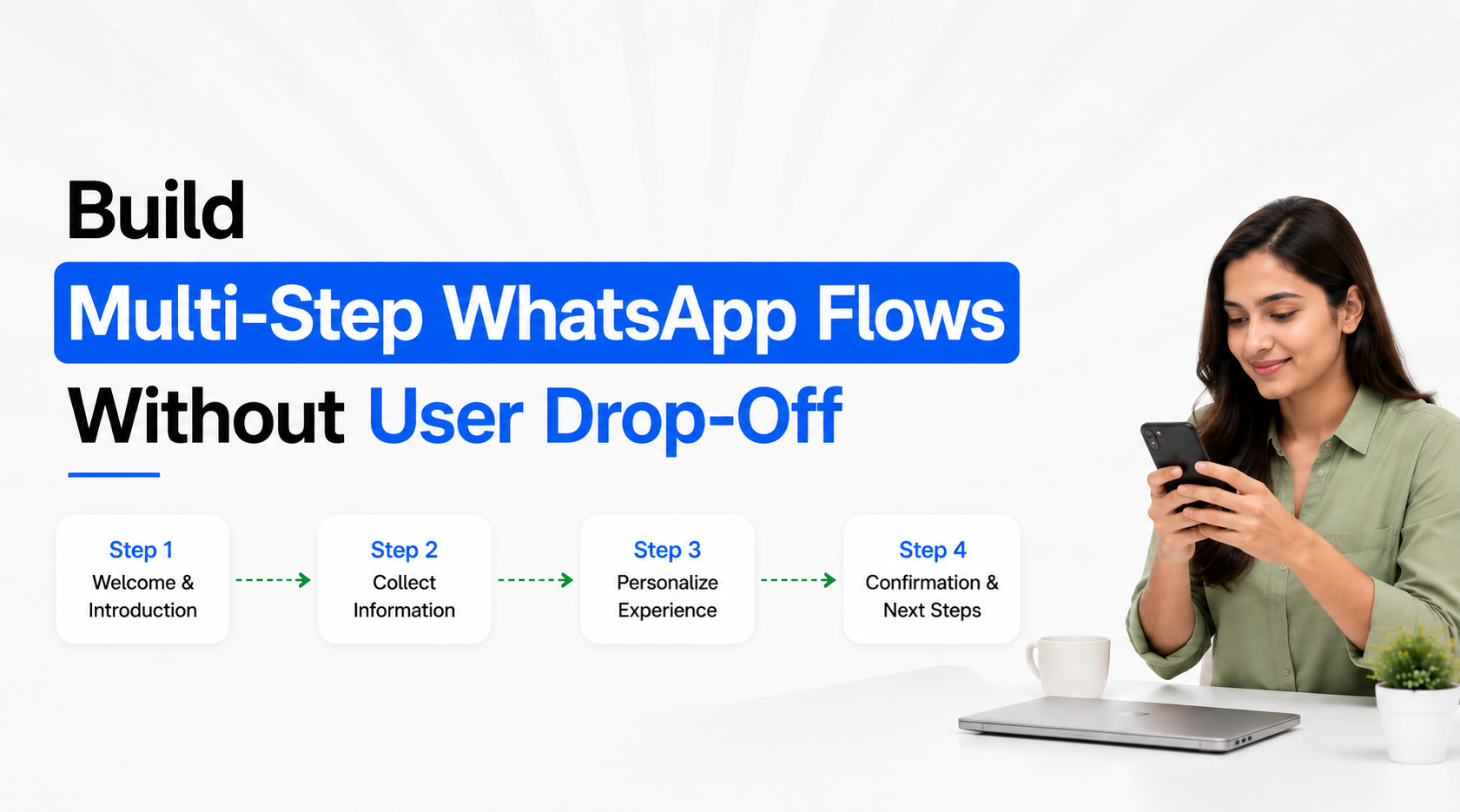
Multi-step WhatsApp Flows should make a customer task easier than completing the same process through chat messages or an external form. Drop-off usually increases when a Flow asks too much too early, repeats information the business already knows, presents irrelevant questions, uses unclear choices or gives customers no sense of what happens after submission. The right approach is to design around one customer outcome, break only genuinely complex tasks into logical screens, use conditional paths to remove unnecessary steps and connect the completed Flow immediately with the next business action.
WhatsApp describes Flows as task-focused experiences designed to turn lengthy back-and-forth conversations into faster structured interactions, including multi-screen workflows and conditional journeys. The technology can support substantial complexity, but that does not mean every Flow should use it.
Start With One Task, Not With Every Field the Business Wants
The first decision in a multi-step WhatsApp Flow should be the customer outcome, not the database schema.
If the purpose is to book an appointment, everything in the Flow should contribute to completing or requesting that appointment. If the purpose is lead qualification, every question should help determine fit, routing or the next sales action. If the purpose is event registration, the Flow should collect only what is necessary to register the participant.
Problems begin when teams combine several internal requirements into one experience:
Lead Qualification + Detailed Customer Profile + Marketing Preferences + Survey + Appointment Booking + Additional Questions
Technically, these may all be possible. From the customer's perspective, however, they are several different tasks.
A better design separates them according to the journey. A lead may first complete a short qualification Flow. If qualified, they can then move to an appointment Flow. Additional profile information can be collected later when there is a genuine reason for it.
Meta positions WhatsApp Flows around completing clear tasks such as lead generation, booking, signup and quote collection within WhatsApp rather than sending users through unnecessary external processes.
Before building the Flow, write one sentence:
“After completing this Flow, the customer should have ______.”
Examples might be requested a consultation, registered for the event, submitted a qualified enquiry, or selected an appropriate service. If several unrelated outcomes fill the blank, the Flow probably needs to be separated.
Reduce the Number of Decisions, Not Just the Number of Screens
A common mistake is judging Flow complexity only by screen count.
A three-screen Flow can still be difficult if every screen contains several unfamiliar choices. A five-screen Flow can feel easy if each screen asks one logical set of questions and the progression is obvious.
The better measure is decision effort.
Consider a property enquiry.
A poor first screen might immediately ask for project, configuration, budget, preferred tower, floor preference, facing, possession period, financing requirement and site-visit date. Even if everything fits technically on one screen, the customer has been asked to make too many decisions before receiving any value.
A more natural structure could be:
Screen 1: Property requirement and preferred location
Screen 2: Configuration and approximate budget
Screen 3: Purchase timeline and site-visit interest
Screen 4: Review and submit
The customer moves through related decisions instead of confronting the entire database at once.
This principle applies across industries. For an appointment journey, service selection should normally come before date selection. For education counselling, programme interest should precede detailed scheduling. For B2B qualification, the business problem should appear before detailed integration questions.
WhatsApp Flows support multi-screen experiences, structured input components and screen transitions specifically so businesses can organise tasks instead of relying on long message exchanges.
The objective is therefore not “make the Flow as short as possible.” It is “make every next decision feel obvious.”
Put Easy, High-Context Questions First
The first screen has disproportionate importance because the customer has not yet invested much effort. Beginning with a difficult, sensitive or confusing question gives them little reason to continue.
Start with information that feels directly connected with why they opened the Flow.
If someone clicked Book a Demo, asking for the type of solution they need makes sense. Asking for company registration details immediately may not.
If someone selected Book an Appointment, asking which service they need is natural. Requesting several personal details before confirming that the required service is available creates unnecessary resistance.
A useful ordering principle is:
Intent → Relevant Preference → Necessary Qualification → Contact/Operational Detail → Confirmation
This also means that internal database priorities should not automatically determine question order. Sales may desperately want budget, company size or detailed contact information, but the customer experience should still establish enough context before those questions appear.
WhatsApp's lead-generation guidance recommends using the initial interaction to understand needs through relevant qualification and then directing the customer towards a specific next action rather than leaving the conversation open-ended.
Multi-step Flow design should follow the same principle. Questions should feel like natural progress towards something the customer wants.
Use Conditional Branching to Remove Irrelevant Screens
One of the biggest advantages of a more advanced WhatsApp Flow is that every customer does not necessarily need to see the same journey.
WhatsApp supports conditional logic and branching within and between Flow screens, including more dynamic experiences connected to business endpoints.
That capability should primarily be used to remove unnecessary questions, not to create elaborate logic for its own sake.
Imagine a company selling software to both small businesses and enterprises. If a customer selects:
Team size: 1-10
the Flow may not need enterprise procurement and integration questions.
If another customer selects:
Team size: 500+
additional questions about integrations, deployment or consultation may become relevant.
The same principle works elsewhere:
A clinic should not ask branch-specific questions until a branch is selected.
A real-estate Flow should not show villa-specific questions to someone looking for an apartment.
An education Flow should not ask classroom-location questions when the learner selected an online programme.
A service business should not ask installation questions when the customer selected repair.
An event Flow should not request physical attendance information from someone selecting online participation.
Think of branching as progressive disclosure. Show the customer only what their previous answer makes necessary.
A shorter personalised path is usually better than a single giant Flow designed for every possible customer.
Reuse Information You Already Have
Few things make a digital experience feel more poorly designed than repeatedly asking users for information they already supplied.
If the Flow was triggered from a conversation where product intent is known, preserve that context. If the business already has an identified customer record, do not automatically request the same information again unless verification is genuinely required. If a campaign or page identifies the service, carry that information forward where the implementation supports it.
This is especially important when WhatsApp Flows are connected with CRM or backend systems.
A useful architecture is:
Customer Context → Flow Opens → Known Data Preserved → Missing Data Collected → CRM Updated
rather than:
Customer Context → Flow Opens → Customer Starts Again → CRM Creates Duplicate Information
Advanced WhatsApp Flows can connect to business endpoints for real-time data exchange, making experiences such as availability checks and dynamically personalised interactions possible.
For businesses implementing through Emovur, WhatsApp Flows can capture structured responses and send data into other systems through webhooks.
The customer should provide new information, not repeatedly reconstruct information the business already possesses.
Write Choices for Customers, Not for Internal Teams
Drop-off is not always caused by length. Sometimes customers abandon because they do not understand what a field means.
Internal terminology frequently leaks into customer forms:
Lead Type
Solution Category
Deployment Model
Customer Segment
Acquisition Classification
These labels may make sense inside a CRM but not to a prospective customer.
Rewrite them around decisions users understand.
Instead of Deployment Model, ask:
How would you like to use the solution?
Then provide clear choices such as:
For one team / Across multiple teams / Across the organisation / Not sure yet
Instead of a long open-text question such as “Describe your requirements”, ask structured questions first and provide open text only where customers genuinely need room to explain something unique.
WhatsApp Flows support components such as structured selections and text inputs, enabling businesses to replace long back-and-forth questioning with clearer interfaces.
Keep answer choices:
Mutually understandable
Short enough to scan on mobile
Relevant to the question
Comprehensive enough for common cases
Equipped with Other or Not sure where ambiguity is genuinely possible
Do not force customers to select an inaccurate answer simply because your CRM requires one of four predefined values.
Validate Information at the Point Where It Is Entered
Discovering an error after the user reaches the final submission screen creates frustration.
Where validation is required, deal with it close to the field or step that caused the problem.
This becomes particularly important when a Flow connects with live business systems. Appointment availability may change. A selected option may become unavailable. A customer may enter information in an unusable format. An endpoint may be temporarily unable to complete the requested action.
The Flow should provide a recovery path rather than simply failing.
For example, if an appointment slot is unavailable, return the user to a meaningful alternative rather than restarting the entire journey. If a selection is incompatible with another response, explain what needs changing. If a backend request fails temporarily, preserve as much already-entered information as the implementation allows instead of forcing the customer to reconstruct the task.
WhatsApp supports data-exchange endpoints for dynamic Flow interactions and provides webhooks that businesses can use to monitor Flow status, errors and endpoint performance.
This matters because technical failure can look like user drop-off. If completion suddenly deteriorates, do not immediately assume customers dislike the questions. Check the infrastructure.
Make the Final Screen Remove Uncertainty
A Flow should never end with the equivalent of:
Submitted.
After several steps, the customer needs to understand what their effort achieved.
The final state should answer:
Was my submission successful? What happens next? Do I need to do anything else?
For lead qualification, confirmation might explain that an advisor will continue the conversation. For an appointment request, show that the request was received and clarify whether the booking is confirmed or pending. For registration, confirm the selected programme or event. For a service request, provide the next operational step where available.
The difference between request submitted and appointment confirmed is especially important. Do not tell customers they have a confirmed appointment if the backend has only captured a preference.
A strong completion experience can also move the customer naturally into the next channel:
Flow Completed → CRM Updated → Sales Assigned → Human Conversation Continues
or:
Flow Completed → Booking Created → Confirmation Sent
The Flow should finish the structured task and then get out of the way.
Diagnose Drop-Off as a Funnel, Not as a Single Completion Rate
Once a multi-step Flow is live, do not evaluate only total submissions.
Treat it like a conversion funnel.
A useful internal measurement model is:
Your implementation may need analytics from multiple systems rather than relying on one built-in screen-by-screen report. WhatsApp's Flow webhooks can help monitor Flow status, errors and endpoint performance, while response data and connected CRM/backend systems can provide additional business-level measurement.
When drop-off rises, isolate the cause.
If users abandon immediately, the promise before opening the Flow may not match the first screen. If abandonment occurs near a particular question, that question may be confusing, premature or unnecessary. If users reach the end but few records appear in CRM, the problem may be integration rather than UX. If completions are healthy but sales conversion is poor, shortening the Flow further may not solve the actual business problem.
Optimise the weakest transition, not the entire Flow indiscriminately.
Test the Complete Experience on a Phone Before Publishing
WhatsApp is a mobile conversation environment, so desktop-only review is not enough.
Run the Flow as a real customer would.
Check whether each screen can be understood quickly, choices are easy to scan, fields appear in a logical order and the next action is obvious. Test every conditional path rather than only the default journey.
Also test operational scenarios:
What happens when a customer selects each major branch?
What happens when required information is missing?
What happens when live data is unavailable?
Does the correct CRM field receive each response?
Does submission create duplicates?
Does the right team receive the completed request?
Does the customer receive the correct confirmation?
Can staff understand the submitted information without asking everything again?
Meta itself recommends starting with simpler Flow implementations and expanding to more advanced experiences where necessary, while Flow Builder and API tooling support greater conditional and technical complexity.
Complexity should be earned by the customer journey, not added because the builder supports it.
Build the Shortest Journey That Still Completes the Job
The strongest multi-step WhatsApp Flow is not necessarily the one with the fewest screens. It is the one with the least unnecessary effort.
Start with one outcome. Group related decisions into logical screens. Ask easy, contextual questions first. Use branching to hide irrelevant steps. Reuse known customer information. Validate problems where they occur and end with a clear confirmation of what happens next.
A practical design model is:
Clear Entry Promise → Easy First Step → Relevant Questions → Conditional Path → Necessary Details → Review/Submit → Clear Next Action
WhatsApp introduced Flows specifically to replace cumbersome back-and-forth interactions and external journeys with more task-focused experiences inside the conversation.
For businesses building through Emovur, WhatsApp Flows can provide the structured screens, response collection and webhook integration required to connect the customer journey with the systems behind it.
The best way to reduce WhatsApp Flow drop-off is therefore not to keep removing screens blindly. Remove friction: irrelevant questions, repeated information, confusing choices, unnecessary decisions, broken transitions and uncertain next steps.
When every screen has a reason to exist, a multi-step Flow can remain structured without feeling long.


