WhatsApp Business API use cases in India now extend far beyond bulk messaging. In 2026, businesses are using WhatsApp for lead generation, qualification, appointment booking, ecommerce updates, payment reminders, customer support, CRM integration, feedback, renewals and multi-agent sales conversations. The strongest use cases connect a specific customer action with automation, business data and a clear next step. For Indian companies, the opportunity is to make WhatsApp part of the customer journey rather than treating it as another standalone messaging channel.
What Makes a Good WhatsApp Business API Use Case?
A useful WhatsApp Business API example should solve a measurable customer or operational problem.
Sending more messages is not automatically a successful use case. The value comes from improving response speed, reducing repetitive work, increasing conversions, collecting structured information or making customer communication easier to manage.
Strong WhatsApp API use cases usually have four characteristics:
A clear trigger: A customer submits an enquiry, books an appointment, places an order, abandons a cart or requests support.
A defined next action: WhatsApp guides the customer towards qualification, confirmation, payment, booking or human assistance.
Connected business data: CRM, ecommerce, booking or customer information can provide context instead of making customers repeatedly enter the same details.
A measurable outcome: The business can track qualified leads, appointments, transactions, response time, conversions or support resolution.
Businesses requiring deeper API connectivity can explore the broader WhatsApp Business API platform rather than using this article as a setup guide. Emovur currently supports capabilities including broadcasts, team inboxes, WhatsApp Flows, APIs and other automation functionality.
12 WhatsApp Business API Use Cases in India
1. Capture and Qualify Sales Leads
One of the most valuable WhatsApp API use cases is converting incoming customer interest into structured sales opportunities. Instead of receiving a vague message such as “Send details”, businesses can collect the information required to determine whether the enquiry is relevant.
A lead qualification journey may capture:
Customer requirement: Product, course, property, service or solution they are interested in.
Location: Useful for businesses with different branches, territories or service areas.
Budget or requirement range: Helps sales teams prioritize relevant opportunities.
Preferred contact time: Allows the customer to decide when a salesperson should follow up.
Lead source: Website, Click-to-WhatsApp ad, QR code, campaign or other source.
A simple journey can look like:
Customer Enquiry → Requirement Capture → Qualification → CRM → Salesperson
For structured data collection without forcing the customer onto another page, businesses can use WhatsApp Flows. Emovur currently supports Flow-based use cases including lead qualification, appointment booking, feedback and event registration.
2. Respond to Click-to-WhatsApp Ad Leads
Click-to-WhatsApp campaigns can generate high-intent conversations because the user enters WhatsApp directly from an advertisement.
The challenge is responding while the prospect's interest is still active.
WhatsApp automation can help businesses:
Identify which campaign generated the enquiry.
Acknowledge the lead immediately.
Ask one or two qualification questions.
Route the customer to the relevant sales team.
Store campaign and customer information in the CRM.
This is particularly useful for real estate, education, automotive, healthcare, financial services and high-consideration purchases, where response time can influence whether a lead continues the conversation.
3. Book Appointments and Consultations
Appointment-based businesses can use the WhatsApp Business Platform to reduce the phone calls and manual coordination required to manage bookings.
This applies to businesses such as:
Clinics
Diagnostic centres
Salons
Consultants
Education counsellors
Property advisors
Automotive service centres
Professional services
A typical appointment journey can be:
Enquiry → Service Selection → Preferred Date → Time Selection → Confirmation → Reminder
Using structured forms inside WhatsApp can make this easier than collecting appointment information through multiple open-ended chat messages.
4. Send Order and Delivery Updates
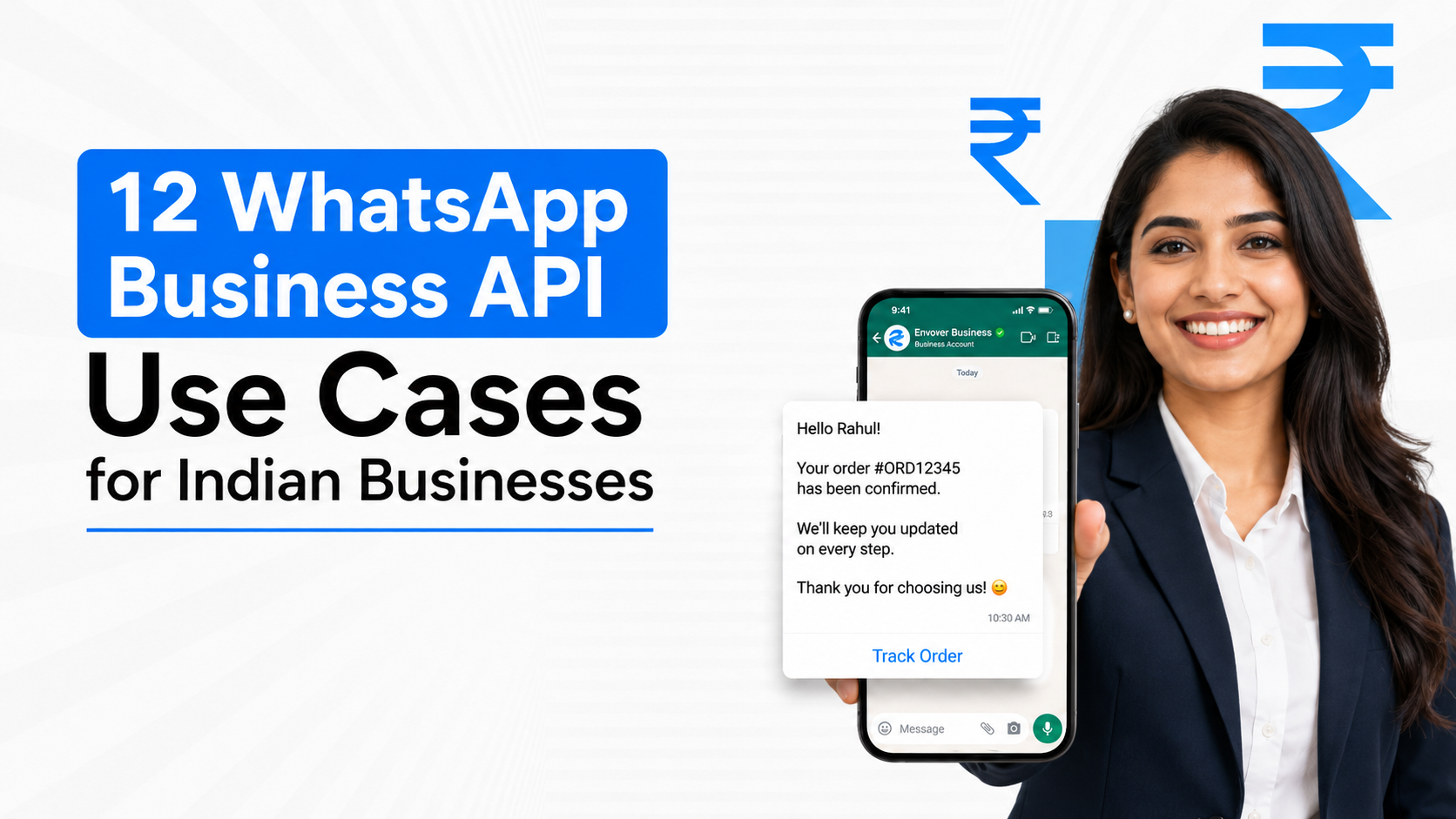
For ecommerce and retail businesses, WhatsApp can act as an operational communication channel after a customer makes a purchase. Instead of forcing customers to repeatedly check an order-tracking page, relevant status updates can reach them through WhatsApp.
Common transactional communication includes:
Order confirmation
Payment confirmation
Packing status
Shipping notification
Delivery status
Order-support communication
Emovur's WhatsApp ecommerce functionality currently includes product browsing, checkout-related workflows, order management and customer updates.
5. Recover Abandoned Carts
A customer who has already added a product to their cart has stronger purchase intent than a general marketing audience. With the right ecommerce integration, WhatsApp can be used to reconnect with eligible customers who leave before completing checkout.
An abandoned-cart use case may include:
Reminding the customer about the incomplete purchase.
Showing relevant cart information.
Providing a direct route back to checkout.
Answering purchase-related questions.
Escalating a high-value customer to a salesperson when appropriate.
The objective should be purchase recovery, not repeatedly messaging customers who have shown no further interest.
6. Run Segmented WhatsApp Broadcast Campaigns
A WhatsApp broadcast allows businesses to communicate with multiple eligible customers without manually sending the same message one by one. The strongest broadcast use cases are targeted rather than database-wide.
Businesses can segment campaigns around:
Previous purchases
Product interest
Customer location
Lead stage
Event participation
Customer lifecycle
Previous campaign engagement
For example, an education company can communicate a new batch only to prospects interested in that course instead of sending the campaign to every contact.
Emovur's WhatsApp broadcast and bulk messaging platform currently supports contact groups, message personalization, scheduling, segmentation and campaign reporting.
7. Manage Customer Support With Multiple Agents
As WhatsApp volume increases, one employee managing the business number can quickly become a bottleneck. A WhatsApp shared team inbox allows customer conversations to be distributed across sales, support, billing or operations teams.
This is useful when businesses need to:
Assign conversations to specific employees.
Transfer customers between departments.
See previous conversation context.
Reduce duplicate replies.
Track conversation ownership.
Monitor response and resolution activity.
Emovur's WhatsApp Shared Team Inbox currently supports multi-agent access, conversation assignment, routing and conversation history from one workspace.
A practical support journey may look like:
Customer Message → Intent Identified → Team Assigned → Agent Response → Resolution
8. Automate Frequently Asked Questions
Businesses often receive the same questions throughout the day:
What are your timings?
Where are you located?
What does this service include?
Is this product available?
How do I book?
Can I speak with someone?
A WhatsApp chatbot or structured automation layer can handle predictable questions before involving an employee.
The important distinction is escalation.
Automation should not trap customers inside endless menus.
A good model is:
Simple Question → Automated Answer
Structured Requirement → Automated Flow
Complex Question → Human Agent
This reduces repetitive work while preserving human support where judgement is required.
9. Send Payment and Renewal Reminders
Businesses with recurring payments, memberships, subscriptions or scheduled fees can use WhatsApp to remind customers before or around a relevant due date.
Potential applications include:
SaaS renewals
Membership renewals
Insurance-related servicing where permitted
Education fee reminders
Service contracts
Subscription renewals
Outstanding payment communication
Messages should contain only the information necessary for the customer's existing relationship or transaction and should follow applicable WhatsApp messaging rules. The business value comes from replacing inconsistent manual follow-up with a repeatable process.
10. Collect Customer Feedback
Feedback collection often fails because the customer has to open an email, visit another page and complete a lengthy survey.
WhatsApp can shorten that journey.
Businesses can request feedback after:
An order is delivered.
An appointment is completed.
A support case is resolved.
A service is delivered.
An event finishes.
A customer completes onboarding.
A simple structured Flow can capture a rating, reason and short comment without requiring a separate website form. This can help businesses identify service problems while the interaction is still recent.
11. Register Customers for Events, Webinars or Demonstrations
Indian businesses running webinars, property events, product demonstrations, workshops or consultations can use WhatsApp to turn initial interest into structured registration.
An event-registration journey can capture:
Name
Contact information
Event choice
Preferred date
Location
Relevant requirement
Confirmation
Once registered, the same channel can support reminders and relevant event updates.
This is particularly useful when WhatsApp is already the primary communication channel between the business and its prospects.
12. Connect WhatsApp Conversations With a CRM
CRM integration is one of the most strategically important WhatsApp Business API use cases for growing businesses. Without integration, sales activity can remain fragmented between WhatsApp, spreadsheets, personal follow-ups and the CRM.
A connected system can support:
New lead creation
Existing-customer identification
Lead-source capture
Salesperson assignment
Conversation history
Lead-stage updates
Follow-up tasks
Customer segmentation
The result is not simply better messaging.
It creates a more complete customer record across marketing → conversation → sales → support.
For businesses that want the detailed technical workflow rather than use-case examples, the existing guide to WhatsApp automation workflows in India covers trigger-and-action logic in greater depth.
Which WhatsApp Business API Use Cases Deliver the Most Value?
The highest-value WhatsApp Business API use cases usually sit close to revenue, customer response time or repetitive operational work. Lead qualification, appointment booking, transactional updates, customer support and CRM-connected follow-up often create clearer business value than automating low-frequency conversations simply because automation is available.
A practical prioritization model is:
Can Small Businesses Use WhatsApp Business API?
Yes. A small business can use WhatsApp Business API when its communication needs have outgrown manual WhatsApp handling. The strongest reasons are usually multiple employees needing access, repetitive enquiries, regular customer notifications, lead follow-up or integration with other systems. A business should not adopt API infrastructure simply because it exists; the operational problem should justify it.
For a local clinic, the first use case might be appointment management.
For a small ecommerce business, it may be order communication.
For a training institute, it could be enquiry qualification and counsellor assignment.
For a growing sales company, it could simply be allowing several employees to manage one WhatsApp number.
The right starting point depends more on conversation complexity than company size.
Which Industries Benefit Most From WhatsApp Business API in India?
Industries with frequent enquiries, appointments, transactions, customer updates or sales follow-ups usually benefit most from WhatsApp Business API. In India, this commonly includes ecommerce, healthcare, education, real estate, automotive, travel, financial services, SaaS and local service businesses because WhatsApp can sit directly between customer intent and the next operational action.
Examples include:
Healthcare: Appointment booking, reminders and patient-service communication.
Education: Course enquiries, counselling, registrations and follow-up.
Real estate: Project enquiries, qualification and site-visit coordination.
Automotive: Test-drive enquiries, service booking and customer updates.
Ecommerce: Product discovery, transactions, delivery communication and support.
Travel: Enquiries, itinerary communication and customer assistance.
SaaS: Demo requests, onboarding, renewals and support.
Local services: Lead capture, scheduling and recurring customer communication.
The use case should always be adapted to the industry's customer journey instead of copying the same chatbot structure across every business.
Should You Use Automation for Every WhatsApp Conversation?
No. WhatsApp automation works best for repetitive, structured and predictable interactions. High-value sales discussions, complaints, unusual customer situations and conversations requiring judgement should usually have a clear human-handover path. The objective in 2026 is not maximum automation; it is deciding whether automation, structured data capture, AI assistance or a human agent is the best next step.
A useful framework is:
Repetitive + Predictable → Automate
Structured Information → WhatsApp Flow
High-Intent Sales → Salesperson
Complex Support → Human Agent
Large Relevant Audience → Segmented Broadcast
This hybrid approach usually produces a better customer experience than trying to automate the complete relationship.
Frequently Asked Questions
What is the most common WhatsApp Business API use case?
Lead management and customer support are among the most common use cases because they address frequent business communication. However, the best starting use case depends on where the business currently experiences the most customer delay, repetitive work or lost opportunities.
Can WhatsApp Business API be connected to a website?
Yes. Businesses can connect website enquiries and other supported digital entry points with WhatsApp and downstream systems. The exact implementation depends on the website, CRM, API provider and workflow being built.
Can WhatsApp Business API send bulk messages?
Businesses can use approved WhatsApp Business Platform functionality for broadcast-style communication to appropriate audiences. Campaigns should follow current WhatsApp policies and applicable consent and messaging requirements. Businesses should verify current Meta rules before launching campaigns.
Can WhatsApp Business API integrate with CRM software?
Yes. CRM integration can connect customer conversations with lead records, ownership, follow-ups and sales stages. Depending on the systems involved, this may use native integrations, APIs, middleware or custom development.
Start With One Use Case, Then Expand
The best WhatsApp Business API use cases in India in 2026 are not defined by how advanced the technology appears. They are defined by whether WhatsApp makes a real customer or business process easier.
Start with:
Customer Problem → Trigger → WhatsApp Interaction → Business System → Outcome
Then measure the result.
If the workflow improves response time, qualification, conversion, support efficiency or customer experience, expand it.
For businesses ready to connect WhatsApp with sales, support, campaigns and automation, explore Emovur's WhatsApp Business API.
Start WhatsApp API Setup — begin with the customer journey that creates the clearest business value.