


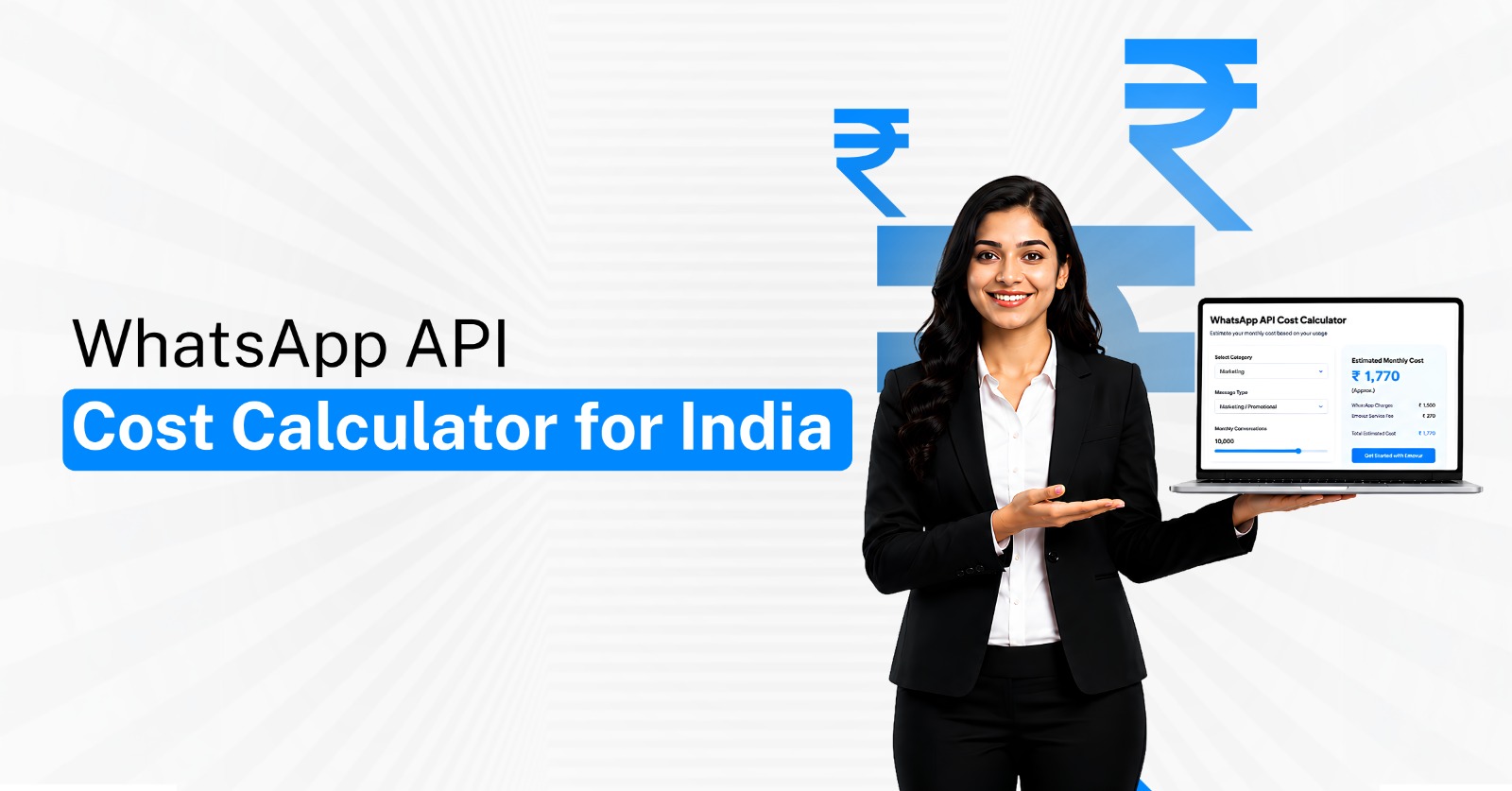
The monthly cost of WhatsApp Business API is not determined by one fixed subscription price.
Your actual spend depends on the type of messages you send, how many chargeable messages are delivered, your provider's platform fee, and whether additional charges apply for agents, automation, integrations, or managed services.
That makes a WhatsApp API cost calculator more useful than looking at a provider's starting price alone.
This guide shows Indian businesses how to estimate their monthly WhatsApp Business API pricingusing a simple calculation model.
Pricing note: WhatsApp pricing can change. The examples below use rates displayed on Emovur's pricing page in August 2026. Always check the current pricing page before budgeting.
What Determines Your WhatsApp API Cost?
Before calculating your monthly bill, separate WhatsApp costs into different components.
Meta currently prices WhatsApp Business Platform messaging based on factors including message category and the recipient's country. Meta's pricing documentation also identifies different treatment for marketing, utility, authentication, and service messaging.
Your monthly WhatsApp API cost may include:
Marketing messages: Promotional communication such as offers, product announcements, re-engagement campaigns, and sales promotions.
Utility messages: Transaction-related communication such as order updates, appointment reminders, or account-related notifications.
Authentication messages: Messages used for verification processes such as one-time passwords.
Platform subscription: The monthly amount charged by your WhatsApp API provider for access to its software.
Provider markup: Some providers may add charges on top of the underlying WhatsApp messaging cost.
Additional features: Advanced automation, team inboxes, integrations, APIs, managed campaigns, or extra users may affect the final cost.
The correct calculation therefore starts with your actual messaging behaviour—not simply the number of contacts stored in your database.
WhatsApp API Cost Calculation Formula
A simple monthly calculation can be expressed as:
Monthly WhatsApp Cost = Messaging Cost + Platform Fee + Provider Markup + Additional Services
For message-level calculation:
Messaging Cost = Marketing Cost + Utility Cost + Authentication Cost
You can then calculate each category separately.
Marketing Cost
Number of chargeable marketing messages × applicable marketing rate
Utility Cost
Number of chargeable utility messages × applicable utility rate
Authentication Cost
Number of chargeable authentication messages × applicable authentication rate
This method makes it much easier to understand which part of your WhatsApp operation is driving the bill.
Step 1: Estimate Your Marketing Message Volume
Marketing messages are often the largest variable for businesses using WhatsApp for promotions, re-engagement, lead nurturing, and broadcast campaigns.
Do not calculate based on your complete customer database. Estimate how many marketing messages you actually expect to deliver during the month.
Include activities such as:
Promotional broadcasts: Offers, discounts, launches, or seasonal campaigns.
Lead re-engagement: Following up with prospects who previously expressed interest.
Product promotions: Introducing products or services to eligible customers.
Event campaigns: Webinar, event, launch, or appointment promotions.
Customer reactivation: Campaigns designed to bring inactive customers back.
Cross-sell or upsell communication: Relevant additional offers for existing customers.
For example, if your business sends four campaigns to 10,000 recipients every month, your potential marketing volume could be approximately:
10,000 recipients × 4 campaigns = 40,000 marketing messages
Your actual charge should be calculated using the applicable delivered-message rate.
Step 2: Estimate Utility and Authentication Usage
Not every WhatsApp message is marketing.
Businesses using WhatsApp for operations may send large volumes of utility or authentication communication.
Utility messaging may include:
Order confirmations
Delivery updates
Appointment reminders
Booking information
Payment-related notifications
Customer-requested account updates
Authentication messaging may include:
Login OTPs
Account verification
Identity confirmation
Password-reset verification
Transaction authentication
Separate these volumes from marketing messages because the applicable rates can differ significantly.
Step 3: Understand When Messages May Be Free
Your calculator should not automatically treat every WhatsApp interaction as chargeable.
As of August 2026, Meta's current pricing documentation allows certain utility templates within an open customer-service window without a template-message charge. Meta has also announced that service-message pricing will change from October 1, 2026, when service messages are scheduled to move to per-message charging.
This means your calculator should distinguish between:
Chargeable marketing templates
Chargeable utility templates
Chargeable authentication templates
Eligible utility communication within the applicable service window
Current service conversations
Future pricing changes announced by Meta
This is one reason businesses should avoid using an old WhatsApp pricing calculator for long-term budgeting.
For a deeper explanation of the pricing structure, see the WhatsApp API pricing guide.
Step 4: Add Your WhatsApp API Provider Cost
Meta's messaging charges are only one component of the total cost.
Your WhatsApp API provider may charge a platform subscription, markup, agent fees, automation costs, or additional service fees.
Emovur's current pricing page lists Free Forever, Starter, Advanced, Enterprise, and managed-service options. Its Starter plan is currently shown at ₹999 per month and Advanced at ₹1,999 per month, while the company states a 0% markup positioning on messaging costs.
When calculating provider cost, check for:
Monthly subscription
Per-agent charges
Messaging markup
Chatbot charges
Automation limits
API access costs
CRM integration fees
Campaign-management charges
Setup or onboarding costs
Two companies sending exactly the same WhatsApp message volume can therefore have very different monthly bills depending on the provider they choose.
Example 1: Small Business WhatsApp Cost Calculation
Suppose a business expects to send:
10,000 marketing messages
3,000 utility messages
No authentication messages
Emovur's Starter and Advanced pricing currently displays:
Marketing: ₹0.865
Utility: ₹0.115
Authentication: ₹0.115
These are the rates displayed on Emovur's pricing page at the time of writing and should be checked again before making a budget decision.
Estimated messaging cost
Marketing
10,000 × ₹0.865 = ₹8,650
Utility
3,000 × ₹0.115 = ₹345
Total estimated messaging cost
₹8,650 + ₹345 = ₹8,995
If the business uses the ₹999 Starter platform plan:
₹8,995 + ₹999 = ₹9,994 estimated monthly cost
This example excludes taxes, non-chargeable messages, special pricing conditions, and any additional services.
Example 2: Growing Business With 50,000 Marketing Messages
Consider a company running larger WhatsApp campaigns:
50,000 marketing messages
10,000 utility messages
Using the same displayed rates for illustration:
Marketing
50,000 × ₹0.865 = ₹43,250
Utility
10,000 × ₹0.115 = ₹1,150
Messaging total
₹44,400
If the business uses the ₹1,999 Advanced plan:
₹44,400 + ₹1,999 = ₹46,399 estimated monthly cost
This example shows why high-volume businesses should pay close attention to message rates and provider markup.
Even a small additional markup becomes significant when monthly message volume reaches hundreds of thousands.
Build Your Own WhatsApp API Cost Calculator
You do not need complicated software to estimate your initial budget.
Create a simple spreadsheet with the following inputs.
Enter your expected monthly numbers for:
Marketing messages: _____
Marketing rate: ₹_____
Utility messages: _____
Utility rate: ₹_____
Authentication messages: _____
Authentication rate: ₹_____
Provider subscription: ₹_____
Agent charges: ₹_____
Integration or add-ons: ₹_____
Provider markup: _____%
Then calculate:
(Marketing Messages × Rate) + (Utility Messages × Rate) + (Authentication Messages × Rate) + Platform Costs
This gives you a much more useful estimate than asking, “How much does WhatsApp API cost per month?”
How to Reduce Your WhatsApp API Cost
Reducing WhatsApp spend does not mean sending fewer useful messages. It means eliminating communication that creates cost without producing customer or business value.
Businesses can improve cost efficiency by:
Segmenting audiences: Avoid broadcasting every campaign to the complete database.
Removing inactive contacts: Do not repeatedly target customers who never engage.
Using the correct message category: Ensure templates match their genuine business purpose.
Using customer-service windows effectively: Handle relevant customer conversations efficiently when applicable.
Tracking campaign outcomes: Measure leads, appointments, orders, or revenue instead of focusing only on messages sent.
Reviewing provider markup: Understand whether your provider adds additional messaging fees.
Stopping weak campaigns: Do not keep spending on broadcasts that consistently fail to produce meaningful results.
The objective should be lower cost per business outcome, not simply lower cost per message.
Calculate the Real Cost Before Choosing a Provider
Your actual WhatsApp Business API pricing should be calculated from your messaging behaviour, platform requirements, and provider pricing model.
Instead of comparing providers only on their monthly subscription, calculate:
Messaging Volume × Applicable Rates + Platform Fee + Markup + Required Features
You can review the current Emovur WhatsApp Business API pricing before building your estimate.
For a deeper explanation of Meta's pricing structure, read the WhatsApp API pricing guide.
Businesses evaluating the platform itself can also explore Emovur as a WhatsApp API provider.
Calculate your expected cost before you subscribe—because the cheapest-looking WhatsApp API plan is not always the lowest-cost option once your messaging volume starts growing.


