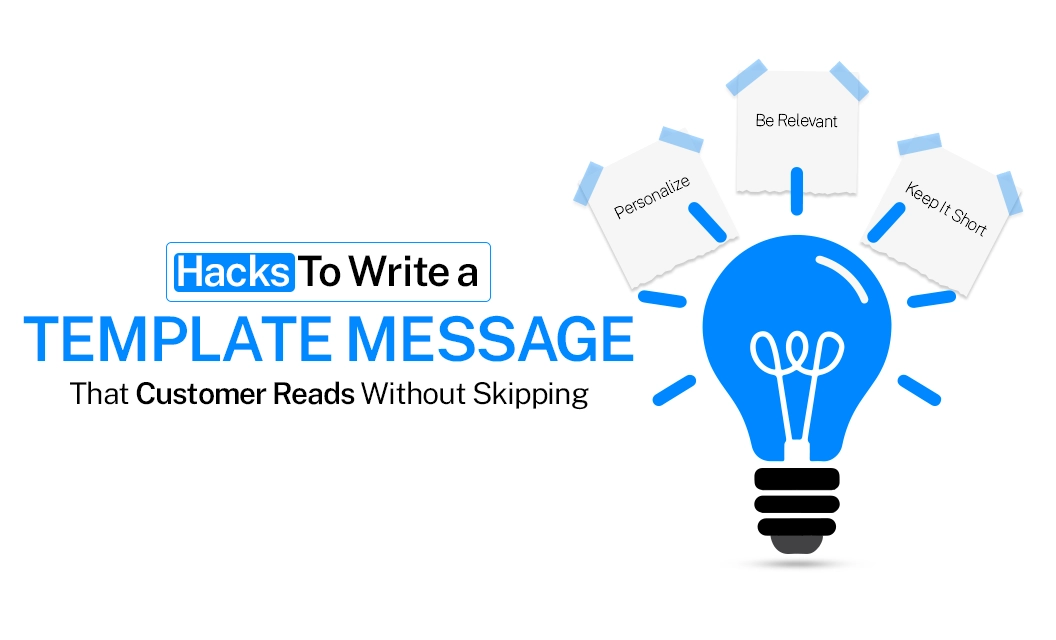
Hacks to write a template message that customer reads without skipping
Introduction
A WhatsApp message earns its reader in the space of a glance. Before a customer decides to open it, engage with it, or act on it, they've already made a quieter decision: is this worth my ten seconds. That decision happens in the preview, in the first folded line, long before the message reveals what it actually has to say.
Most templates lose the customer right there, not because the offer was weak, but because the message asked for patience it hadn't earned yet. What follows are four disciplines that change that.
1. Address Them, Not the Audience
There is a meaningful difference between a message that speaks to someone and a message that speaks near them. "Hi Priya, your order #4521 ships tomorrow" reads as a message meant specifically for her. A generic "Dear Customer" reads as one meant for everyone, and gets treated accordingly, skimmed at best, ignored at worst. A name at the opening is the simplest signal a customer has that what follows deserves their attention.
2. Say the Important Part Before the Fold
WhatsApp doesn't show the whole message upfront. What the customer actually sees first is a short preview, a handful of words, before the rest sits behind a "Read more" tap most people never take. This changes what "keeping it short" really means. It isn't about trimming the message after it's written, it's about making sure the point you most need understood lives inside that first visible phrase. If the meaning depends on the customer expanding the message, assume it won't be read.
3. Put Your Strongest CTA at the Top of the Button List
Keep it to 3 buttons. Beyond that, WhatsApp folds the rest behind a "See all options" tap, the same drop-off long text runs into. Within those 3, the order matters just as much as the count: the action you most want the customer to take should sit first, not the one you'd simply prefer to mention.
📎 Related: our template buttons guide covers button limits and formatting in detail.
4. Let the Visual Carry the Message, Not Just Decorate It
A media header should show the actual thing being offered, not stand in as generic ornamentation. The exact product on discount, the dish being promoted, the event being announced, earns a second look. A stock photo that doesn't match the offer draws the eye and then loses the customer at the very moment it should have convinced them.
Final Takeaway
A customer reads a WhatsApp message the way they read everything else on their phone, quickly, and only as far as it earns. Personal, front-loaded, clearly sequenced, and visually honest templates earn that read consistently. See how Emovur helps you manage and send templates on WhatsApp Business API.
Keep Reading:
https://emovur.com/blog/whatsapp-business-api/whatsapp-utility-message-pricing-in-india-1
https://emovur.com/blog/whatsapp-business-api/why-whatsapp-message-templates-get-rejectedhttps://emovur.com/blog/whatsapp-business-api/whatsapp-marketing-messages