


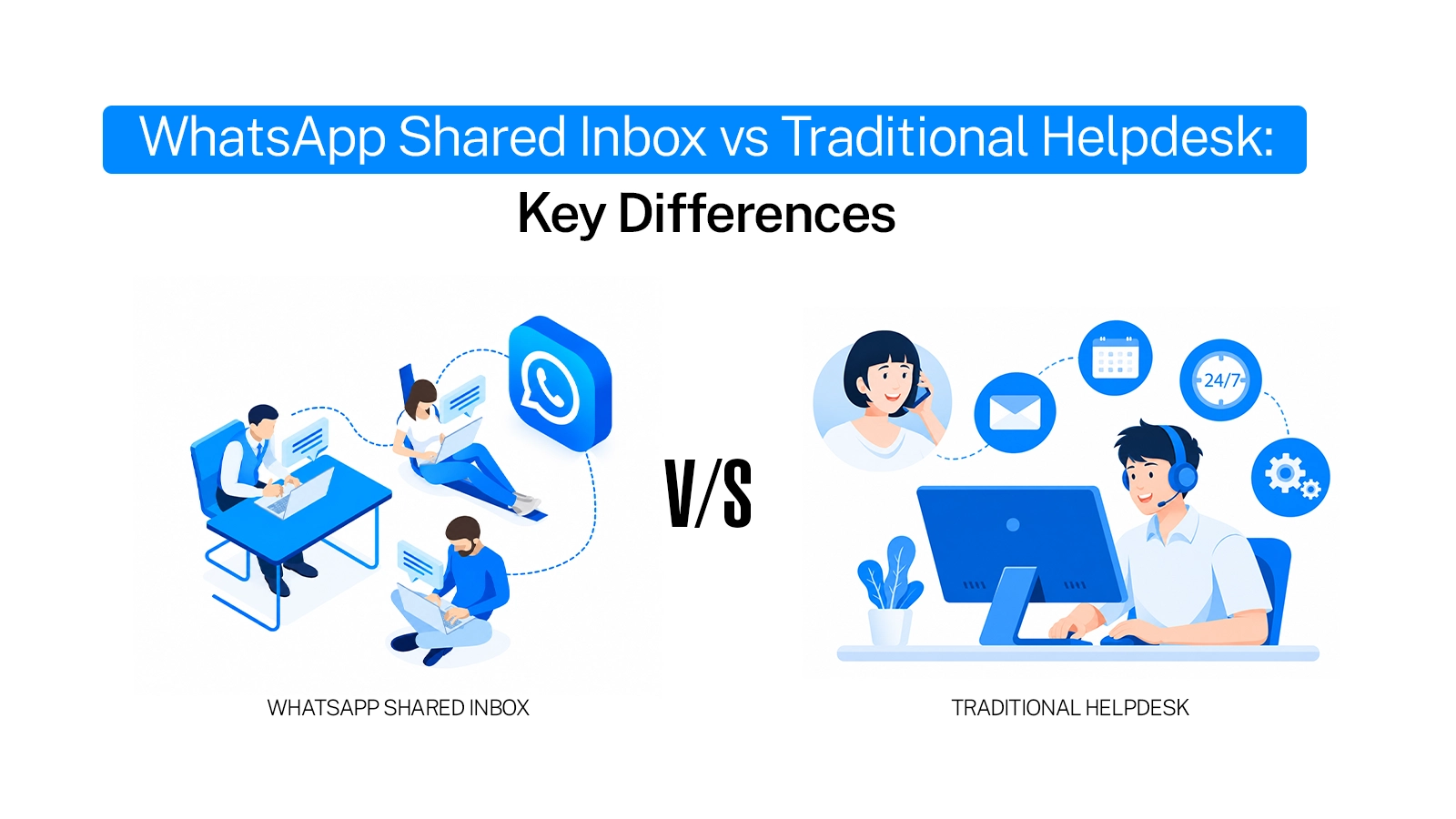
A helpdesk is not just a bigger shared inbox. They look alike because both let a team answer customers. But one is built around chats and the other around tickets, and that one choice changes how fast you reply, what you can send and what you can measure.
This post lays out the key differences between a WhatsApp shared inbox and a traditional helpdesk, side by side. If you are still deciding which to pick, read our guide on which one fits your workflow.
What is a WhatsApp shared inbox, and what is a traditional helpdesk?
A WhatsApp shared inbox lets many agents work from one WhatsApp Business number. Every customer chat stays in a conversation view. Agents assign, label and reply right there. Emovur’s shared team inbox works this way.
A traditional helpdesk is built around tickets. It started with email and phone support. Each issue gets an ID, fields, a status and a queue. WhatsApp is usually added later as one more channel.
How does a message move through each system?
In a WhatsApp shared inbox:
The message arrives as a conversation.
It shows in the list with status, assignee and labels.
The agent replies in the same thread.
The conversation is marked resolved.
In a traditional helpdesk:
The message creates a ticket.
The ticket gets an ID, a subject and a category.
It is routed to a queue.
The agent opens the ticket view and replies.
The ticket closes after a status change.
Key differences between a shared inbox and a helpdesk
How the 24-hour window shows up in daily work
WhatsApp lets you send free-form replies only within 24 hours of the customer’s last message. After that, you must send an approved template.
Tickets often stay open for days, so an open ticket does not mean you can reply freely. In Emovur’s inbox, a “Session expired” banner appears and free text is turned off. You send a template instead, and the banner stays until the customer replies.
What a shared inbox tracks vs what a helpdesk tracks
Helpdesks usually report on ticket volume, SLA compliance and satisfaction scores. That suits email and phone, where a reply in a few hours is normal.
WhatsApp customers expect minutes. So a shared inbox tracks speed. Emovur Insights shows first response time, chats answered under 5 minutes, chats never answered and resolution rate. See which numbers managers should watch in our WhatsApp shared inbox analytics guide.
Final thoughts
The core difference is the unit of work. A shared inbox runs on conversations and speed. A help desk runs on tickets and processes. If most of your customers reach you on WhatsApp, the conversation model usually feels more natural.
Ready to see it for yourself? Check Emovur WhatsApp Business API pricing now, or book a demo.
FAQs
What is the main difference between a WhatsApp shared inbox and a traditional helpdesk?
A shared inbox is built around live conversations on WhatsApp. A traditional helpdesk is built around tickets with IDs, fields and queues. The first favours speed. The second favours the process.
Does the 24-hour rule apply in a helpdesk too?
Yes. The rule comes from WhatsApp, so it applies in any tool. What differs is how clearly the tool shows it to the agent.
Are replies inside the 24-hour window still free?
Not since October 2026. Meta now charges per message for replies sent inside the window, after a monthly free allowance. Messages sent by customers remain free. Check Meta’s pricing or your provider for current rates.
Can a shared inbox route chats automatically?
Yes. In Emovur, Workflows can act when a message is created and assign the chat to a team based on conditions like labels, priority or message content.
Can a shared inbox track first response and resolution time?
Yes. Emovur Insights reports first response time, resolution time, resolution rate and chats never answered, with CSV export.


