


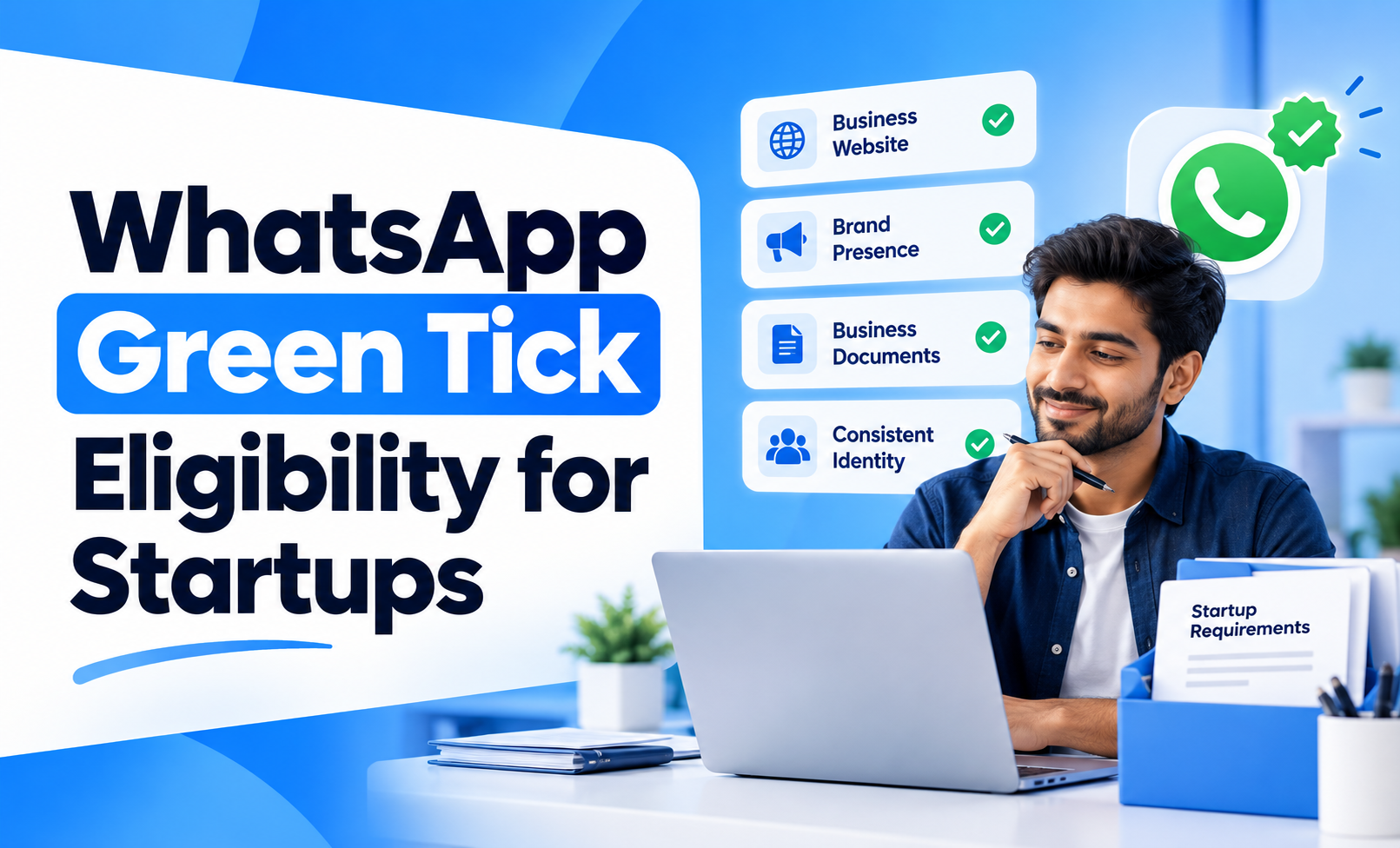
Startups often assume that a WhatsApp verified badge is available only to large, established brands. That is not necessarily true.
What businesses still commonly call the WhatsApp Green Tick now sits within WhatsApp’s broader verified-business system. Some businesses receive verification based on their presence and activity across Meta, while eligible businesses can also access subscription-based options such as Meta Verified.
For a startup, the important question is therefore not simply how old the company is or how large it has become. The more practical question is whether the business has a clear, authentic identity and whether the relevant verification option is available to its WhatsApp account.
Quick Concept
A startup can be eligible for WhatsApp verification, but being a startup neither guarantees nor automatically prevents approval.
Meta may consider account activity, business information, documents and the specific verification route available to the account. For Meta Verified, plan availability can also depend on business activity and consumer interactions on WhatsApp.
Startups should therefore focus on:
Authentic business identity: The WhatsApp account should clearly represent a real business.
Consistent business information: Name, profile, website and other public details should align.
Accurate account details: Information submitted for verification should be current and verifiable.
Active business use: WhatsApp should already be functioning as a genuine customer communication channel.
Verification availability: The relevant Meta Verified or other verification option must actually be available for the account.
Does a Startup Need to Be a Famous Brand?
Not every verification route requires a startup to be a nationally recognised brand.
This is where many businesses misunderstand WhatsApp verification.
Meta Verified works differently: Eligible businesses can subscribe to Meta Verified when the option is available on their account. The subscription includes a verified badge after Meta completes the required verification.
Some verified accounts are notable brands: WhatsApp also identifies some verified accounts as belonging to notable people, brands or entities.
Startup status itself is not the deciding factor: A young business should focus on proving that its WhatsApp identity genuinely matches the business behind it.
Availability can differ by account: A startup cannot assume that another business having access to Meta Verified means the same option will immediately appear for its account.
For startups planning to use WhatsApp beyond basic one-to-one conversations, understanding the WhatsApp Business API can also help determine whether the current setup matches the company’s communication needs.
What Makes a Startup Verification-Ready?
A startup should make its business identity easy to verify before worrying about the badge itself.
The strongest preparation comes from consistency.
Use the correct business name: The WhatsApp profile name should clearly match or be associated with the business name being verified. WhatsApp notes that mismatched names can prevent Meta Verified verification.
Complete the business profile: Add the correct category, website, email, address and description where relevant.
Maintain a credible website: Customers and Meta should be able to understand what the startup does and who operates the business.
Keep branding consistent: The business name, logo and public-facing identity should not change dramatically across WhatsApp, the website and Meta properties.
Use genuine company information: Avoid temporary addresses, misleading names or information created only for the purpose of verification.
A complete WhatsApp Business profile itself helps establish a formal business presence and displays details such as the business name, description, category, address and website.
Does Company Age Affect Green Tick Eligibility?
There is no useful reason for a startup to treat company age alone as the main eligibility test.
A newly launched business and a five-year-old company can have very different levels of brand readiness.
Instead, evaluate:
Is the business publicly identifiable?
Does the website clearly represent the company?
Does the WhatsApp profile match the business?
Is the account genuinely being used for customer communication?
Can the business provide information Meta requests during verification?
Is the relevant verification product available for the account?
These questions are more useful than asking whether the startup has existed for a particular number of months or years.
What Can Make a Startup Less Ready for Verification?
Many startups rush toward verification before fixing basic identity issues.
Common problems include:
Different brand names across platforms: WhatsApp uses one name while the website or other business properties use another.
Incomplete business profile: Important customer-facing information is missing.
Weak website presence: The website does not clearly explain the business or provide credible contact information.
Frequent identity changes: Business names, logos or account information are still being changed regularly.
Temporary WhatsApp setup: The number is being used experimentally rather than as an established business channel.
Expecting the badge to solve trust problems: Verification cannot replace poor support, unclear messaging or an inconsistent brand presence.
WhatsApp also advises businesses to update relevant information before subscribing to Meta Verified because changes after subscription may require additional review.
Should an Early-Stage Startup Apply Immediately?
Not always.
A startup should pursue verification when the badge solves a real business problem rather than treating it as a launch checklist item.
It becomes more useful when:
Customers already communicate through WhatsApp regularly: The account has become an important customer-facing touchpoint.
Trust affects conversion: Customers hesitate before sharing information, making payments or continuing the conversation.
The startup is running customer acquisition campaigns: New audiences frequently encounter the WhatsApp account without prior brand familiarity.
Impersonation could create risk: Fake accounts could confuse customers or damage the brand.
The underlying business identity is stable: Website, branding and account information are unlikely to change immediately.
If the startup is still changing its name, website, positioning and customer communication process, building those foundations first may be more useful.
How Can a Startup Check Meta Verified Availability?
For businesses using the WhatsApp Business app, the simplest check is inside the app.
WhatsApp currently advises eligible businesses to go to Settings or Business Tools → Meta Verified. If the Meta Verified option does not appear, the feature is not currently available to that account.
If it is available:
Review the subscription options shown to the account.
Confirm the business information before applying.
Make sure the business name and profile accurately represent the company.
Complete any verification steps Meta requests.
Avoid making unnecessary business-profile changes during verification.
Startups wanting the broader application context can also read How to Get WhatsApp Blue Tick Verification in India.
Focus on Verification Readiness, Not Startup Size
The WhatsApp Green Tick should not be treated as a badge reserved only for large companies.
For startups, the stronger approach is to focus on business authenticity, consistent identity, accurate profile information, genuine WhatsApp activity and the verification option available to the account.
A startup with a clear business presence may be better prepared than a larger company with inconsistent information.
The goal should therefore not be:
“How do we look big enough to get verified?”
It should be:
“Is our WhatsApp presence clear and credible enough for customers and Meta to identify the business behind it?”


