You have a list of contacts. You write one good offer. You send it to everyone. Then the results come in, and they are not great. A few replies, a few clicks, and some people blocking you.
This is the problem with a generic broadcast blast. Everyone gets the same message, but not everyone cares about it.
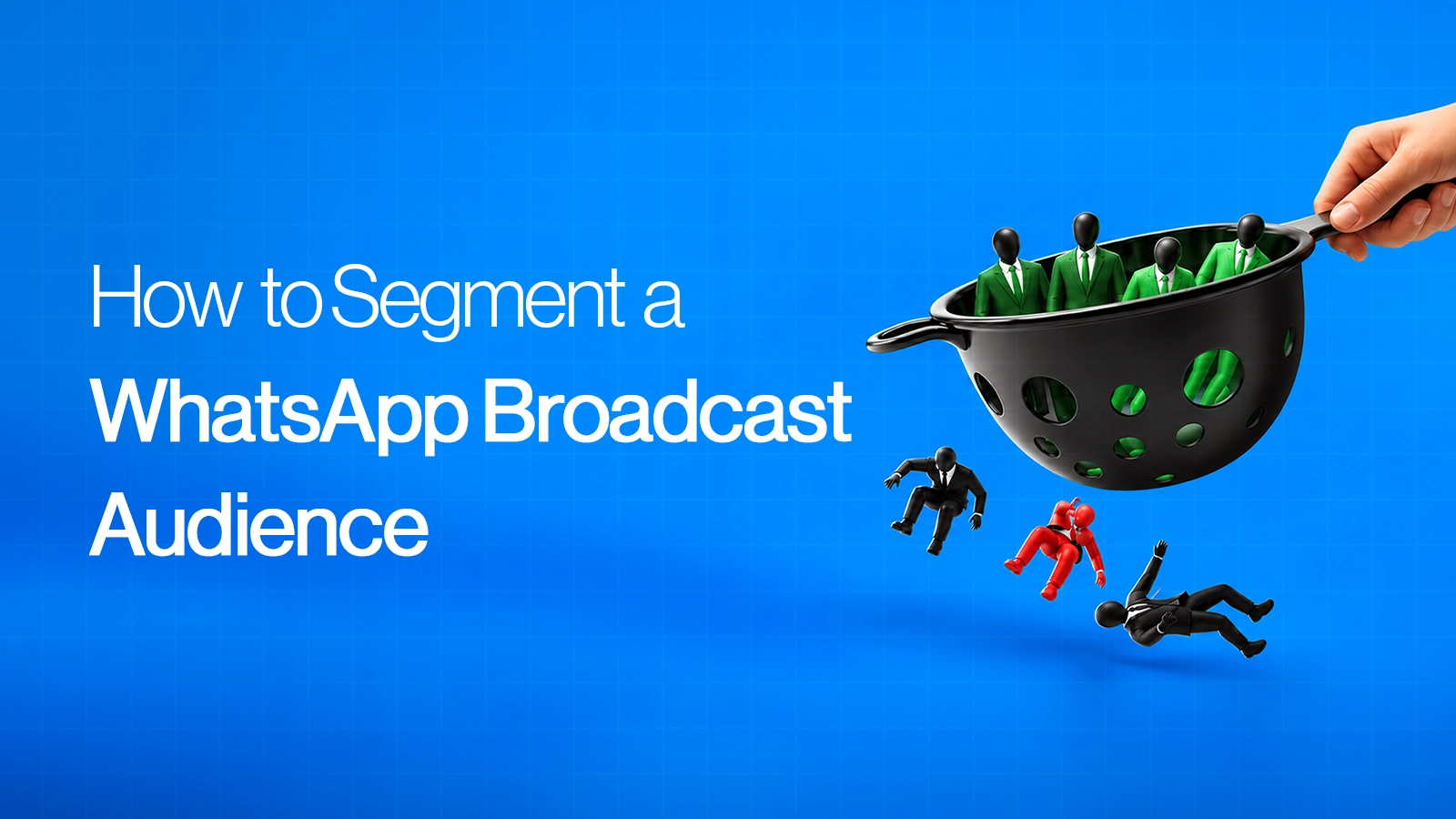
Segmentation fixes this. You split your list into smaller groups and send each group a message that fits them. In this guide, we will look at how to segment a WhatsApp broadcast audience, step by step, and why it gets better results than sending one message to all.
What Does It Mean to Segment a WhatsApp Broadcast Audience?
Segmenting means dividing your contacts into smaller groups based on something they have in common. It could be what they bought, where they live, what they asked about, or how long ago they last talked to you.
Think of a shopkeeper who knows his customers. He does not call every customer about every product. He calls the right person about the right thing. Segmentation lets you do the same on WhatsApp, even with thousands of contacts.
Does it really work? Here is what the data shows.
Mailchimp studied about 11,000 campaigns sent by around 2,000 of its customers to nearly 9 million people. It compared each brand's segmented campaigns with that same brand's non-segmented ones. The segmented campaigns got about 14% more opens and about 101% more clicks. They also had about 9% fewer unsubscribes. (Source: Mailchimp)
That study is based on email, not WhatsApp. WhatsApp tools report a similar pattern. Zipchat, for example, says that ecommerce brands with open rates near 95% are the ones using tighter segmentation, while less targeted lists sit closer to 65%. (Source: Zipchat) The reason is the same on both channels: when the message fits the person, more people act and fewer people leave.
How Segmentation Improves Your Broadcast Results
Let us look at what actually changes when you stop generic blasting.
More people read and reply: A message about something you care about gets attention. A message about something you do not care about gets ignored.
Fewer people block you: Most blocks happen when people feel spammed. Relevant messages feel less like spam.
Your number stays healthy: When fewer people block or report you, your quality rating is safer. If you want to understand this better, read our guide on WhatsApp quality rating explained.
You waste less money: Marketing messages on the WhatsApp Business API are paid. Every message sent to someone who was never going to respond is money gone.
You get better sales: The right offer reaches the right person at the right time, so more chats turn into orders, bookings or enquiries.
You learn faster: When you send different messages to different groups, you quickly see what works for whom.
Ways to Segment Your WhatsApp Audience
You do not need to use all of these. Start with one or two that make sense for your business.
A tip: if you are not sure where to begin, start with the customer stage. "New lead" and "existing customer" need very different messages.
A Simple Example That Illustrates the Real Difference Between Segmentation and Generic Blast:
Say you run a coaching institute and you are promoting a new batch.
Generic blast: One message to all 5,000 contacts: "New batch starting. Join now."
Segmented:
Past students: "Hi Priya, our next batch for the course you liked is starting on the 1st. Seats are limited for old students."
Recent enquiries: "Hi Rahul, you asked about our course last week. A new batch starts on the 1st. Want us to share the fee and timing?"
Parents of current students: "A new batch is opening for siblings and friends. Here is how they can join."
Same batch. Three messages. Each one speaks to a different person. This is the difference, and it is why the second approach tends to get more replies. (This example is only for illustration, not a real result.)
Each of these messages goes out as an approved template. If you are not sure how to write templates that get approved, read our complete guide to WhatsApp message templates.
How to Segment and Send a Broadcast With Emovur
With Emovur whatsApp broadcasting tool, reaching the right group is simple:
Choose recipients 3 ways: enter numbers, upload a CSV, or select a segment.
Use an approved template: and add details like the name with dynamic variables.
Group contacts with labels: so they are easy to find.
Send now or schedule: at the time that suits each group.
Handle duplicates: send to both entries or send only once.
Ready to send smarter broadcasts?
A WhatsApp broadcast works best when it feels like it was meant for the person reading it. Segmentation is how you get there. You do not need a big setup. Start with two or three groups, write a message for each, and compare what comes back.
FAQs
What is WhatsApp broadcast segmentation?
It means splitting your contacts into smaller groups, like new leads or repeat buyers, and sending each group a message that fits them instead of one message to everyone.
Does segmenting a WhatsApp broadcast really improve results?
In most cases, yes. When people get messages that match their interest, they tend to reply more, block less and act more often. The exact gain depends on your business and your list, so test it with your own numbers.
How many segments should I start with?
Two or three. Pick the splits that matter most, like customer stage or interest, and add more only when you can manage them well.
Can I segment contacts using a CSV file?
Yes. You can prepare a separate CSV for each group and upload it when you create the broadcast. With Emovur, you can also select a saved segment as your recipient.
How often should I update my segments?
Every few weeks is a good habit. People move from lead to customer or go quiet, so your groups should change with them.